
Why preserve a PDF’s layout? A look at how we read
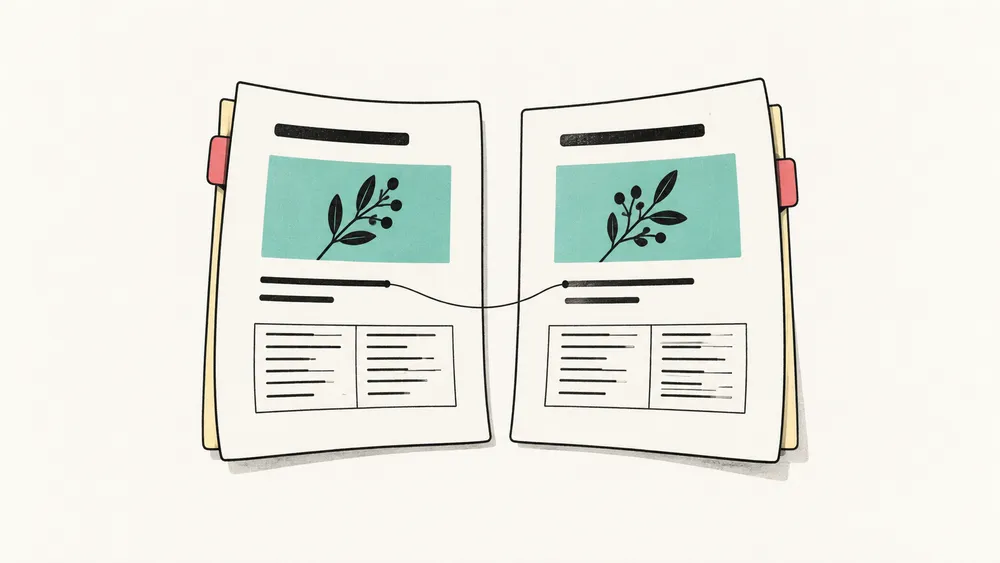
When we come across an unfamiliar sentence in a report in another language, we might copy it into a translator. That works well for a few sentences. But when we need to read the whole document, translated text alone is sometimes not enough.
Where is the figure mentioned in this paragraph? Which table heading do these numbers belong under? Where did that explanation we just read go?
These questions involve language, but also where things were on the page. Translation helps us understand the sentences. The original layout helps us place them within the document.
That is why iSomor aims to preserve the layout where possible. We want you to be able to read a document in a different language without losing your familiar way of finding your way around it.
We do not always read from beginning to end
When we open a document dozens of pages long, we rarely start by reading every word. We may scan the contents and headings for something relevant, or stop at a figure before returning to the text to understand it.
To understand a report’s conclusions, for example, we might read the final pages first. An uncertain number sends us back to an earlier table to check the data and any conditions attached to it. One reading session can involve several trips back and forth.
Headings, paragraphs and figures give us points to return to. A heading signals a new topic, white space separates sections, and a caption explains how to read a figure.
If the translation turns all of this into one long passage, the sentences may still read well, but there are fewer landmarks. We have to work out again what is body text, what is a note, and which part answers our question.
Preserving the layout can reduce that searching. We should not have to get to know the document again on every page.
Some things need to stay together to make sense
A table is a simple example.
When reading product specifications, we follow a model’s row across its dimensions, weight and operating conditions. An isolated number tells us little. The column heading and unit tell us what it means.
If those items remain in their corresponding positions after translation, we can keep reading in the same way. If the numbers are separated from the model names, we have to pair them up again, even if nothing is missing.
The same is true of figures and captions. We look at a figure, read the explanation beneath it, then return to the text for more detail. If the caption is far away, we first have to work out which figure it describes.
This is not just about making a page look good. For someone reading a document, position carries part of the relationship between pieces of information.
Taking care of the layout also means taking care of those relationships: which row a value belongs to, which figure an explanation follows, and which content sits under a heading.
It helps to find a passage again
Sometimes we cannot remember the exact wording, but we remember that it was beside a certain figure or near the end of a section.
Those impressions help us return to it. Finding the figure and looking nearby can be more direct than searching the whole file. With a colleague, we might simply say, “Look at the note below that table.”
When the original and translation have similar structures, their contents are easier to match. Even across languages, headings, figures and paragraphs help us find the same passage.
That does not mean preserving exactly the same page numbers or line counts. Different languages take up different amounts of space, so lines may need to wrap differently. What matters more is that the figure stays with its caption, the section remains recognisable, and the passage we need has not become mixed in with something else.
These are the useful reading cues we want to keep.
Reading a translation can mean returning to the original
A translation can make reading easier. But a technical term, a number or a sentence that affects a decision may still make us want to check the original wording.
We might want to see how an unfamiliar technical name is written, check whether a requirement says “recommended” or “required,” or reread a confusing sentence alongside the surrounding original paragraphs.
If the two files have very different structures, checking starts with a search: where is the original passage that matches this translation? Only after finding it can we examine the wording.
iSomor considers layout preservation and reading the original alongside the translation together, to make returning to the source easier. You can keep reading the translation, then pause and look at the original when a question arises.
Keeping the original nearby does not mean checking every sentence again. It is a reference that is easier to use when you can find what you need.
Of course, a similar layout does not prove a translation is accurate. Important numbers, terms and conclusions still need to be checked against the source.
Preserve the layout without making the translation harder to read
The original layout is worth keeping, but not every detail needs to remain unchanged.
A short English passage may need more space in another language. Shrinking the type or crowding the words to preserve the original line count may make the page look similar without making it comfortable to read.
Some source files are already difficult to read: the type is small, the tables are dense, or a phone requires constant zooming. In those cases, reorganising the content for the device can also be useful.
That is why we say “where possible,” rather than promise that every page will be identical. For papers, reports and manuals that we consult as we read, the original structure is often worth preserving. But complete text, clear relationships and readability should come first.
iSomor can also produce imperfect results with complex files. Figures, tables, formulas and multiple columns are still worth checking. A tidy page is not a reason to skip a necessary review.
Less rearranging, more reading
We do not usually translate a document simply to have another file. We may want to understand a paper, learn about a product, or use information from a report in our work.
If we then have to find captions, rebuild tables and keep locating matching paragraphs, translation has added more work before we can read.
iSomor aims to reduce that extra work. Sections should remain easy to find, figures and tables should stay with their explanations, and the original should be easy to reach when a sentence needs checking.
When these details work well, we may barely notice them. We simply stop fewer times and carry on reading. To us, that is the practical value of preserving a layout.