iSomor

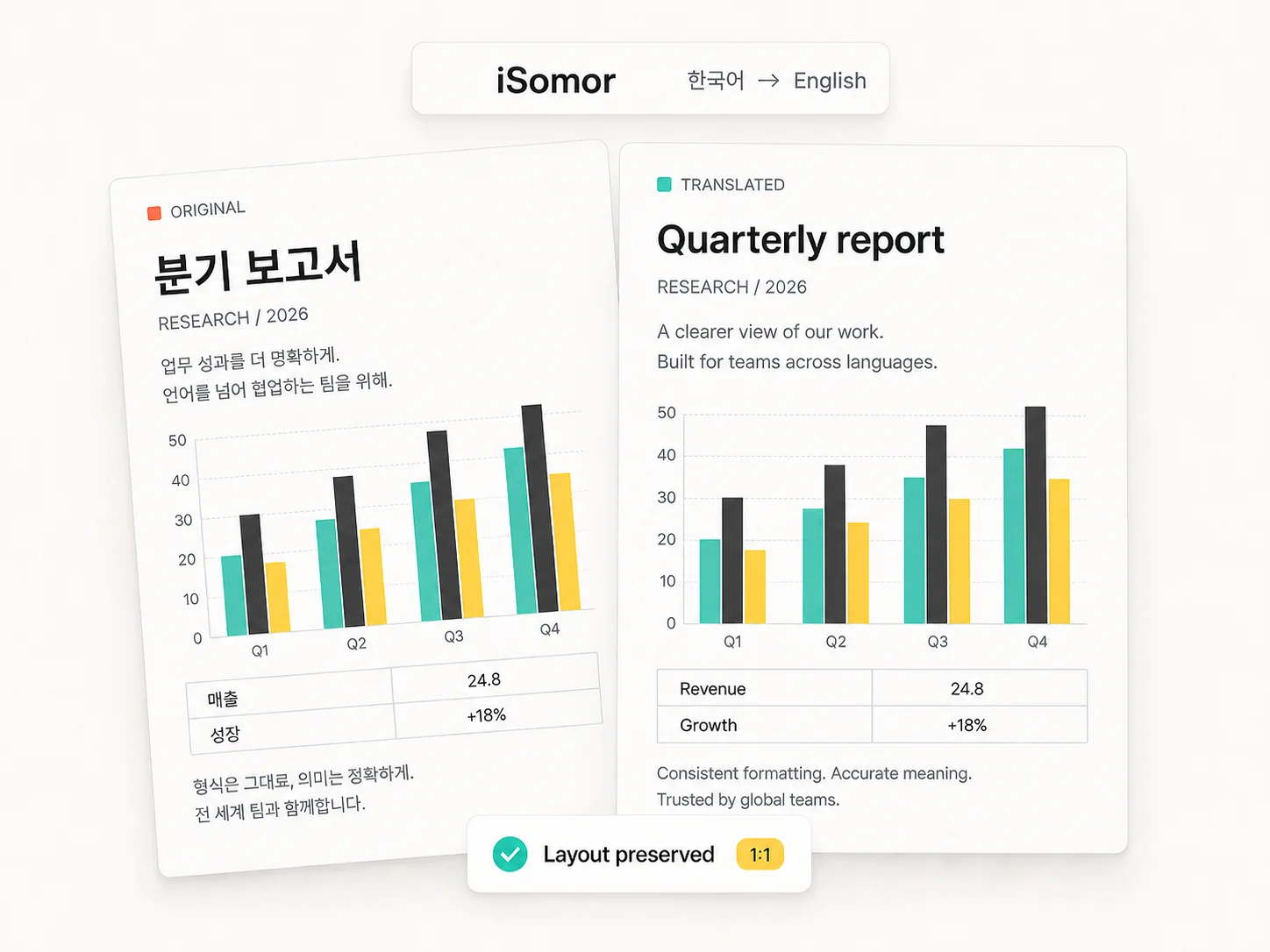
Original layout. Side-by-side reading.

Keep charts with their captions, tables in rows and columns, and formulas in context. Preserve headings, typography, and paragraph hierarchy where possible, so reports, papers, and manuals remain familiar to read.
By uploading, you agree to our Terms of Service. See our Privacy Policy.

01Layout preservation

A new language. The original layout.

Translate the words while retaining the structure: charts and captions, table rows and columns, formulas, multi-column text, and heading styles. Keep reports, papers, and manuals close to their original layout.

01Charts & figures
02Table structure
03Formula layout
04Fonts & styling
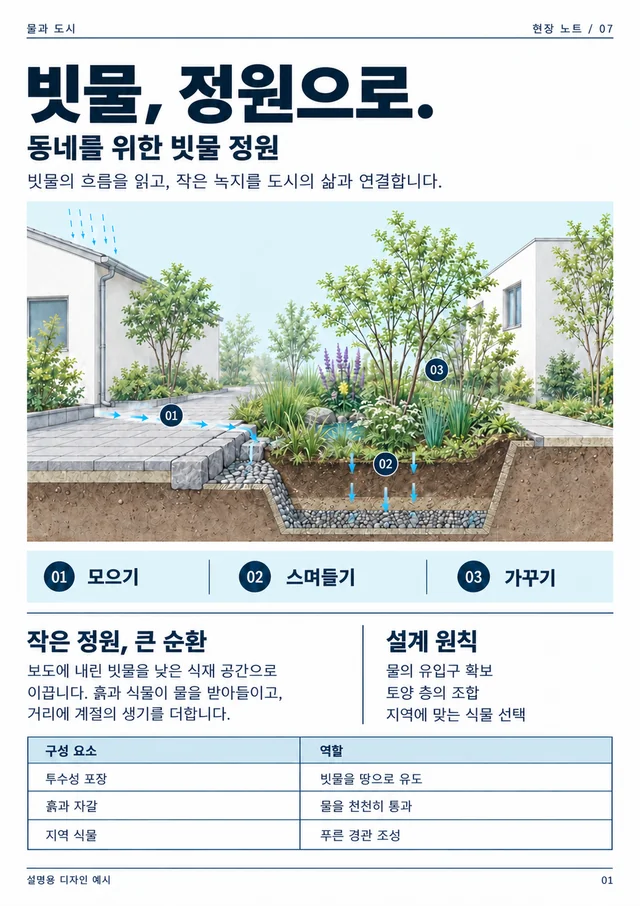
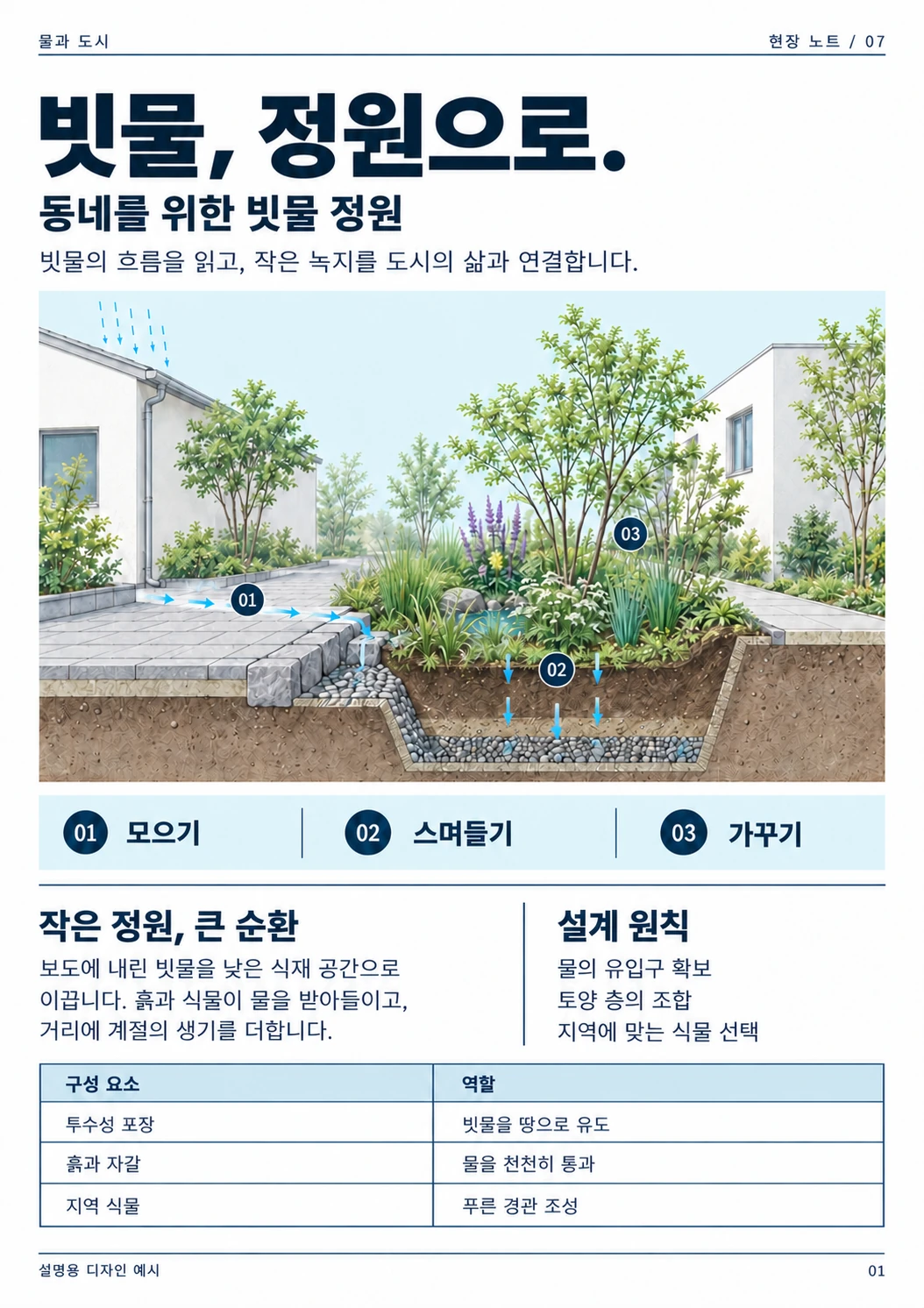
Korean sample
Korean sample page of a rain garden design report
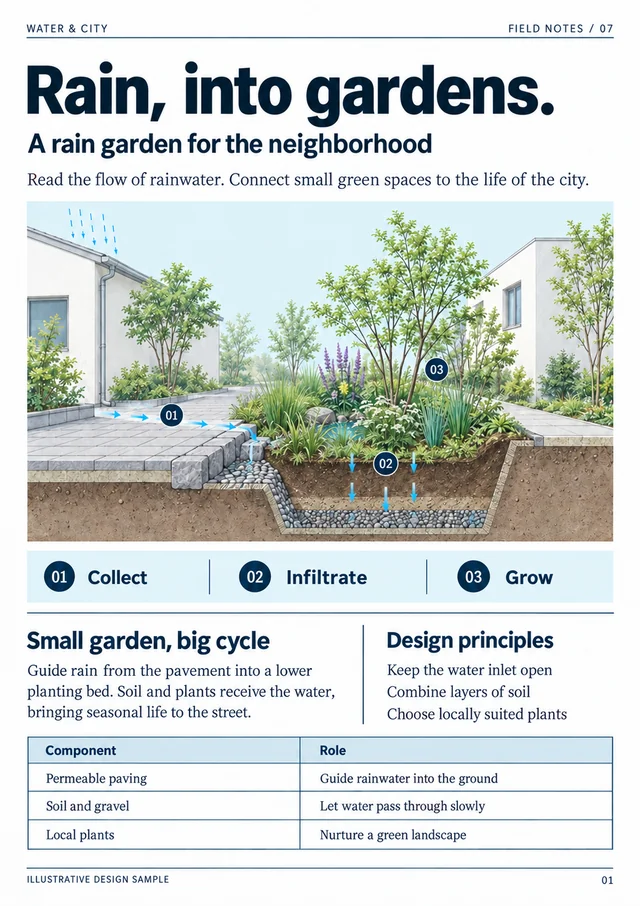
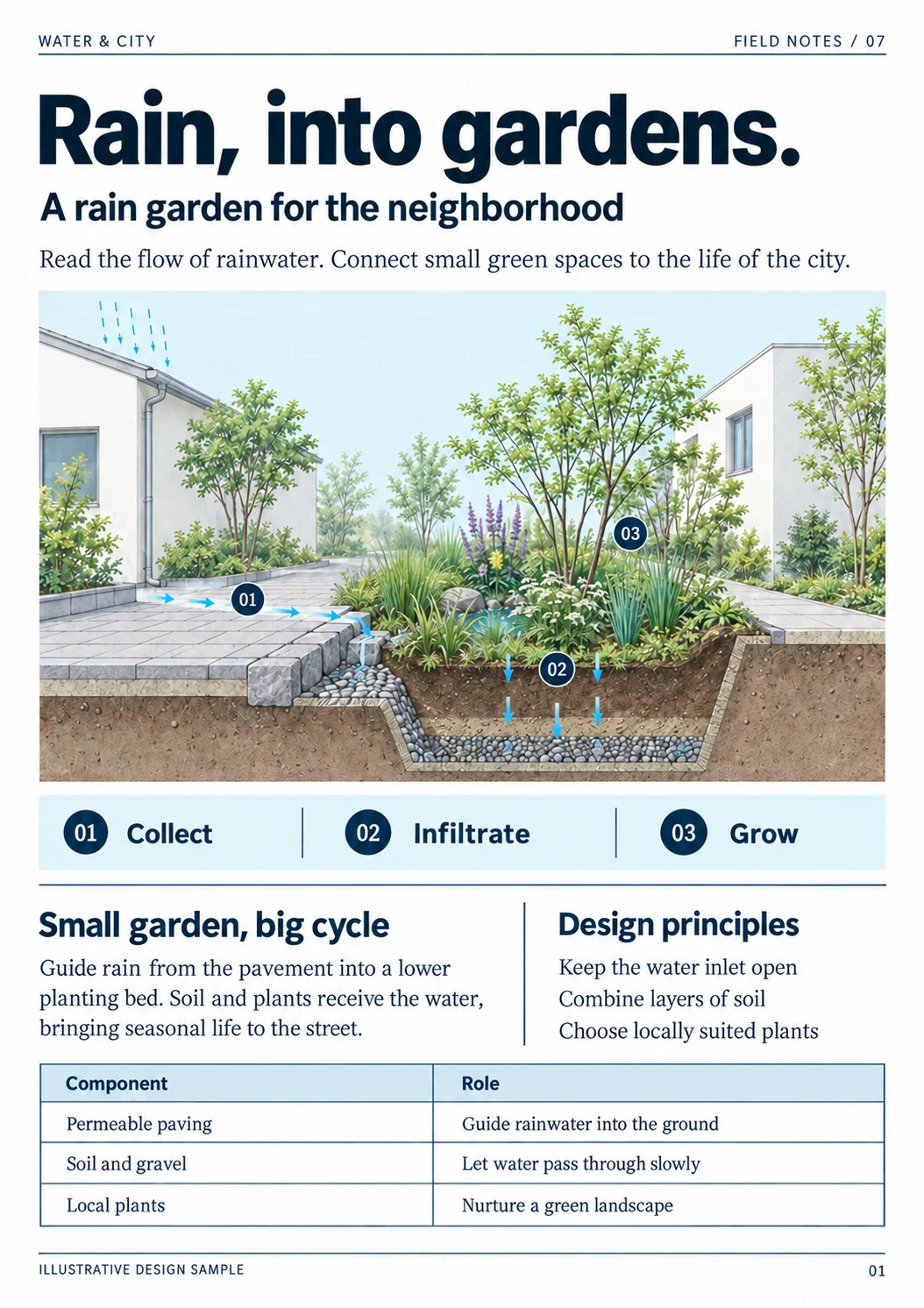
English counterpart
English counterpart of the rain garden design report

What are you reading?

View all use cases
02Side-by-side reading

Read both versions without switching back and forth

Read source and translation side by side or one above the other. Check terminology, numbers, and complex passages against the original without losing context.

Before using a translation, check names, numbers, specialist terms, and complex layouts against the original.

Side by side
Top-Bottom
Read both versions without switching back and forth
Take the version you need with you
03Your output

Take the version you need with you

Choose a translated PDF for focused reading or a bilingual PDF for checking and sharing. Take the result into your research, study, or work.

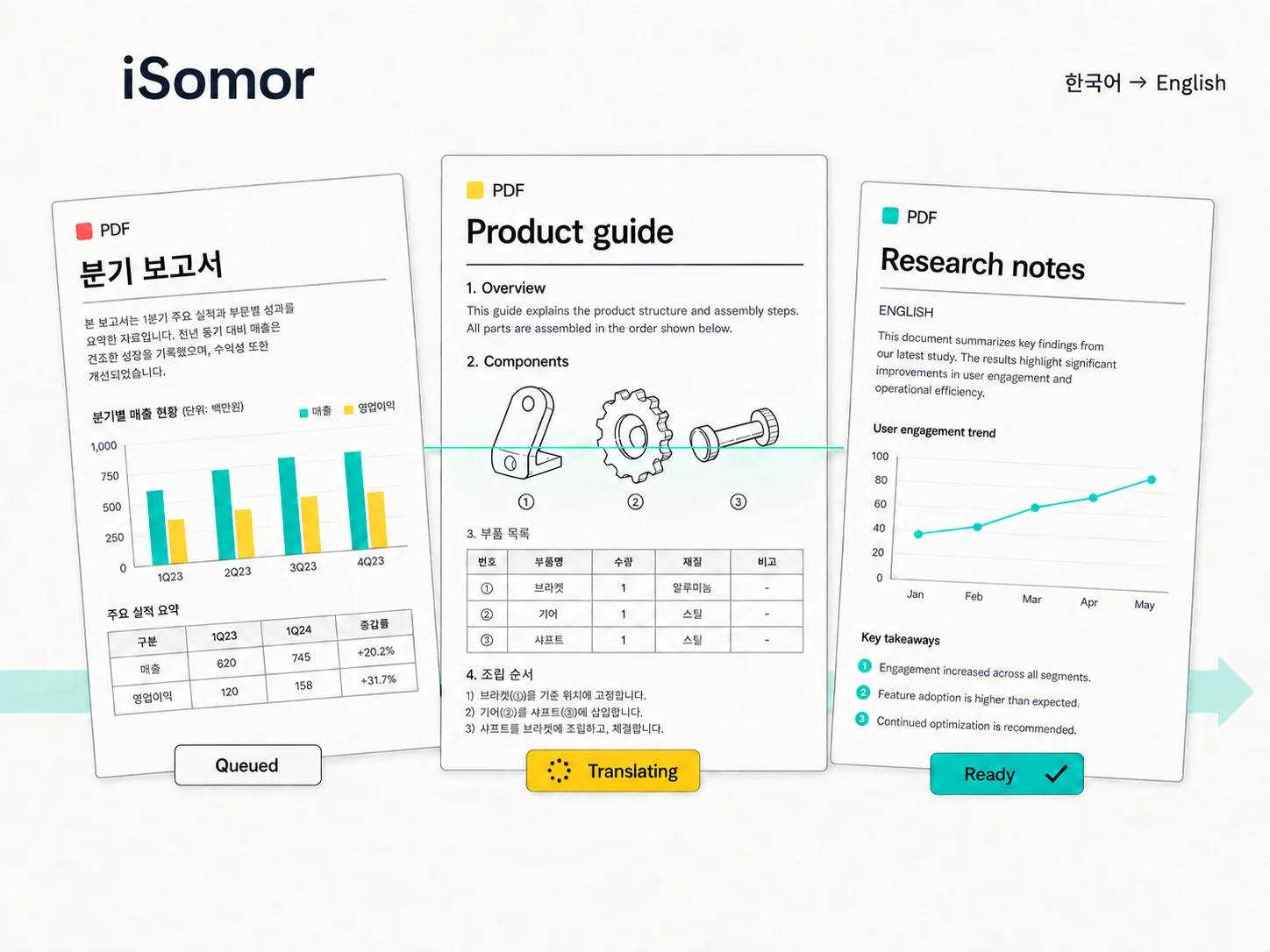
Track progress in your history. When it is ready, download a translated or bilingual PDF.

Translated PDFBilingual PDF
04Privacy & access

Your documents, with clear boundaries

iSomor checks file ownership before preview and download. Translations are saved separately, and document access links expire to limit long-term exposure.

Document links expire. Keep them private and share them only with the intended recipients.

Access checks
Expiring links
Privacy policy
Privacy & accessAvailable features

Access checks

Ownership is checked before file access.

Original retained

Translations are saved as separate files.

Expiring links

Document access links expire

Privacy policy

Understand how documents and data are handled

05Product facts

What iSomor supports

Target language options
92
Translation accuracy
99.9%
Layout fidelity
99.9%
Files translated
2M

Ready to translate?

Bring your next document into view

Upload a PDF and choose a language. Read the result beside the source, then download a translated or bilingual version for your research, study, or work.50 free credits every 7 days for verified accounts

Before you upload

Can I use scanned pages or text inside images?
The current workflow supports original digital PDFs. Scans (even after OCR) and text embedded in images are not supported; a screenshot inside an original digital PDF may stay in its original language.
Can I try it without an account?
Guests can preview the first 2 pages. Sign in with a verified account to continue or download. Verified accounts receive 50 free credits every 7 days; unused free credits do not roll over. Each translated text-PDF page uses one credit. A shared daily budget also applies; check the upload screen for availability. Purchases and subscriptions are unavailable.
How are my documents handled?
Document text is sent to Google Gemini for translation. Originals and results use private storage and temporary access links. This does not mean zero retention; hiding a history entry does not delete stored files or backups. Read the privacy policy before uploading confidential information.
Can I use iSomor from an AI agent?
Connect iSomor MCP and authorize your account to use PDF tools from a compatible agent. Website sign-in alone does not connect an agent. MCP and website translation share the same account allowance.