
How to Create a Bilingual PDF for Side-by-Side Review
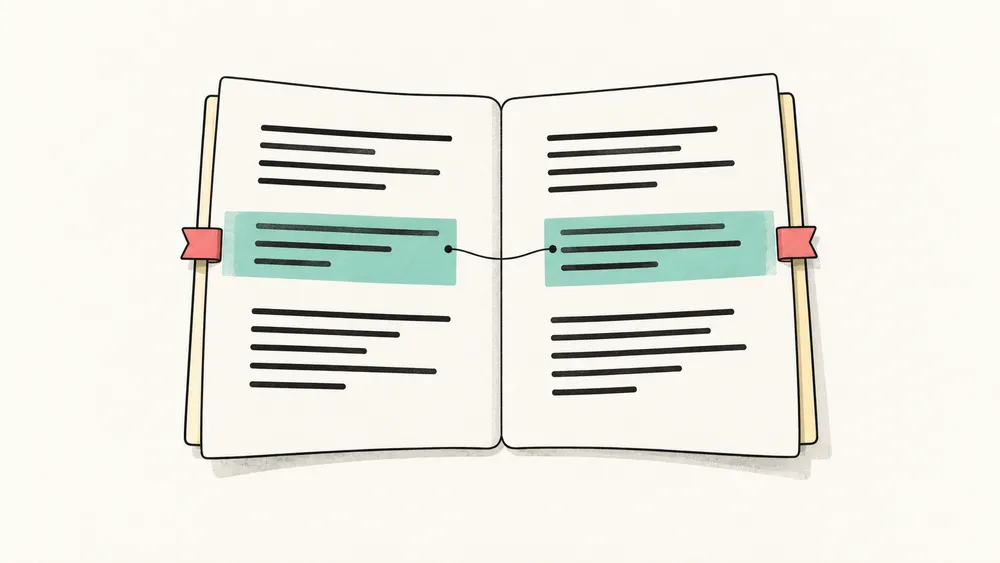
A bilingual PDF keeps the original source visible beside its translation so readers can verify meaning without switching between two separate files. This format is useful for research teams global operations legal review and anyone who needs to compare terminology numbers citations or instructions.
What is a bilingual PDF
A bilingual PDF combines the source document and translated text in one review copy. The two languages can appear side by side in columns or one above the other. The goal is to preserve enough of the original structure that readers can find the corresponding passage quickly.
When side-by-side translation works best
Research papers compare abstracts methods tables and references while keeping source context.
Product and technical documents keep headings diagrams warnings and numbered steps aligned.
Contracts and policies review defined terms and exceptions while the original wording remains visible.
Training materials help multilingual teams learn from the same page and page number.
How to create a bilingual PDF
- Start with the original PDF. Use the highest-quality source file available. A text-based PDF usually gives cleaner results than a low-resolution scan.
- Choose the target language. Consider the people who will review or use the document and keep terminology consistent across the whole file.
- Preserve the document structure. Tables should remain tables captions should stay with figures and formulas should remain in context.
- Review the paired pages. Check proper names units dates page numbers citations and text inside images.
- Export a shareable copy. Use a clear filename and keep the bilingual version separate from the original.
How to review translation quality faster
Read in passes. First scan headings and page flow. Next compare numbers labels and repeated terms. Finally inspect dense areas such as tables footnotes references and figure captions. A bilingual layout makes these checks faster because the source and translation stay in the same visual field.
Why layout fidelity matters
Translation quality is more than fluent sentences. When a table breaks a caption moves to another page or a formula is separated from its explanation meaning becomes harder to verify. Keeping the original hierarchy gives reviewers useful signals about what belongs together.
Using iSomor for bilingual PDF review
iSomor lets you upload a PDF select a target language and generate a translated or bilingual PDF. It is designed to retain headings typography tables formulas and page relationships where possible. You can read source and translation side by side or one above the other then share the review copy with your team.
Try iSomor for your next bilingual PDF https://tryisomor.com/
Frequently asked questions
Should I translate the PDF or create a bilingual PDF
Choose a bilingual PDF when accuracy needs to be checked by a person or when readers may need the original wording. Choose a translated-only PDF when the audience only needs the target language.
Can a bilingual PDF include tables and formulas
Yes. Review the exported pages and confirm that rows columns symbols and references remain aligned.
What is the best workflow for a long document
Process a representative sample first agree on terminology then translate the full document and perform a structured page-by-page review.