
What Is iSomor? Which PDFs It Can Translate
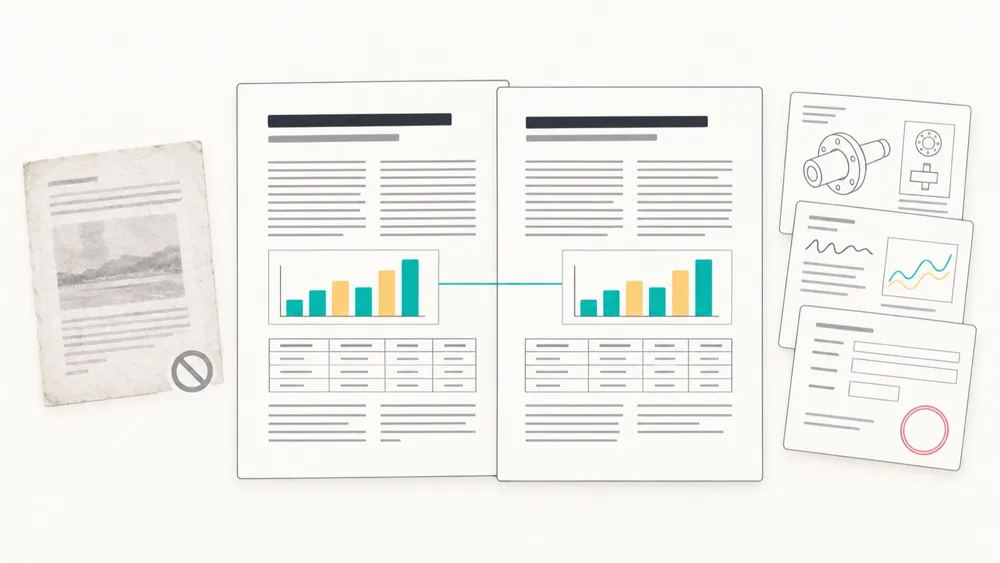
iSomor is an online tool for translating text-based PDFs. Upload an original digital PDF, choose a target language, then read the translation page by page next to the original and download a translation-only or bilingual PDF. It suits papers, technical manuals and reports exported from Word, LaTeX or the web. Scanned documents, PDFs made from photos and text inside images are not supported yet.
At a glance
- What it is: A translation and reading workspace for text-based PDFs. Each translated page sits next to the original so you can check names, numbers and terms. Operated by Edmunds Studio Limited; official site: tryisomor.com.
- Languages: 92 target languages and regional variants on the website. Through the MCP server or API, translation is currently into English or Chinese only.
- Results: A translation-only PDF, or a bilingual PDF with the original and translation side by side or top and bottom.
- Supported files: Original digital PDFs with selectable text, up to 300 MiB and 1,500 pages, one file per upload.
- Cost: Free to try. Guests can preview the first 2 pages; verified accounts get 50 free credits every 7 days, and each translated page uses 1 credit. Purchases and subscriptions are currently unavailable.
What is iSomor?
iSomor puts translation and checking on the same screen. When a translation finishes, the original and translated pages appear side by side, so you can confirm that numbers, names and table contents match before choosing which version to download.
It aims to keep the original layout: charts and captions stay in place, tables keep their rows and columns, and formulas, multi-column text, headings and paragraph levels follow the source. Reports, papers and manuals keep a familiar structure. The more complex the layout, the more it is worth checking against the original.
iSomor uses machine translation. It is not a human translation service and does not provide certified or sworn translations.
Which PDFs is it good for?
Most original digital PDFs with selectable text can be translated and read side by side in iSomor. These are the most common:
| Document type | Why it fits | What to check |
|---|---|---|
| Research papers and reports | Two-column text, formulas, figures and references stay in place, so you can read a paper alongside the original | Terminology, text near formulas, captions |
| Technical manuals and product guides | Steps, model numbers, parameters and figure labels line up page by page | Model numbers, units, values |
| Business reports, white papers, industry documents | Heading levels, tables and charts keep their structure | Numbers and names in tables |
| Forms and certificates (digital originals) | Fields, dates and names can be checked one by one against the source | Complex tables may merge columns or break lines; the translation is for understanding, not a certified translation |
Guides for each case: research paper translation, technical manual translation and form and certificate translation. For how much of the layout is kept, see how to translate a PDF and keep its formatting.
How can you tell whether a PDF is text-based?
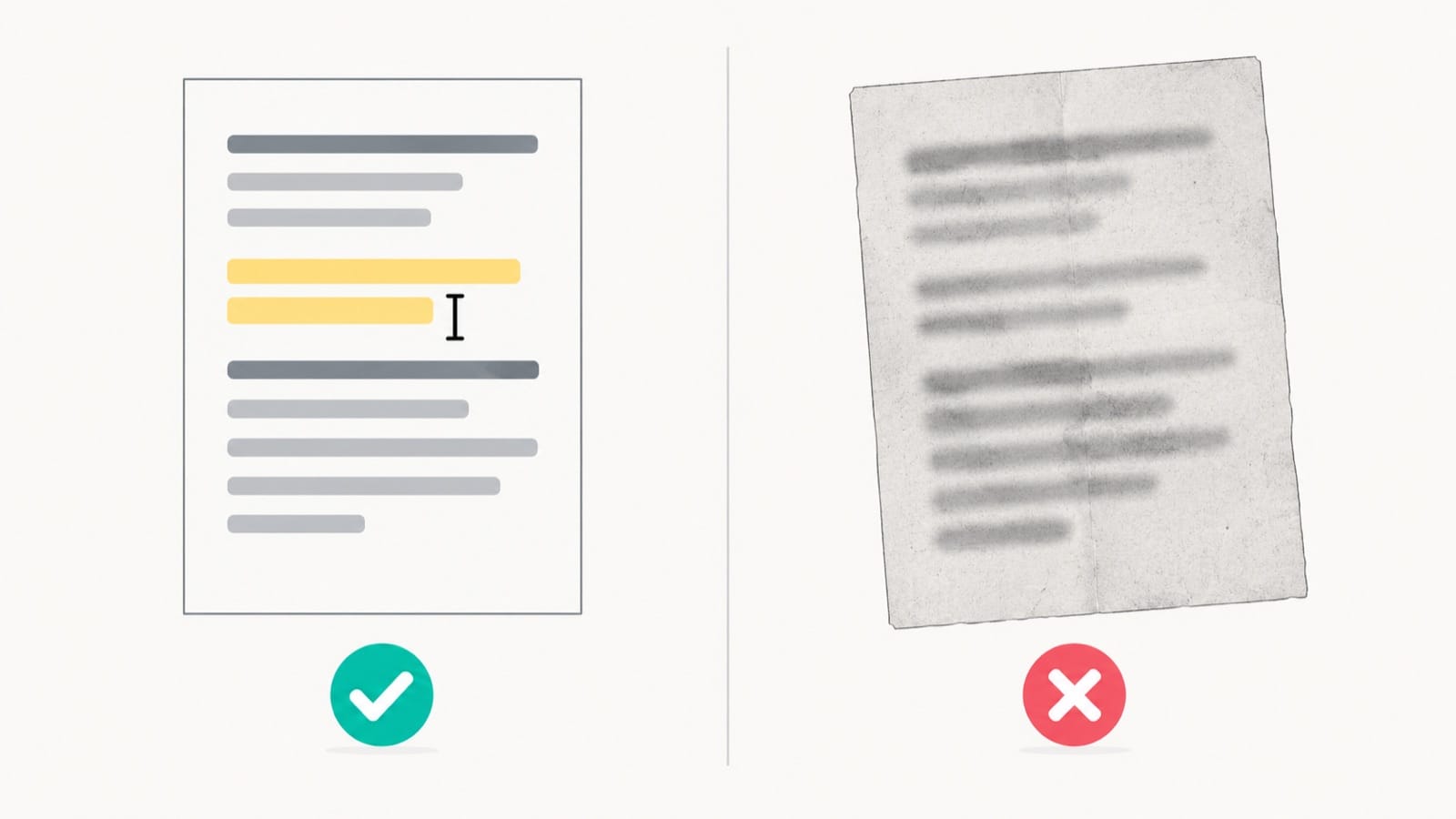
- You can drag to select a single word and copy the correct text.
- Searching for a word from the body text in your PDF reader finds it.
- The file was exported directly from Word, LaTeX, a web page, or layout or design software, rather than scanned or photographed.
If the file came from a scanner or a phone camera, it is outside the current scope even if OCR was applied later and the text can be selected.
Which PDFs are not a good fit yet?
- Scanned and image-based PDFs, including scans that went through OCR. The upload page will ask for the original digital file instead.
- Text inside images: In an otherwise digital document, text in screenshots, photos or illustrations may stay in the original language.
- Damaged or encrypted files that cannot be read.
- Files over the limits: more than 300 MiB or 1,500 pages.
- Translations that need legal standing, such as documents for a government office or court that require a certified or sworn translation.
- Batch jobs: upload one PDF at a time for now.
Cost and privacy
Guests can preview the first 2 pages of a translation; continuing or downloading requires a verified account. Verified accounts get 50 free credits every 7 days, unused credits do not carry over, and each translated page of a text-based PDF uses 1 credit. There is also a site-wide daily budget, so check the available allowance on the upload page. Purchases and subscriptions are currently unavailable.
Text from your document is sent to Google Gemini for translation. Originals and results are kept in private storage and accessed through temporary links, which is not the same as zero retention. Read the privacy policy before uploading confidential files.
FAQ
Can iSomor translate scanned PDFs?
No. It currently supports original digital PDFs only. Scanned and image-based PDFs are not supported, including those that went through OCR.
Does iSomor only translate into English and Chinese?
No. On the website you can choose from 92 target languages and regional variants. The English-or-Chinese limit applies only to the MCP server and API.
Can I submit the translation as an official document?
No. iSomor uses machine translation and does not provide certified or sworn translations. Check names, numbers and terms against the original before relying on a translation.
Can I translate several PDFs at once?
Not yet. Upload one PDF at a time.
Can I use iSomor from an AI agent?
Yes. After you connect the iSomor MCP server and authorize your account, compatible AI agents can use iSomor's PDF tools with the same account allowance as the website. Translation through MCP is currently into English or Chinese only.