
Does iSomor Keep PDF Layout When Translating?
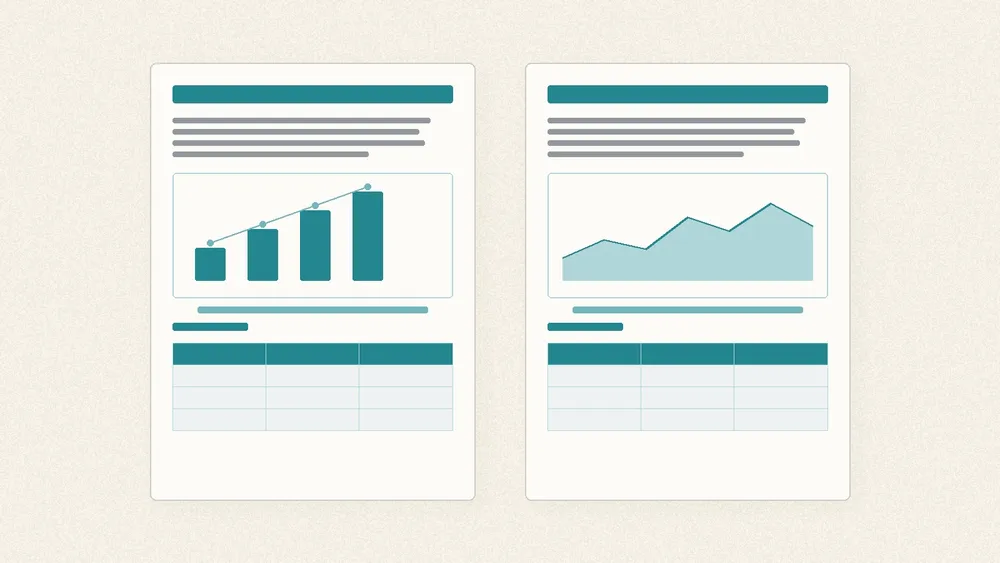
It aims to keep the layout, but it does not promise that every page will match the original exactly. When iSomor translates a text-based PDF, it rebuilds the page around the source structure: charts with their captions, table rows and columns, formulas and multi-column text, and heading and paragraph hierarchy. After translation you can read the original and the translation side by side or one above the other, and download a translation-only or bilingual PDF. Longer or shorter wording, complex tables, and text inside images can still cause reflow, merged columns, or untranslated labels, so check important content against the source.
At a glance
- The claim: Preserve useful reading cues “where possible,” not a pixel-perfect copy. Complete text, clear relationships, and readability come before forcing the same line or page count.
- What it tries to keep: Chart and caption placement, table rows and columns, formulas and multi-column body text, heading levels, fonts and paragraph styles.
- How you read: Source and translation side by side or stacked, so terms, numbers, and complex passages can be checked without losing context.
- What you can download: A translation-only PDF, or a bilingual PDF with the original and translation side by side or top and bottom.
- Prerequisite: Original digital PDFs with selectable text only. Scanned pages and text inside images are outside the current workflow. For the product overview, see What Is iSomor?.
What does “keep the layout” mean on iSomor?
The website puts it as “original layout, side-by-side reading”: after the language changes, you should still be able to find your way around the document in a familiar way. That includes keeping charts with their captions, tables in rows and columns, formulas in context, and headings, typography, and paragraph hierarchy where possible.
It does not mean identical page numbers, line counts, or type sizes. Different languages take different amounts of space, so lines may wrap differently. What matters more is that a figure stays with its caption, a section remains recognisable, and a table value still maps to the right row and column. The public post Why preserve a PDF’s layout? explains the same idea: keep the cues that help you read, not every typesetting detail.
Which layout-aware results can you get?
When a job finishes, you can compare versions on screen and take the file you need:
| Result | What it is for |
|---|---|
| Side-by-side or stacked reading on the site | Check terms, numbers, and complex passages against the original as you read |
| Translation-only PDF | Focus on the translation while still following the source structure where possible |
| Bilingual PDF (side by side or top and bottom) | Review, share, or archive with both languages in one file |
The translation is saved separately and does not overwrite your upload. Before relying on a translation, check names, numbers, specialist terms, and complex layouts against the original.
Which layout elements does iSomor try to keep?
| Element | What iSomor aims to do | Why it helps when reading |
|---|---|---|
| Charts and captions | Keep figures near their explanations | You can read a figure and its note without searching the whole page |
| Table rows and columns | Keep row and column relationships | Specs, model numbers, and field values stay aligned for checking |
| Formulas and multi-column text | Keep formulas in context; follow two-column and similar structures where possible | Papers lose fewer “which column is this?” cues |
| Heading and paragraph levels | Keep section hierarchy | Scanning and jumping back to a subsection still works |
| Fonts and styles | Stay close to the source visual hierarchy | Titles, body text, and emphasis remain distinguishable |
The same wording appears on the use-case pages: research paper translation keeps figures, tables, and formulas in place; technical manual translation focuses on steps and figure references; forms and certificates focuses on fields, dates, and table rows.
How does side-by-side reading help you check the layout?
A similar layout does not prove that the translation is accurate. iSomor pairs layout preservation with reading the original alongside the translation so returning to the source is easier: keep reading the translation, then pause and look at the original when a question arises.
In practice:
- Skim the translation first; jump back to the same page of the original when you hit a term, number, or claim.
- For tables, check along each row—model numbers, units, amounts, or hour totals—rather than trusting an isolated figure.
- For captions and steps, confirm the note still sits with the right figure or step number before you trust the wording.
iSomor uses machine translation. It is not human review and does not provide certified or sworn translations. Documents that need legal standing need a qualified professional service.
Where can the layout still go wrong?
Public product copy and real examples both say complex files can still look imperfect, and a tidy page is not a reason to skip review. Common cases include:
- Language length changes: Lines and spacing may reflow for readability instead of forcing the original line count.
- Text inside images: Even in a digital PDF, screenshots, dialog boxes, or labels drawn inside a figure may stay in the original language. The paper example notes some chart labels remaining in English; the manual example keeps an English UI screenshot.
- Complex tables: The forms example records module-table columns condensed into each row and text wrapping close to a rule—compare field by field with the input.
- Two columns and awkward breaks: The paper example notes sentences or terms that may break awkwardly across lines or columns; check technical terms, chemical symbols, and units.
- Step and paragraph spacing: In the manual example, numbered steps remain, but some paragraph and step spacing may be combined.
One sample page does not demonstrate every layout or guarantee the quality of a full document. The more complex the layout, the more worth checking page by page.
How do you decide whether to rely on the result?
Ask three questions:
- Is the file an original digital, text-based PDF? You can select and copy body text, search finds words in a reader, and it was not scanned or photographed then OCR’d. Otherwise the current workflow does not apply, and layout preservation is beside the point.
- Do you need “understand and check,” or “a translation you can submit as official”? The second is outside iSomor’s scope.
- Have you checked the critical spots against the original? At least names, numbers, terms, table headers and units, and any untranslated text inside images.
For what iSomor can and cannot translate overall, start with What Is iSomor? Which PDFs It Can Translate. For why layout matters when reading, see the blog post.
FAQ
Does iSomor recreate the layout at 100%?
No. The public wording is “where possible”: complete text, clear figure and table relationships, and readability come first. Reflow is allowed when the target language needs more or less space.
Are bilingual reading and layout preservation the same thing?
No. Layout preservation means each translated page follows the source structure where possible. Bilingual reading means placing the original and the translation together (side by side or stacked) for checking. They are often used together, but they are different capabilities.
Will table rows and columns still line up after translation?
iSomor aims to keep row and column relationships. Complex tables can still merge columns or wrap text near rules. The published forms example records that behaviour—compare every cell with the original.
Is text inside images translated too?
No. The current workflow does not translate text embedded in images. Screenshots, photos, or illustration labels inside an otherwise digital PDF may stay in the original language.
If the layout looks neat, is the translation accurate?
Not necessarily. A similar layout only means the reading cues are still there. It does not replace checking terms, numbers, and conclusions. iSomor uses machine translation and does not provide certified translation.