
How to Read a Foreign Vendor Contract or NDA PDF Side by Side
To read a vendor contract or NDA written in another language, translate the PDF and keep the original next to the translation. Then work through a short checklist: find each defined term and every clause that uses it, follow clause cross-references, open every schedule or annex, and check party names, dates and amounts against the original. The translation helps you understand the document and prepare questions. It is not a certified translation and not legal advice; decisions about signing or negotiating belong with your legal team or a lawyer.
Who is this checklist for?
It is for people who are not lawyers but still have to understand a contract: a buyer reviewing a supplier's terms, a salesperson receiving a customer's NDA, or an operations lead checking a service agreement before it goes to legal. The goal is to know what the document says and where, so your questions to the other side or to your lawyer are specific.
This checklist does not tell you whether a clause is good or bad for you. It shows you what to locate and compare.
Before you upload: check your confidentiality rules
A contract, and especially an NDA, may itself be confidential. Before you upload it to any online tool, follow your company's confidentiality and data-handling policy, and ask your manager or legal team if you are unsure. Some contracts restrict sharing their content with third parties.
Why read the translation side by side?
Contract language is built on precise words. "Shall" and "may", "including" and "limited to", "and" and "or" can change an obligation. A smooth translation can still blur that difference, so the original should always be one glance away. You can download the result as Side by side, Top-Bottom or Translation only; for a contract, Side by side is usually the best choice for checking. The general setup is explained in how to create a bilingual PDF for side-by-side review.
How do you trace defined terms?
Most contracts have a definitions clause near the start: "Confidential Information", "Products", "Services", "Effective Date", "Territory". Later clauses use these words with a capital letter and mean exactly what the definition says, not the everyday meaning.
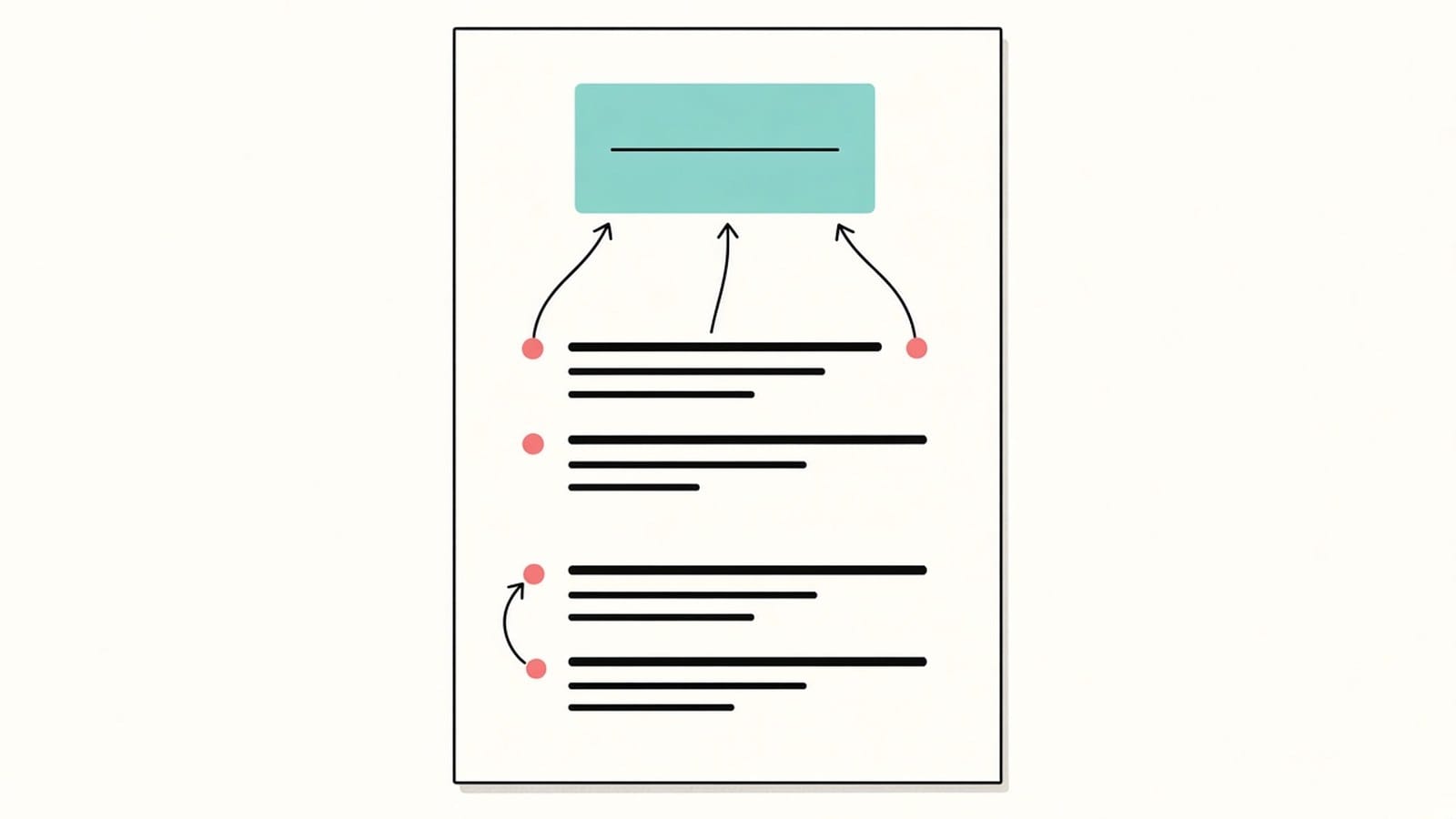
- List the defined terms from the original, with the clause number where each is defined.
- Note how each term appears in the translation. The same term may be translated in different ways in different clauses, so do not assume the wording is uniform.
- When a later clause uses a defined term, go back to the definition in the original and read both together.
- Watch for terms defined somewhere other than the definitions clause, for example inside a schedule or the first paragraph naming the parties.
How do you follow clause numbers and cross-references?
Clauses refer to each other: "subject to clause 9.2", "except as set out in Section 4", "notwithstanding the foregoing". Keep the clause numbers of the original in your notes and check every reference in the translation points to the same number. A sentence like "except as set out in Section 4" can change the meaning of the clause it sits in, so read the referenced clause before moving on.
How do you check schedules, annexes and exhibits?
Prices, service levels, specifications, delivery terms and lists of permitted uses often live in a schedule, annex, appendix or exhibit rather than in the main text. Open every one that the main text mentions, and check that each attachment referred to is actually in the PDF.
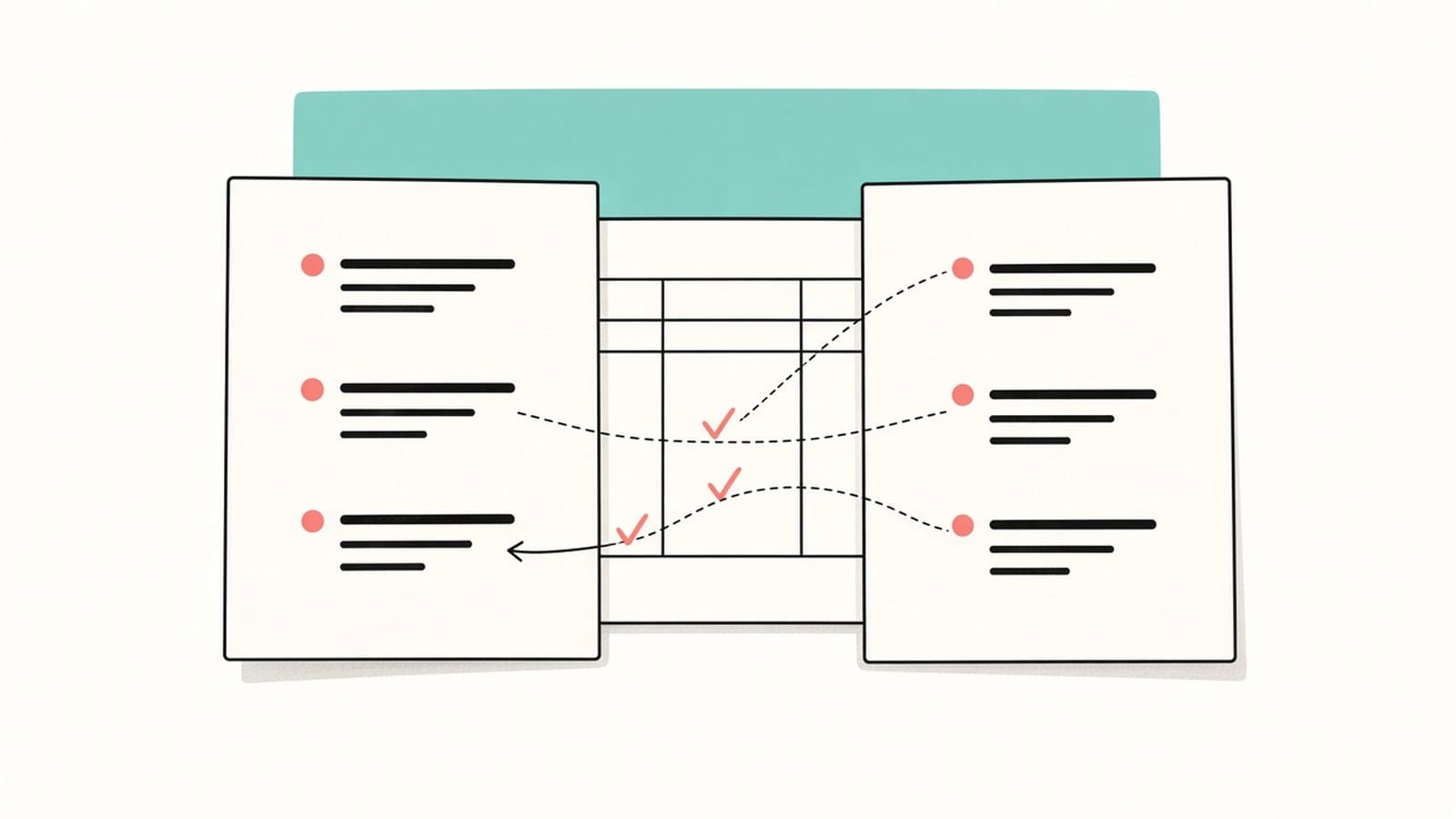
Tables in schedules need extra care. Use the method in how to check a PDF translation against the original for numbers, units and table cells. If the contract with its schedules runs to hundreds of pages, the tips in translating a long PDF help you split the work.
What should you check against the original?
| Item | Where to find it | What to compare |
|---|---|---|
| Party names | First page, signature page | Legal names, company numbers and addresses exactly as in the original |
| Dates | Effective date, term, notice periods | Every date and period, including date format |
| Amounts | Price clauses, schedules | Figures, currency and whether tax is included |
| Defined terms | Definitions clause, schedules | Each use matches its definition |
| Cross-references | Throughout | Each clause number points to the same clause |
| Governing law and language | Usually near the end | Which law applies and which language version prevails |
Copy names, numbers and dates from the original, never from the translation. Many contracts also say which language version prevails if versions differ; find that clause and keep it in mind.
What should you locate in an NDA?
An NDA is short but dense. Locate these parts in the original and in the translation, and compare them side by side:
- The definition of confidential information and what it covers.
- The exceptions, such as information that is already public or independently developed.
- The permitted purpose and who may receive the information.
- How long the agreement lasts and how long the obligations continue afterwards.
- What happens to the information when the agreement ends, such as return or destruction.
Write down where each part is, with its clause number. Whether these terms are acceptable for your company is a question for your legal team.
What about the signature page and form fields?
The signature page is for reading in the translation, not for signing. Form fields are not kept in the translated PDF, so you cannot fill in or sign the translated copy. Sign the original document through your company's usual process. If the contract arrives as a fillable form, see how to translate a PDF form and check every field.
What about scanned or photographed contracts?
Signed contracts are often scanned. To translate scans and photos, sign in with Google or an email link and complete account verification. The text is recognized before translation, and recognition can misread or omit content, so check names, figures, dates and clause numbers against the page image. Read handwritten notes and stamps on the page image yourself.
What are the limits?
- It is not a certified translation and cannot replace one where a certified or official translation is required.
- It is not legal advice and gives no view on whether a clause is favourable or risky.
- Layout is kept where possible; long clauses can wrap differently.
- Text inside images, such as logos or stamps, is not translated.
- Form fields are not kept, so the translated copy cannot be filled in or signed.
FAQ
Can I sign a contract based on the translation?
Use the translation to understand the document and prepare questions. The signed text is the original. For anything with legal consequences, ask your legal team or a lawyer.
Is the translated contract a certified translation?
No. If a court, authority or counterparty requires a certified translation, use a qualified translator.
Which language version counts?
The contract usually says so, often in a clause on language or interpretation near the end. Find it in the original.
Can I upload a confidential NDA?
Check your company's confidentiality policy first and ask your legal team if you are unsure.
Have a contract in another language on your desk? Upload the PDF to iSomor, download it Side by side, and work through the checklist before it goes to your lawyer.