
How to Translate Lecture Slides PDF to Study in Your Own Language
To study lecture slides written in another language, get the slides as a PDF, translate the PDF and keep the original next to the translation. Slides are short and packed with terms, so read the translation for meaning and look back at the original for terms, formulas, labels in diagrams and anything your exam may ask word for word. Text inside pictures and screenshots is not translated, so read those parts on the original slide.
Who is this guide for?
It is for exchange students, international students and professionals taking a course in a language they do not read comfortably. Your lecturer shares slides or handouts as a PDF, and you want to follow each lecture, review before an exam, or catch up on a session you missed.
Before you upload: check your course rules
Lecture materials usually belong to the lecturer or the university, and some courses limit sharing them outside the class. Before you upload slides to any online tool, check your course or university rules, and ask the lecturer if you are unsure.
Step by step
- Get the slides as a PDF. If you have the original presentation file, export it to PDF from the presentation app; a PDF export usually keeps the text as real, selectable text.
- If you only need one lecture from a long course pack, pick those pages first. See how to translate only selected pages of a PDF.
- Upload the PDF to iSomor and choose the language you study in.
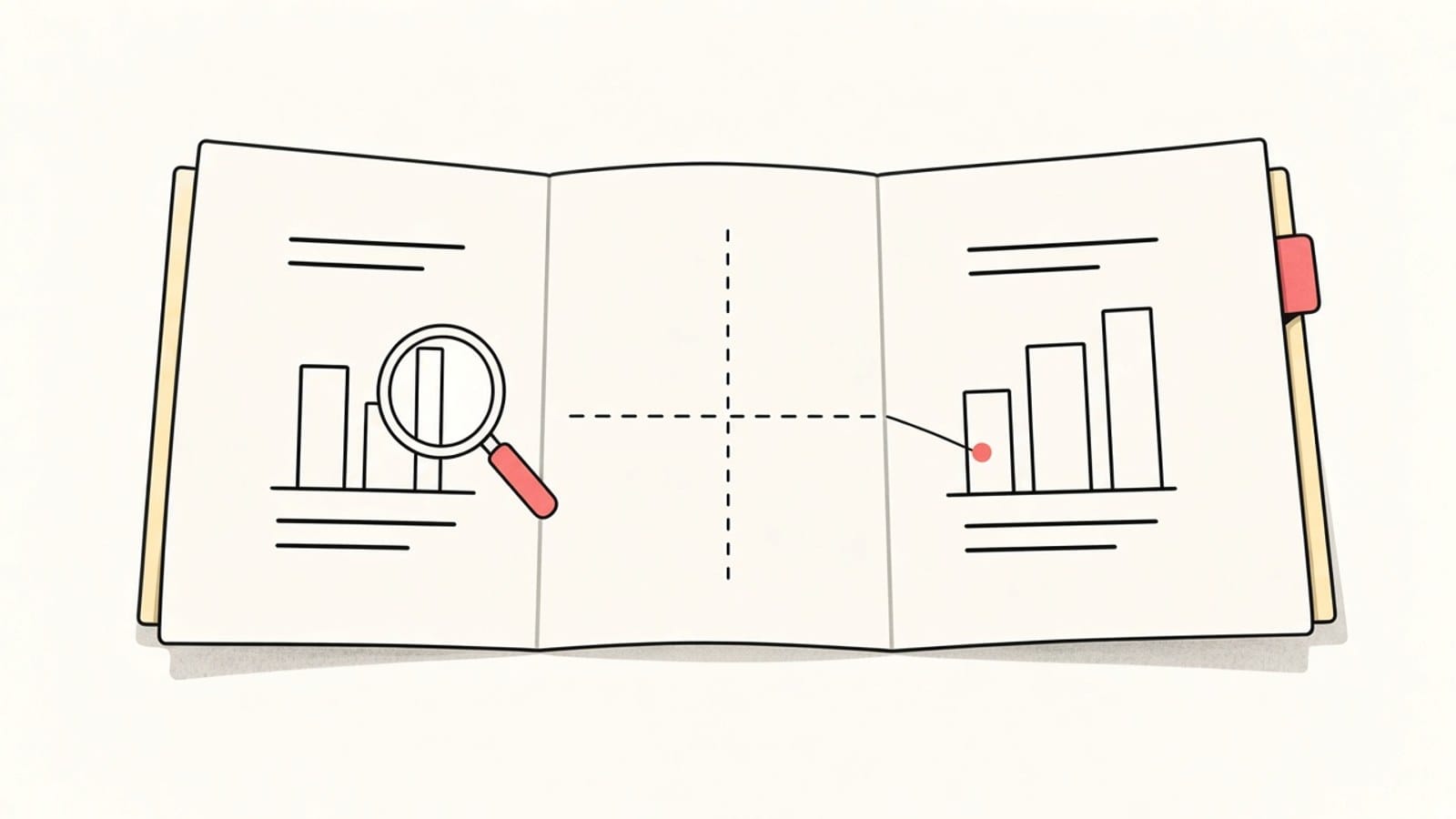
- Download the result in the Side by side layout so each translated slide sits next to the original. The setup is explained in how to create a bilingual PDF for side-by-side review.
- Study with both versions open and note the original wording of key terms in your own notes.
Why do slides need extra checking?
Slides are written in fragments: a bullet may be two words with no verb, and an abbreviation may only make sense if you heard the lecture. A translation of a fragment can pick a different meaning from the one your lecturer meant. When a bullet looks odd, read the slide before and after it, then check the original wording.
| Part of the slide | What can go wrong | What to do |
|---|---|---|
| Short bullets | The meaning of a fragment is ambiguous | Read neighbouring slides and compare with the original |
| Abbreviations and course terms | They may be left as is or expanded differently | Keep a short list of terms in both languages |
| Diagrams and charts | Labels that are part of an image stay untranslated | Read the labels on the original slide |
| Formulas | Symbols must match the original exactly | Copy formulas from the original slide |
| Screenshots and photos | Text inside the picture is not translated | Write your own note beside the slide |
For one word with several meanings, the method in checking names and terms when translating a PDF applies to slides too.
What about formulas and diagrams?
Science, engineering and economics slides are full of equations. Treat the original slide as the reference for every symbol and number, and see how to translate a PDF with math equations for what to look at. Many diagrams are pasted in as images, so their labels stay in the original language.
What about speaker notes?
A PDF contains only what was exported. If the lecturer exported plain slides, the speaker notes are not in the file. If you received a notes-page export, the notes are part of the page and are translated with it, so you can read them in the same side-by-side view.
What about scanned handouts or photos of slides?
To translate scans and photos, sign in with Google or an email link and complete account verification. The text is recognized before translation, and recognition can misread or omit content, so check terms, formulas and numbers against the page image. A photo taken from the back of a lecture hall is harder to read than the PDF itself, so ask for the file when you can.
What are the limits?
- Text inside images, screenshots and many diagrams is not translated.
- Layout is kept where possible; translated text can be longer and wrap differently on a crowded slide.
- Form fields are not kept, so a fillable worksheet in the PDF cannot be filled in on the translated copy.
- The translation helps you understand the material; for exams and assignments, follow the original slides and your lecturer's instructions.
FAQ
Should I translate the PowerPoint file or the PDF?
iSomor translates PDFs. Export the presentation to PDF and upload that file.
Can I study only from the translation?
Use the translation to understand each slide, but keep the original open for terms, formulas and figures, because those are what your lecturer and your exam will use.
Can I translate a whole semester of slides at once?
One lecture at a time is easier to review. For a large course pack, see how to translate a long PDF.
The translated bullet makes no sense. What now?
Read it against the original, look at the slides around it, and ask your lecturer or classmates what the abbreviation or term means in this course.
Have slides in another language for this week's lecture? Upload the PDF to iSomor, download it Side by side, and study with the original one glance away.