
How to Translate a PDF with Math Equations Without Breaking the Formulas
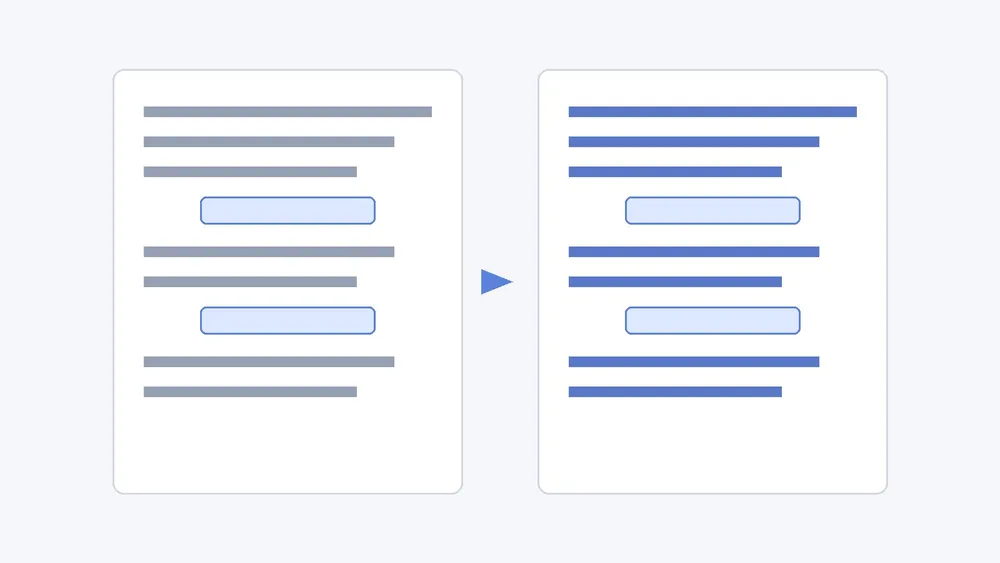
To translate a PDF with math equations without breaking them, start from the original digital PDF (exported from LaTeX, Word or a web page, not a scan), use a translator that rebuilds the page layout instead of pasting plain text, and then check every equation, symbol and number against the source page side by side. This guide covers lecture notes, textbooks, problem sets, theses and other formula-heavy documents. If your file is a full research paper, our research paper PDF translation workflow covers abstracts, citations and terminology in more depth.
Why equations break when you translate a PDF
A PDF does not store an equation as an equation. It stores glyphs placed at exact positions, often in special math fonts, with superscripts, subscripts and fraction bars drawn as separate pieces. A plain text translator reads those pieces as ordinary characters, so you get typical failures: variables translated as words, subscripts pulled onto the main line, operators dropped, and long equations wrapped into the next paragraph. We explain the underlying problem in why PDF translation is so difficult.
Tools built for formula-heavy documents avoid this by detecting math regions first and keeping them out of the translation step. The open-source project PDFMathTranslate describes this approach in its paper on arXiv: detect the layout, translate only the text, then re-render the translated text into the original layout.
Which PDFs keep their formulas?
| Your file | What to expect |
|---|---|
| PDF exported from LaTeX, Word or a web page | Best case: the text and the math are separate, so the layout can be rebuilt |
| Scanned pages or photos of a whiteboard | Not supported by iSomor, even after OCR |
| Equations embedded as images inside a digital PDF | The image is kept as it is; any text inside it may stay in the original language |
| Password-protected or damaged PDF | Usually cannot be read; export a fresh copy first |
A quick test: open the PDF and try to select a sentence and part of an equation. If you can highlight individual characters, the file is a digital PDF. If the whole page highlights as one picture, it is a scan. For scans, read what to check before translating a scanned PDF.
Step by step: translate a formula-heavy PDF
- Get the original digital file. If you have the LaTeX source, export a fresh PDF rather than using a printed-and-scanned copy.
- If you only need a chapter or a few problem sets, translate just those pages. See how to translate only selected pages of a PDF.
- Upload the PDF to iSomor and choose the target language. iSomor translates the words while aiming to keep charts with their captions, tables in rows and columns, formulas in context, and multi-column text in place.
- Read the translated page beside the source. Side-by-side reading is the fastest way to spot a moved subscript or a missing operator.
- Download the version you need: a translated PDF for reading, or a bilingual PDF for checking and sharing. Our guide to bilingual side-by-side PDFs explains when each format helps.
What to check after translating
Treat the translation as a draft until you have checked the parts that carry meaning in a math document.
- Equation numbers and references: "see (3.2)" in the text should still point to equation (3.2).
- Variables in running text: a variable such as x or n inside a sentence should stay a symbol, not become a translated word.
- Subscripts, superscripts and indices: compare a few dense equations against the source page.
- Units and decimal separators: some languages use a comma as the decimal mark; make sure numbers were not reformatted.
- Theorem, lemma and definition labels: labels should be translated consistently across the document.
- Figure and table captions: captions should stay next to the figure or table they describe.
Names, numbers, specialist terms and complex layouts always deserve a second look before you rely on a translation.
Limits to know before you start
- iSomor currently supports original digital PDFs only. Scanned and image-based PDFs are not supported, even after OCR.
- Text inside images, including screenshots of equations, may stay in its original language.
- Layout is kept where possible, not guaranteed. Very dense pages can still need a manual check.
- This is not a certified translation. For official or legal use, ask a qualified translator.
- Document text is sent to Google Gemini for translation. Read the privacy policy before uploading unpublished or confidential work.
FAQ
Will the math itself be translated?
It should not be. Symbols, variables and equations are not words, so the goal is to translate the surrounding text and keep the formula in context. Check a few dense equations against the source to confirm.
Can I translate a scanned textbook with equations?
Not with iSomor at the moment. It only translates original digital PDFs; scans are not supported, even after OCR. Look for a digital edition, or the original LaTeX or Word file.
Can I keep the original and the translation in one file?
Yes. Download a bilingual PDF to keep the source and the translation together, which makes checking equations much easier.
Are there open-source options?
Yes. PDFMathTranslate and BabelDOC are open-source projects aimed at scientific PDFs, and you can run them yourself if you are comfortable with command-line tools. iSomor is a web workflow with side-by-side reading and translated or bilingual downloads.
Is it free to try?
Guests can preview the first pages, and verified accounts receive free credits on a recurring basis. Check the upload screen for the current allowance.