
How to Translate an Annual Report PDF: Tables, Units, and Notes to Check
To translate an annual report PDF you can rely on, translate the key sections first (management's discussion, the financial statements, and the notes), then check the translation against the original in a side-by-side bilingual PDF: units, negative numbers, percentages, fiscal year labels, notes, and a short list of key line items. Annual reports are long and dense with figures, and the errors that matter rarely look like errors. A unit that drops out of a table header or a minus sign that turns into a plain number still reads fine in the translation. This guide is about reading and checking a translated report. It is not investment or accounting advice.
Why is an annual report harder to translate than other documents?
Most of the meaning sits in places that are easy to lose: the unit written once above a table, the brackets around a negative figure, the small note number next to a line item, and the column header that says which fiscal year a figure belongs to. The prose around them is often less important than these small marks.
Annual reports also come in different shapes depending on where the company is listed. In the United States, the annual report on Form 10-K "provides a comprehensive overview of the company's business and financial condition and includes audited financial statements", according to the SEC's Investor.gov. In Japan, listed companies file a securities report (有価証券報告書) that covers the business, its situation, and its accounts. Both run to many pages, and few people read either one from cover to cover, which is one more reason to translate and check the parts you actually need.
What should you check in a translated annual report?
Use this list as your checklist. Each item is something that a fluent translation can change without any visible sign.
| What to check | What it looks like in the source | What to confirm in the translation |
|---|---|---|
| Units and scale | "in thousands", "in millions of U.S. dollars", 百万円, 千元 | The unit is still there and still applies to the same table or column |
| Negative numbers | (1,234) in English reports; △1,234 or ▲1,234 in Japanese reports | The figure is still negative and reads that way to the target reader |
| Percentages and currencies | 12.5%, USD, JPY, 人民币 | Same value, same currency, same base for the percentage |
| Number formatting | 1,234.5 | Thousands separators and decimal marks may follow target-language conventions; the value must not change |
| Fiscal year labels | "fiscal year ended March 31, 2026", 2026年3月期 | The column still refers to the same period, and current and prior year are not swapped |
| Notes references | "Note 7", 注記7, a small number beside a line item | The reference still points to the right note |
| Footnotes and table notes | Small text under a table, asterisks, daggers | The note is present and still attached to the right row or figure |
| Key line items | revenue, net sales, operating income, 売上高, 営業利益 | The same term is translated the same way across the report |
A note on signs: the bracket style for negatives is common in Western reports, and Japanese accounts often use the triangles △ and ▲ instead, a convention explained in this overview of minus signs in Japanese financial statements (Japanese). A reader in another language may not know either convention, so make sure a negative figure is still clearly negative after translation.
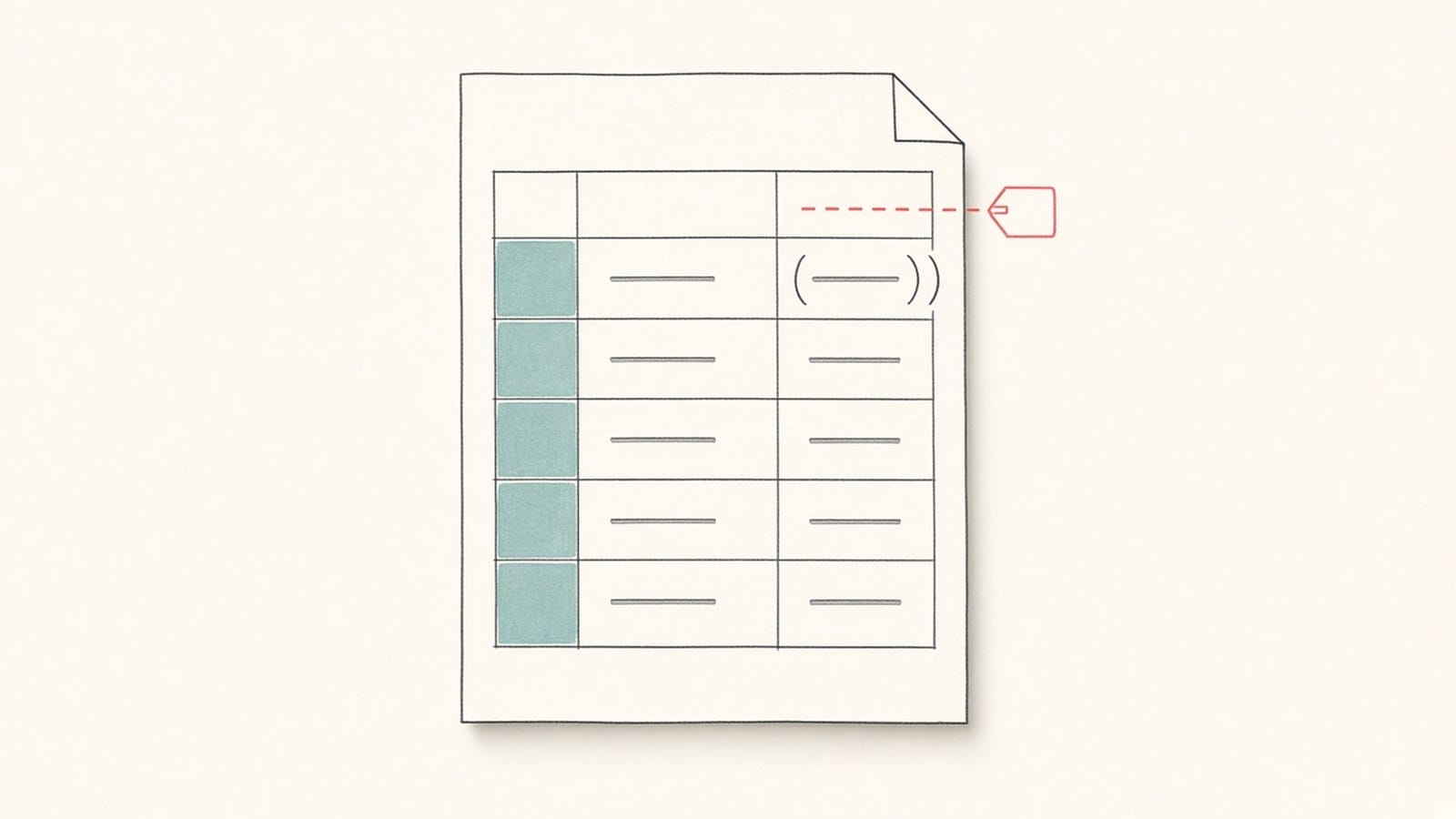
Illustration: a unit label sits above the table and applies to every figure below it.
How do notes connect to the main statements?
The balance sheet, income statement, and cash flow statement give the totals. The notes to the financial statements explain how those totals were made: accounting policies, breakdowns, and items such as leases or contingencies. A line item in the main statement usually carries a note number that points to the explanation further on.
When you check a translation, follow those links in both directions. Pick a line item, find its note number, and confirm that the translated note talks about the same item, uses the same unit, and shows the same figures. If the line item is called one thing in the statement and something else in the note, readers will think they are two different items.
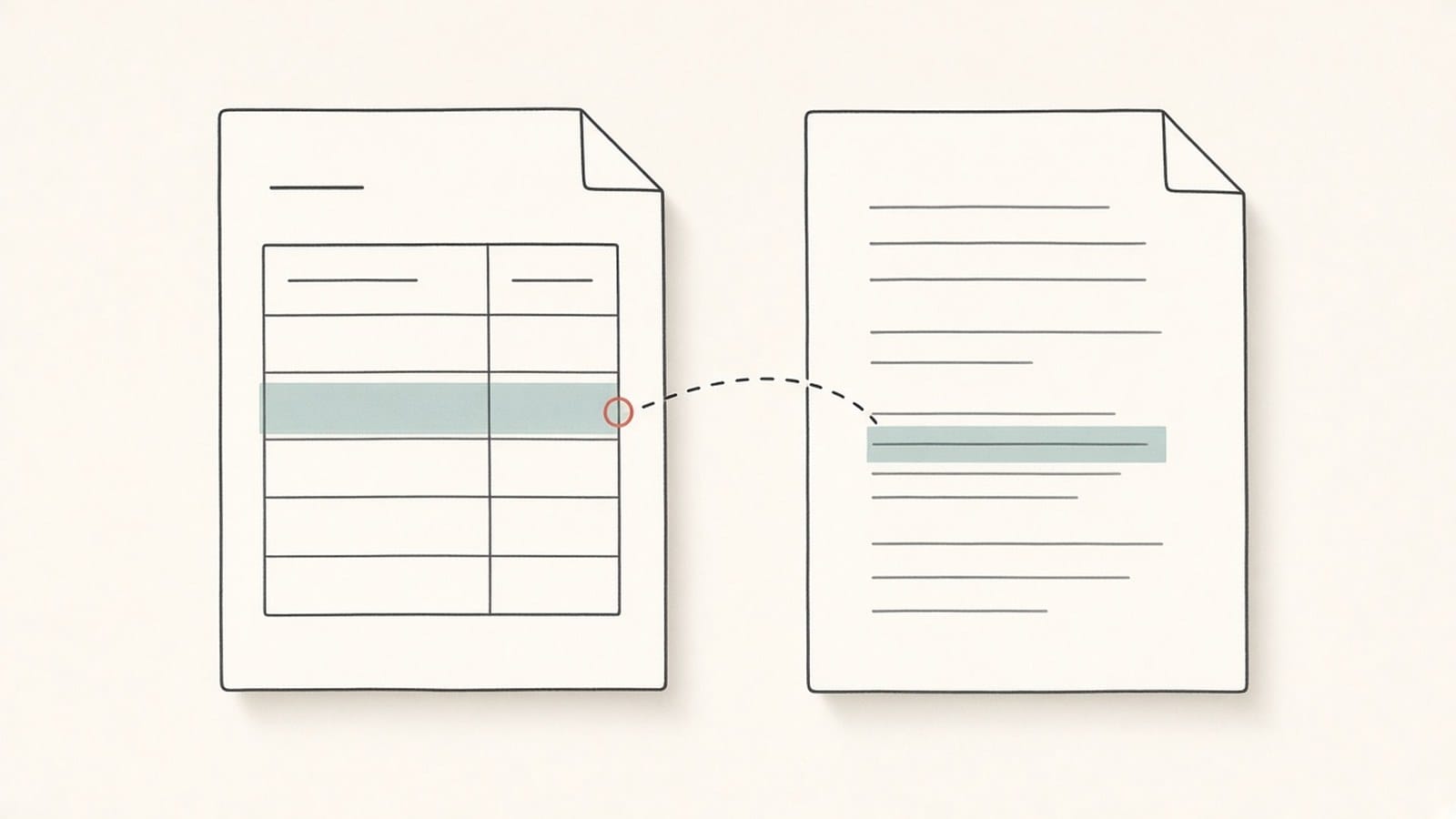
Illustration: a line item in the statement linked to its note on a later page.
A step-by-step workflow for checking a translated annual report
- Translate the key sections first. Start with management's discussion and analysis (MD&A), the financial statements, and the notes. If you only need those parts, see how to translate only selected pages of a PDF.
- Make a short list of key line items. Write down 10 to 30 terms that matter for your reading, such as revenue, net sales, operating income, and the main segment names, with the translation you expect for each.
- Open a side-by-side bilingual PDF. Keep the original and the translation on the same page so you can read across a row instead of switching windows. The guide to creating a bilingual PDF for side-by-side review explains the setup.
- Check units and fiscal years table by table. For each table, read the unit line and the column headers first, then a few rows across.
- Check every negative figure and percentage you rely on. Compare brackets, triangles, and minus signs item by item with the original.
- Follow note references. For each important line item, open its note in both languages and compare.
- Check your term list across the document. Look up each key line item in a few places, such as the statements, the notes, and MD&A, and confirm it is translated the same way.
- Then translate and check the rest. Once the key sections look right, move on to the remaining chapters.
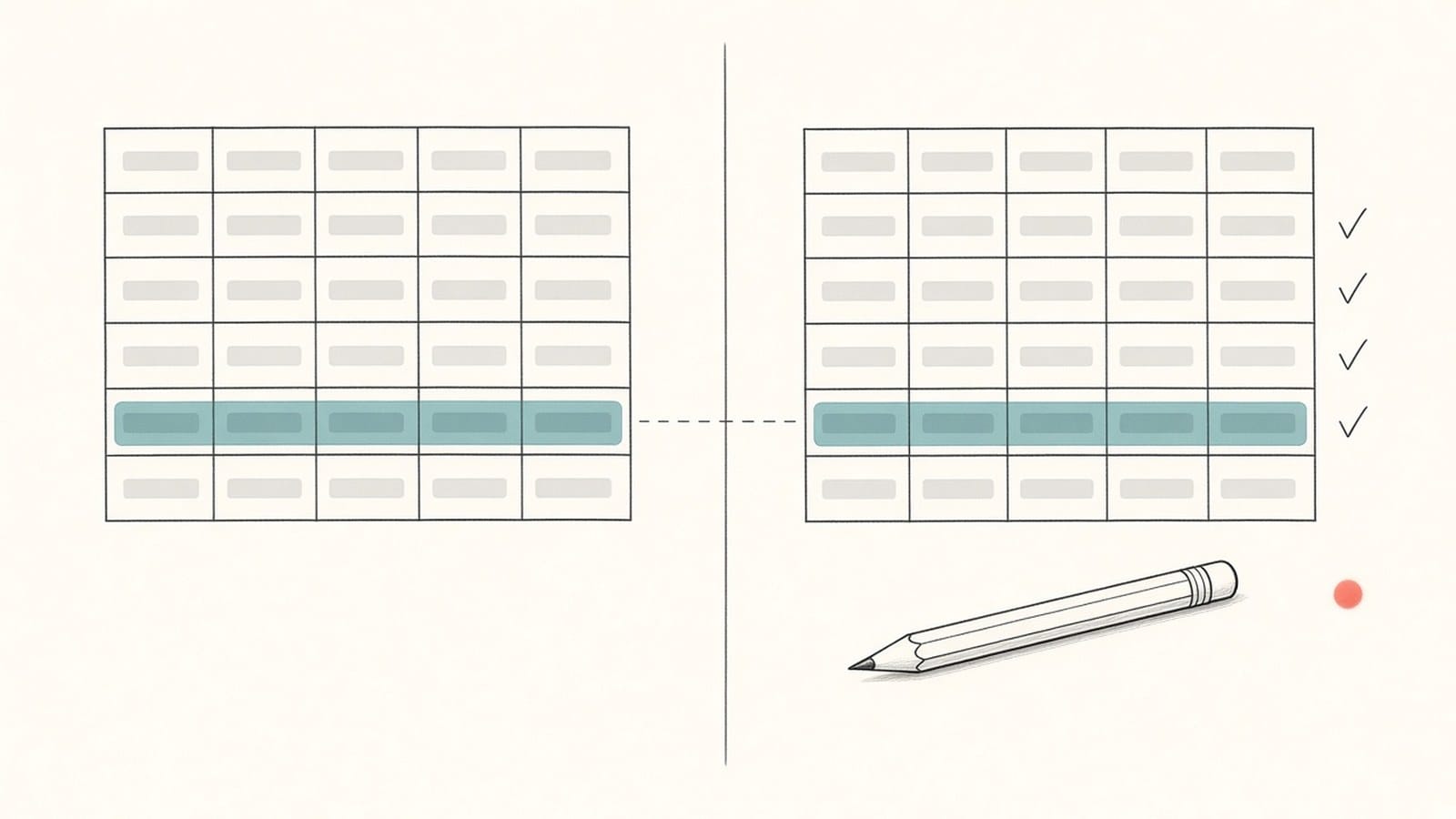
Illustration: reading the same row across the original and the translation. Not an iSomor screenshot.
For a general pass-by-pass review of numbers, terms, and tables in any document, see how to check a PDF translation against the original. This guide applies that method to the parts of an annual report where errors are most likely.
Using iSomor for an annual report
On iSomor, you upload an original digital PDF, choose a target language, and preview the result in the browser. A report of hundreds of pages can be uploaded and translated as a whole, or you can choose specific pages or page ranges, which suits the key-sections-first workflow above. If a translation stops partway, you can continue with the remaining pages. The guide on how to translate a long PDF covers working through very long files.
You can download the result as a Bilingual Side-by-side PDF, a Bilingual Top-bottom PDF, or a Translation Only PDF. iSomor describes the bilingual view as a way to "check terminology, numbers, and complex passages against the original without losing context". Side-by-side suits line-by-line number checks; the pages are wide, so a larger screen helps.
Here is what to expect for the parts of an annual report covered in this guide:
- Tables. iSomor tries to keep each table's rows, columns, and cell positions. When a translation is longer than the original, it first gradually reduces the font size of that text, and if needed extends the text box downward or to the right and wraps the text. Text in narrow cells can become very small, so zoom in to check it. Layout is kept "where possible", not guaranteed; the layout overview explains where it can still go wrong.
- Multi-line cells. Several lines of text inside one cell may be split and translated separately. This is a known issue, so read such cells against the original.
- Numbers and units. Plain numbers that stand alone in their own table cells usually stay unchanged. Numbers, percentages, currencies, and units inside sentences are produced together with the translated sentence, so their formatting may follow the target language, for example in thousands separators. Check bracketed negatives, △, 百万円, 千元, and similar notations item by item against the original.
- Footnotes, table notes, headers, and footers. As long as the text can be selected, these are translated and placed back where they were. The space is small, so the font may shrink or the text may wrap onto two lines.
- Charts. Text inside images is not translated and stays in the original language. Chart labels that are selectable text in the PDF are translated like body text. Check both kinds.
- Terms. iSomor does not let you upload or edit a custom glossary, and accounting terms such as revenue, net sales, and operating income may be translated in different ways across the report. That is why the workflow above starts with your own short list of key line items and checks each one in the bilingual view.
- Purpose. The result is a reading and review copy. It is not a certified translation, and checking it this way is not a substitute for professional accounting or investment advice.
FAQ
Can I translate a whole annual report at once?
Yes. A report of hundreds of pages can be uploaded and translated as a whole on iSomor. Translating the key sections first is still the better habit, because you can check them before you spend time on the rest. If the translation stops partway, you can continue with the remaining part.
Will the numbers in the tables change?
Plain numbers in their own table cells usually stay unchanged, but numbers, percentages, currencies, and units inside sentences can follow the target language's formatting. Do not assume either way: compare the figures you rely on with the original, especially negatives and units.
How do I check that a negative number stayed negative?
Find each figure in brackets, with a minus sign, or with △ or ▲ in the original, and look at the same place in the translation. The sign or bracket should still be there, or the wording should make clear that the figure is a loss or a decrease.
Why does the same accounting term appear in different translations?
Long reports use the same line item in many places, and a translation can render it differently in the statements, the notes, and the narrative. iSomor does not support custom glossaries, so keep a short list of 10 to 30 key line items and check each one in the bilingual view.
Are the notes to the financial statements translated?
Yes, as long as the text can be selected, notes are translated like the rest of the report. Footnotes and notes under tables are placed back in their original positions, though the font may shrink or wrap in small spaces. Check that each note reference still points to the right note.
Is the text in charts translated?
It depends on how the chart was made. Text inside an image is not translated and stays in the original language. Labels that are selectable text in the PDF are translated like body text.
Can I use a translated annual report for an investment decision?
This guide is about reading and checking a translation, not about investing. A machine translation checked against the original is a reading and review copy. For decisions, rely on the original filing and on qualified professional advice.