
How to Read a Foreign Patent PDF in Your Language: Claims, Reference Numbers and Figures
To read a foreign patent PDF in your language, start from the published original-language document, translate it, and read the translation next to the original. Use the front page to confirm which document you have, follow each dependent claim back to the claim it refers to, and match the reference numbers in the description to the drawings yourself. A translated patent is a reading copy for research and prior-art screening. It is not a filing, not a certified translation and not a legal opinion; for anything with legal consequences, ask a patent attorney. Labels inside the drawings are part of the images and are not translated.
Why is a patent harder to read in translation than other documents?
A patent is written to define legal scope, not to explain an idea in the easiest way. One sentence in a claim can run for a whole paragraph, and every "wherein", "at least one" or "consisting of" can narrow or widen what is covered. A fluent translation can still move a condition to the wrong element, which changes what the claim seems to say.
Patents also connect text and drawings through numbers. "The lever (12) engages the gear (14)" only makes sense when you can find 12 and 14 in Figure 2. Many patent PDFs are also printed in two columns, so reading order matters too; the checks in why a two-column PDF translation can come out of order apply to them as well.
What are the parts of a patent PDF?
Most published patents and applications follow the same structure, although the order and headings vary by patent office.
| Part | What it contains | What to check in the translation |
|---|---|---|
| Front page | Publication number, kind code, dates, applicant, inventors, classification, priority data, abstract, often a representative drawing | Copy numbers and dates from the original, not the translation |
| Description | Technical field, background, summary, description of the drawings, detailed embodiments | Paragraph or column numbers still line up with the original |
| Claims | Numbered claims that define what is protected | Claim numbers, references to other claims, and every condition |
| Drawings | Figures with reference numbers and short labels | Labels in the images stay in the original language |
The front page tells you exactly which document you are reading. An application and a granted patent from the same family can have different claims, so note the publication number and kind code before you rely on anything inside.
How do you follow the claims?
Claims are numbered. An independent claim stands on its own, usually claim 1 and sometimes a later method or system claim. A dependent claim refers back to another claim, with wording such as "The device according to claim 1, wherein…", and adds a feature to it.
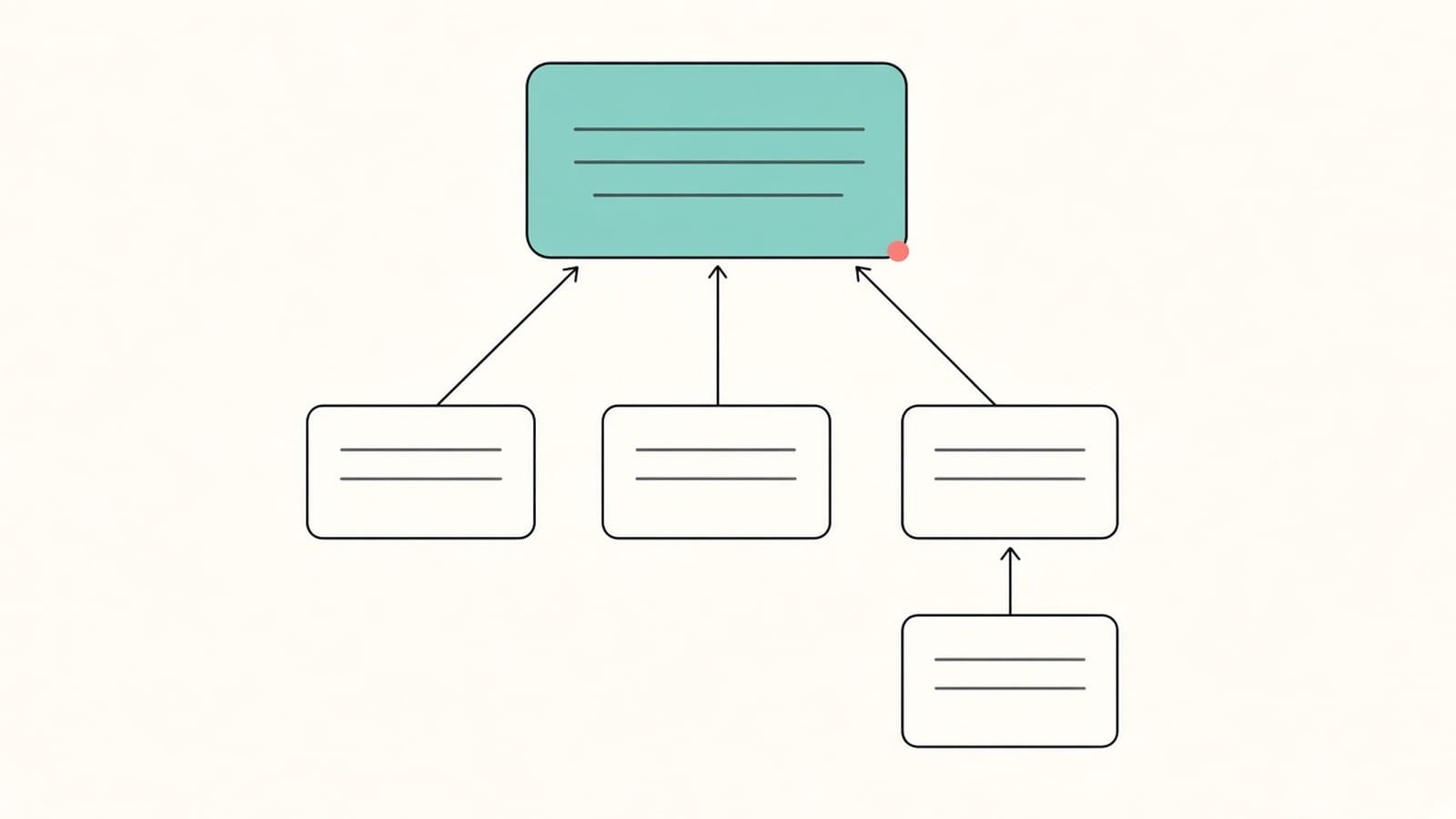
Draw this tree before you read the details. For each dependent claim, write down which claim it refers to and check that number in the original; a reference to the wrong claim changes the whole chain. Then read each claim word by word in the bilingual view:
- Transitional phrases: "comprising" (open), "consisting of" (closed) and their equivalents in the source language.
- Quantity words: "a", "at least one", "a plurality of", "each".
- Conditions: "wherein", "when", "only if", "not".
- Terms the description defines, which may carry a narrower meaning than in everyday use.
The same term may be translated in different ways in different claims, so do not assume the wording is uniform. Keep your own short list of key claim terms and check each one against the original; the method in how to check names and terms with several meanings works well for claim language.
How do you match reference numbers to the figures?
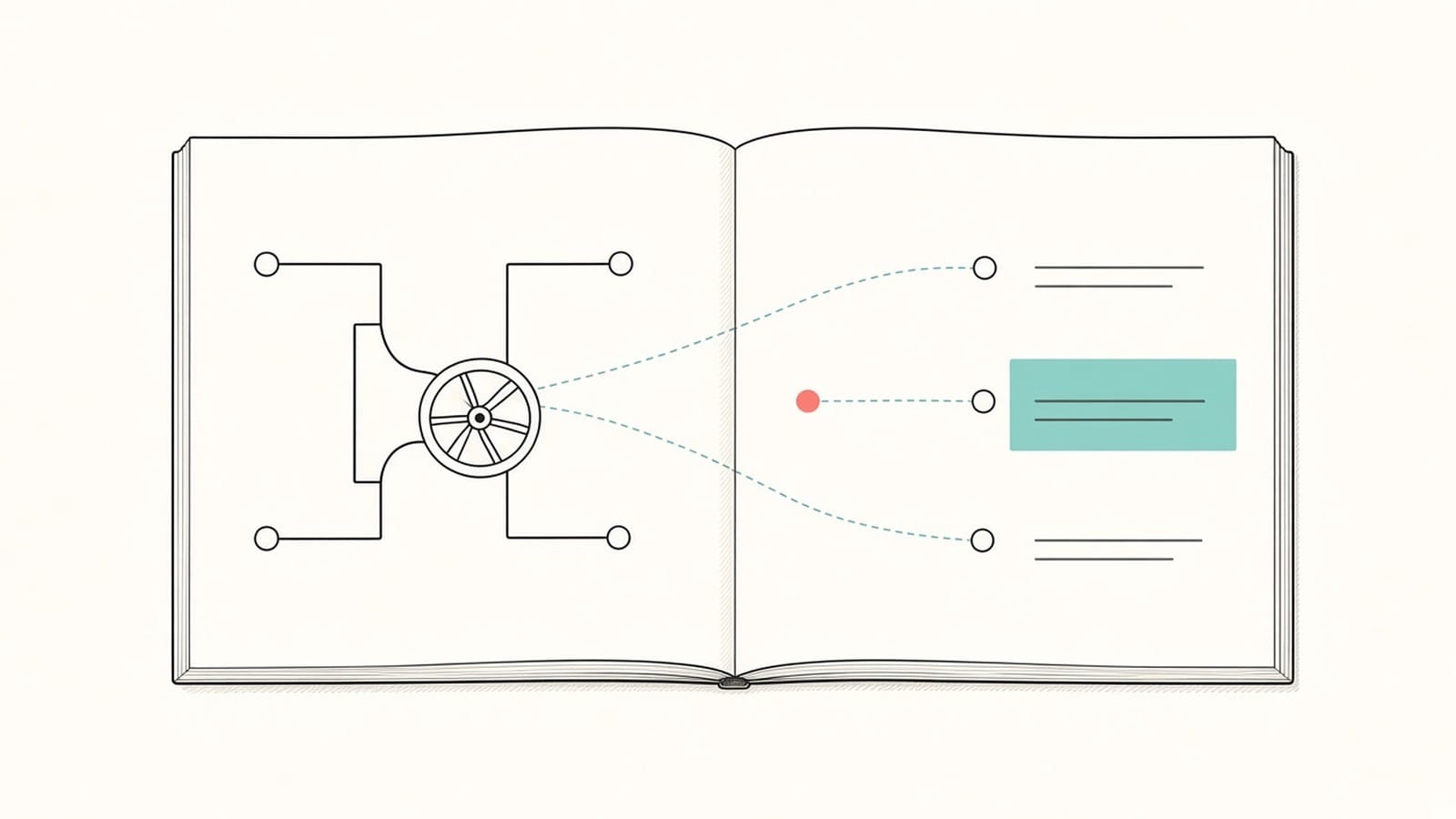
The drawings use reference numbers, and the description names the part each number stands for. Reference numbers in the text usually stay as numbers in the translation, so you can match them to the figures, but check them against the original rather than assuming every number came through as printed.
A practical routine:
- Make a two-column note: reference number and the part name from the original description, then your translated name.
- Read the "description of the drawings" section first; it tells you what each figure shows.
- When the text mentions a number, find it in the figure. If the number in the translation does not appear in the figure, go back to the original sentence.
- Words written inside a figure, such as a flowchart box or an axis label, are part of the image and stay in the original language.
How do you find the right original-language version?
The same invention is often filed in several countries. Those filings form a patent family and share a priority claim, which the front page lists. If you are reading a translation of a translation, for example an English family member of a Japanese original, the wording can already differ from the first filing.
- Use the patent office's own publication or a public patent database to find family members and their publication numbers.
- Check whether an official translation exists, for example for a national or regional phase. An official translation is a separate document; your machine translation does not replace it.
- Translate the version that matters for your question. For claim scope in a specific country, that is the document published in that country.
Which download layout should you use?
You can download the result as Side by side, Top-Bottom or Translation only.
| Layout | Best for | Why |
|---|---|---|
| Side by side | Checking claims word by word | Original and translation stay on one spread |
| Top-Bottom | Reading on a narrow screen, tracing reference numbers | Each original page sits directly above its translation |
| Translation only | A first read to decide whether a patent is relevant | Translated pages only; keep the original for checks |
For screening many patents, a Translation only copy is often enough to sort relevant from irrelevant ones. For the few that matter, switch to Side by side. More on the review setup is in how to create a bilingual PDF, and the full checking method is in how to check a PDF translation against the original.
What about old or scanned patents?
Older patents are often available only as page images. To translate scans and photos, sign in with Google or an email link and complete account verification. The text is recognized before translation, and recognition can misread or omit content, so check claim numbers, reference numbers, dates and chemical or mathematical notation against the page image. See what to check first with a scanned PDF.
Pages that are almost entirely drawings, with only a figure number or a few labels, count as scanned pages and are listed before you start. By default they stay as they are in the translation, which keeps the drawings available for matching. If you only need the claims or one embodiment, extract those pages first.
What are the limits?
- The translation is for reading, research and prior-art screening. It is not suitable for filing, prosecution, opposition, litigation, freedom-to-operate decisions or any legal opinion. Ask a patent attorney for those.
- It is not a certified translation and not an official translation of the patent.
- Text inside images, including labels in drawings and chemical structures drawn as images, is not translated.
- Layout is kept where possible. Long claim sentences can wrap differently, and two-column pages need a reading-order check.
- Scans and photos depend on text recognition, which can misread or omit content.
FAQ
Can I use a translated patent to decide whether I infringe it?
No. A machine translation can help you understand what a patent is about, but infringement and validity depend on the exact claim wording in the authoritative language and on legal analysis. Ask a patent attorney.
Do reference numbers and claim numbers still appear in the translation?
They usually stay as numbers so you can match them to the drawings and to other claims. Still check them against the original, especially in scanned patents, where recognition can misread digits.
Are the drawings translated?
No. Drawings are images, so their labels stay in the original language. Use the reference numbers and the description of the drawings to understand them.
Which version of a patent should I translate?
The one that answers your question. For general understanding, the original filing is usually the clearest source. For claim scope in one country, use the document published in that country, and check whether an official translation already exists.
Can I translate only the claims?
Yes. Extract the claim pages into a separate PDF and translate those. Keep the front page with them so you know which publication the claims come from.
Have a patent you need to understand? Upload the patent PDF to iSomor, translate the claims first, and check them against the original before you rely on them.