
Two-Column PDF Translation Out of Order? What to Check Before and After
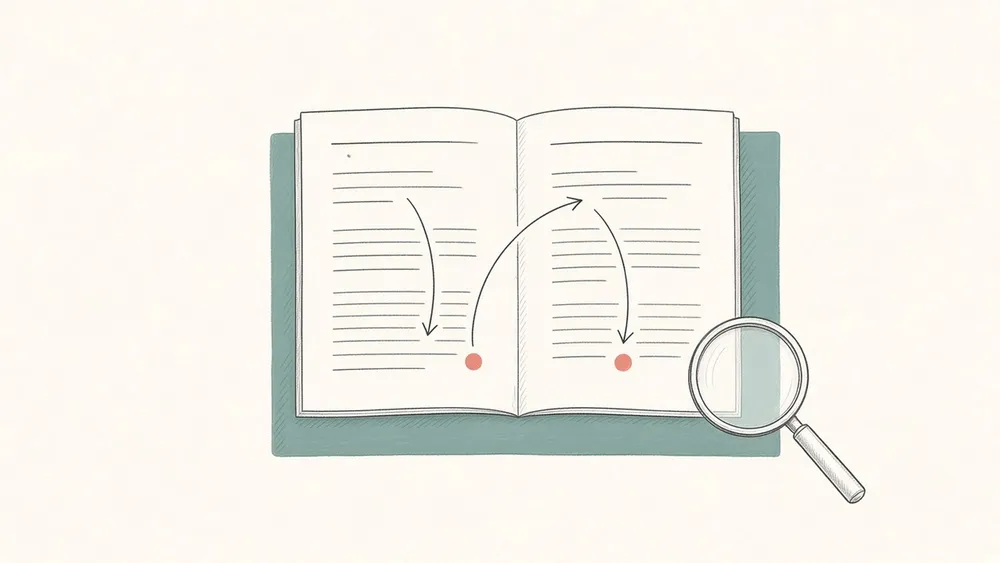
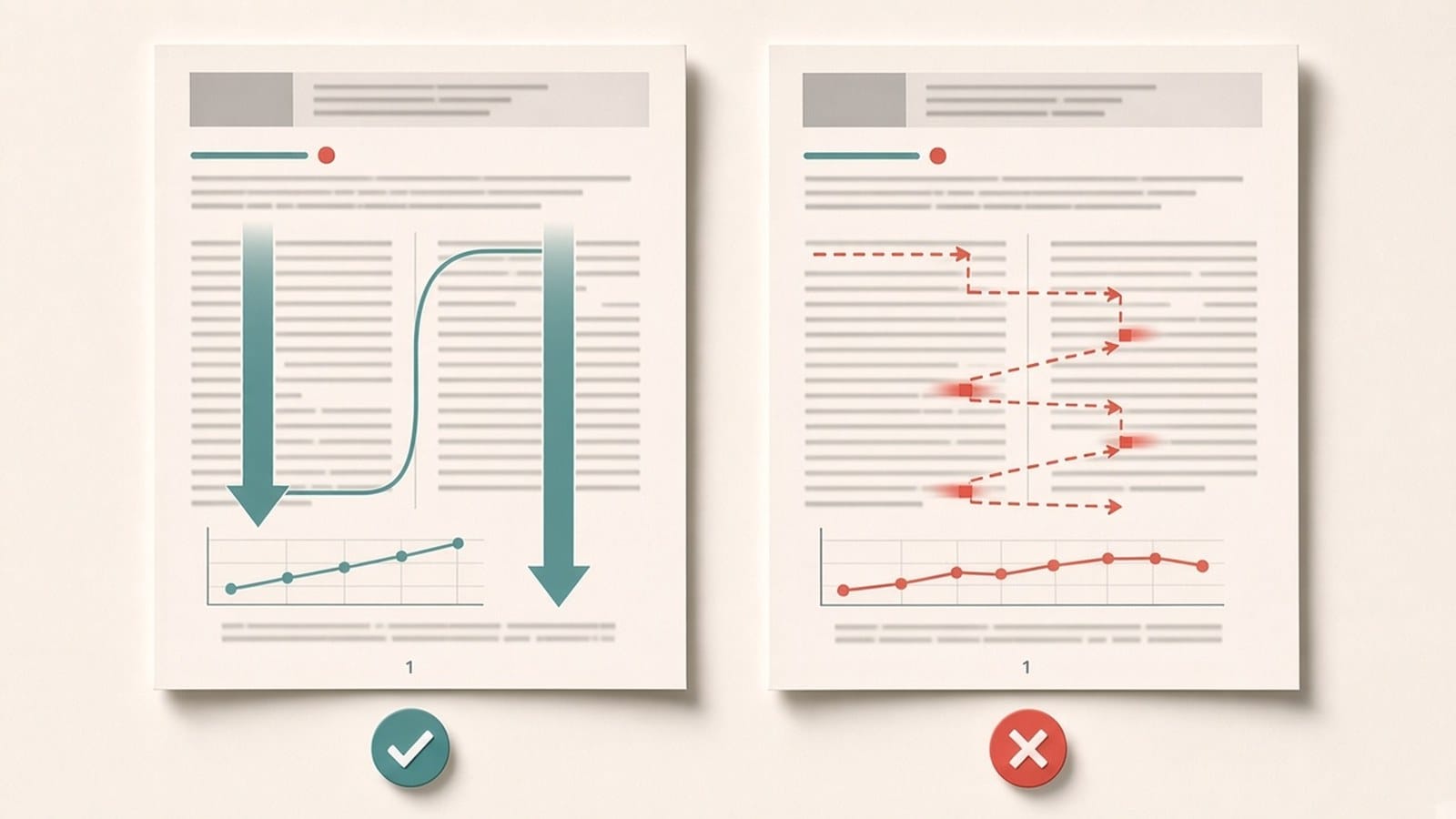
If a translated two-column PDF reads out of order, the problem is usually not the translation itself but the order in which the text was read from the page. A PDF stores text as pieces placed at positions on the page, not as paragraphs in reading order. If a tool reads across both columns at the same height, half a sentence from the left column can be joined to half a sentence from the right, and the translation then turns that mixed text into fluent but wrong sentences. The fix is to check a few predictable spots before and after you translate.
Why two-column pages go wrong
A person reads a two-column page down the left column, then down the right. Inside the file, nothing says "this is column one". The text is drawn as runs at coordinates, in whatever order the program that made the PDF wrote them. Software has to rebuild the reading order from position. Two-column pages are hard because lines in both columns sit at the same height, and because some elements cross both columns: the title, the abstract, or a wide table or figure. Each of these is a place where the order can jump.
Before you translate: check the source
- Check whether it is an original digital PDF, one exported from Word, LaTeX, or a web page, where you can select the text. Scanned pages can also be translated after you sign in with a verified email, but they need extra checks; see what to check first with a scanned PDF.
- Select a few lines that run from the bottom of the left column into the right column and paste them into a plain text editor. If the pasted text alternates between columns, the reading order in the file is already difficult, and you should expect to review those pages closely. The guide to why copied PDF text comes out messy explains what you are seeing.
- Note the pages with mixed layouts: a one-column title block above two columns, wide tables, or figures that span both columns. The more complex the layout, the more you should check those pages against the original after translation.
- For a long paper, try one or two of these pages first instead of the whole file; see how to translate only selected pages.
After you translate: the places to check
Use a bilingual PDF or put the source and translation side by side, so you can compare the same spot on both pages. The guide on creating a bilingual PDF for side-by-side review shows the setup.
- The column break. Read the last sentence at the bottom of the left column and the first at the top of the right column. They should continue the same thought as in the source.
- Where one column turns into two. Check the first paragraph under the title or abstract. Text from the abstract should not appear inside the body, or the other way round.
- Wide tables and figures. Text above and below an element that spans both columns is a common place for paragraphs to swap. Captions should stay with their own figure or table.
- A page you already know. Pick one page where you understand the source well and read the translation through. A sentence that sounds fluent but says something the source never said is the typical sign of mixed reading order.
If you also need to check numbers, terms, and tables in detail, the guide on checking a PDF translation against the original covers that in separate passes.
What to do when the order is wrong
Write down the page and the spot, and compare it with the source before you use or share that part. Do not quote or rely on a mixed-up passage; read that section in the source instead, or translate just that page again on its own. Formula-heavy papers can have the same kind of issue around equations; the guide to translating PDFs with math equations covers what to look for.
How iSomor handles two-column PDFs
iSomor translates original digital PDFs and tries to keep multi-column body text and heading levels in place, so translated pages can be compared against the original. On the web you can read the translation side by side or top and bottom with the original, which makes it easy to spot where the reading order went wrong. You can download a translation-only PDF or a bilingual PDF with the source and translation side by side or top and bottom. Complex table columns may merge or shift, line breaks or word splits may differ across columns, and text inside images is not translated, so the more complex the layout, the more you should check against the original. Scanned PDFs and photos can be translated once you sign in with a verified email; their text is recognized first, so check the reading order and the recognized text against the scan. iSomor provides machine translation, not certified translation.
FAQ
Why does my translated paper mix sentences from two columns?
Because the text was read across the page instead of down each column. The words are usually all there, just in the wrong order, which is why the result can look plausible.
Can I fix the order by copying the text column by column?
For a short passage, yes: copying one column at a time into a text editor gives you the right order to read or translate. For a whole paper this is slow, and you lose the layout, so it is better to translate the PDF and check the risky spots.
Which pages should I check first?
Pages where one column becomes two and pages with tables or figures that span both columns. In general, the more complex the layout, the more you should check it against the original.
What about three-column pages and newsletters?
The same checks apply. The denser the multi-column or mixed text-and-image layout, the more places the reading order can jump, and the more you need to check the translation against the original.