
How to Translate a Packing List PDF and Check Cartons, Quantities and Weights
To read a packing list written in a language you do not read, translate the PDF and keep each original page next to its translation. Use the translation for the words: headings, abbreviations, goods descriptions, package types and remarks. Take every number from the original page, including package counts, quantities, weights, volumes, dates and invoice or order numbers, because those are what you compare with the invoice and the goods. Text inside stamps or images may stay untranslated, so a side-by-side copy works best as a companion to the original, not a replacement.
Who is this guide for?
It is for importers, buyers, warehouse staff and anyone who works with a supplier or freight forwarder and receives a packing list in Chinese, Japanese, German or another language they do not read well. A common case is a factory invoice in one language and a packing list in another: the languages differ, but the figures should not. It also helps when you need to read a list you prepared with an overseas partner.
What is on a packing list?
A packing list describes how a shipment is packed. It usually has a header (supplier, buyer, invoice and order numbers, date), then rows with marks and numbers, package counts and types, a description of the goods, quantities, gross and net weight and volume, and a totals row. Short labels such as package count, gross weight (G.W.) and net weight (N.W.) are easy to confuse across languages, so read each label in the translation and then read the value on the original.
Step by step
- Collect the packing list PDF and the invoice or order it belongs to. If you only have a paper copy, take flat, sharp photos of each page in good light.
- Upload the PDF to iSomor and choose your language. If the list is long, you can translate only the pages you need first, such as the header page and the pages with the totals.
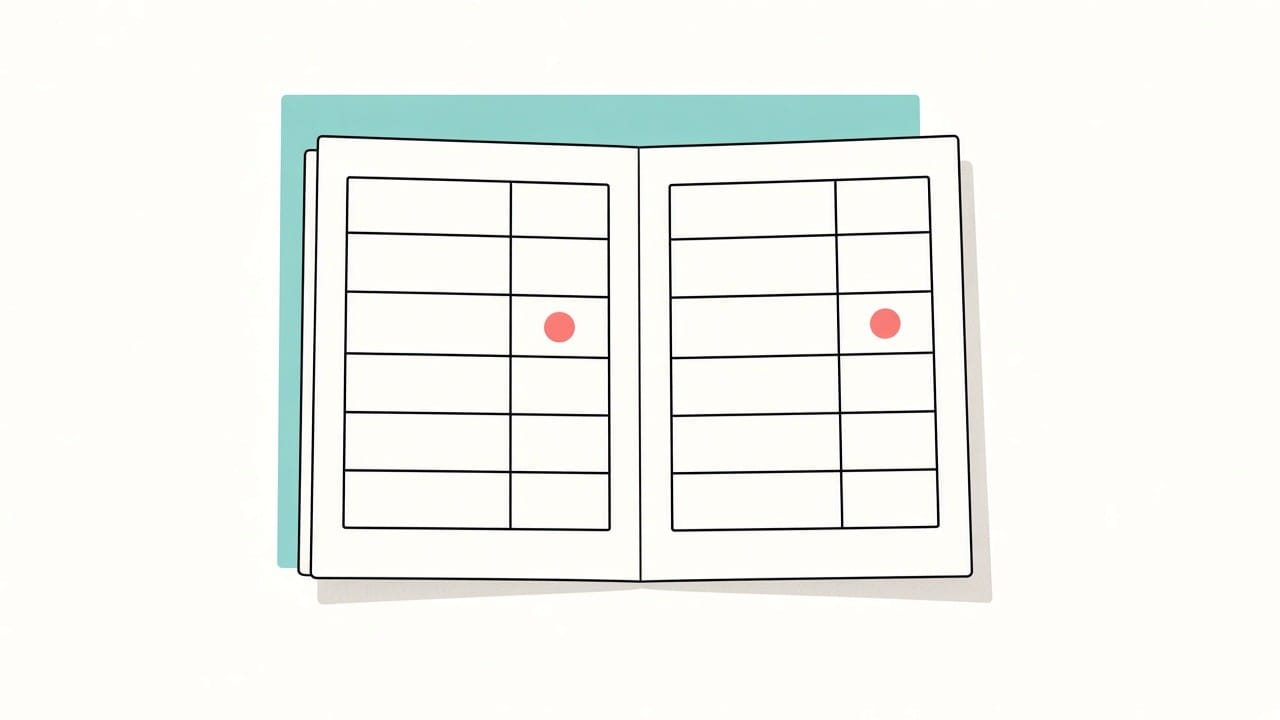
- Download the result in the Side by side layout, so each translated page sits next to the original. The setup is in how to create a bilingual PDF for side-by-side review.
- Read the headings and abbreviations in the translation, then find the same columns on the original page.
- Compare the numbers on the original with the invoice, one line at a time, and write down every difference with both values before you contact the supplier.
What should you check against the original?
| Detail | Why it matters | What to do |
|---|---|---|
| Invoice, order and shipment numbers | They tie the list to one shipment | Read them on the original and match them with the invoice |
| Names and addresses of shipper and consignee | A changed spelling can look like a different company | Copy names exactly as printed on the original |
| Package count and package type | The total should equal the sum of the lines | Add up the lines yourself and compare with the printed total |
| Marks and numbers on the cartons | They are what you will see on the boxes | Read them on the original, never in the translation |
| Item codes, models and quantities | One wrong digit points to a different item | Compare each code and quantity with the invoice line |
| Gross and net weight | The labels are easy to swap, and gross is not smaller than net | Check each value on the original and use one unit when comparing |
| Volume, dimensions and units | kg, lb, cm, inch and CBM change the meaning of a number | Note the unit printed beside each value before comparing |
| Description of goods | Wording may differ from the invoice | Compare with the invoice description and ask the supplier if they differ |
| Dates, stamps and signatures | Stamps and signatures may be images and stay untranslated | Read them on the original page |
More on comparing key facts is in how to check a PDF translation against the original. If one word, such as case, set or piece, seems to change meaning between rows, see how to check names and terms when a word has several meanings.
What about a scanned packing list or a phone photo?
Many packing lists arrive as scans, photos of a printout or a stamped paper copy. To translate scans and photos, sign in with Google or an email link and complete account verification. The text is recognized before translation, and recognition can misread or omit small print, so check every number, code and unit against the original page. Tips are in how to photograph document pages for translation and, for scanned files in general, how to translate a scanned PDF.
What are the limits?
- Text inside stamps, seals, signatures, logos and pictures is not translated, so read those parts on the original.
- Layout is kept where possible; translated headings can be longer and wrap differently in a table with many narrow columns.
- Do not assume item codes, quantities, weights, units or dates were left unchanged by translation. Check each one against the original yourself.
- A word such as case, set or piece may be translated differently from row to row; check it in the bilingual view rather than relying on automatic consistency.
- The translation helps you read the list. It does not confirm what is in the boxes, classify the goods, or decide what a customs office, carrier, bank or buyer will accept. Ask them what they require.
- Do not replace the original with a translated copy where the original is required, and do not edit figures on the original.
- For other business documents, see how to translate a supplier invoice PDF and how to translate a supplier's product catalog PDF.
FAQ
Do I need to translate every page?
Usually not. Start with the header, the pages with the line items and the totals page. Short lists are quick to read in full; for long ones you can translate more pages later if something does not add up.
Will carton counts and weights stay exactly as printed?
Do not count on it. Take every package count, quantity, weight, volume and date from the original page, and use the translation only for the words around them.
My invoice is in one language and my packing list in another. What should I do?
Translate the one you cannot read, keep each original beside its translation, and compare the invoice and the packing list line by line using the numbers on the originals.
Can I translate a packing list from a photo?
Yes. Upload a clear photo after you sign in with Google or an email link and complete verification. Then check every number, code and unit against the photo, because recognition can misread or omit small text and stamps.
Holding a packing list you cannot read? Upload the PDF to iSomor, download it Side by side, and check package counts, quantities and weights against the original before you reply to the supplier.