
How to Translate an SOP PDF and Check Steps Side by Side
To understand a foreign SOP or work-instruction PDF, translate it and keep each original page next to its translation. Use the translation to follow the flow of steps, roles and warnings, then check the details that matter on the original yourself: step numbers, responsible roles, caution labels, units, cross-references and revision fields. The original controlled document remains authoritative. This guide is for reading and coordination only. It is not safety, medical, legal or regulatory advice, and a machine translation is not a controlled release.
Who is this guide for?
It is for operators, team leads, trainers, quality staff and site coordinators who received a standard operating procedure (SOP), work instruction or checklist PDF in a language they do not read comfortably, and who need to understand what the procedure says before they ask a question, prepare training or coordinate with another site.
Step by step
- Prefer a PDF exported from your document-control system, not a photo of a printed binder page, if you can get one.
- Upload the PDF to iSomor and choose your language. For long packs, translate the sections you must check first.
- Download the result in the Side by side layout, so each translated page sits next to the original. The setup is explained in how to create a bilingual PDF for side-by-side review.
- Read the purpose, scope and steps in the translation, then go through the checklist below with the original page open.
- When you raise a question, update a training note or quote a step number, copy identifiers, units and revision fields from the original page, not from the translation.
What should you check against the original?
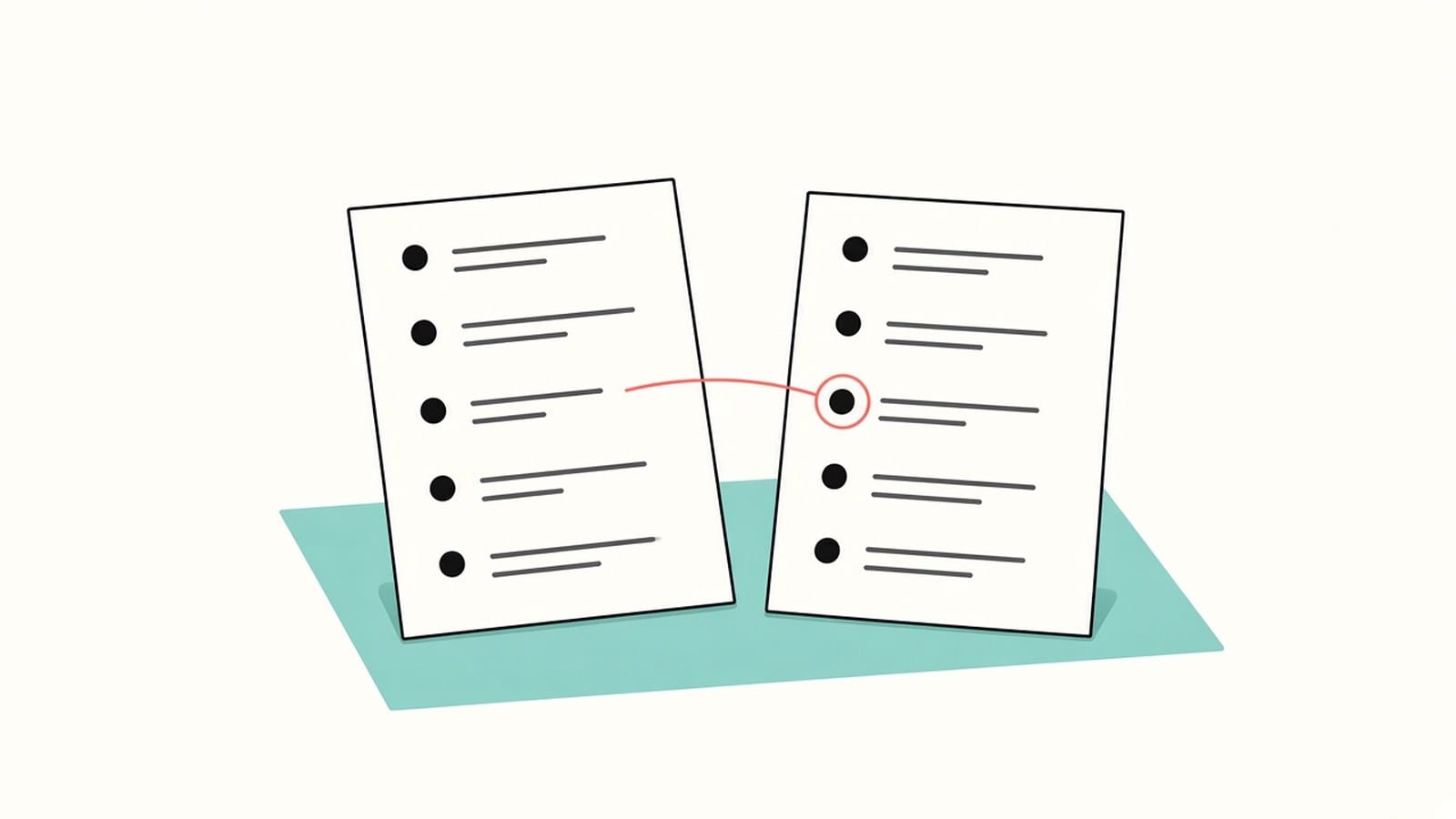
| Detail | Why it matters | What to do |
|---|---|---|
| Document title, ID and revision | Wrong revision can describe an outdated process | Copy the ID and revision from the original header or footer |
| Purpose and scope | Scope limits who and what the procedure covers | Confirm boundaries on the original before you generalize |
| Roles and responsibilities | A mistranslated role can send the wrong person the action | Match role names to your org chart on the original |
| Numbered steps and sequence | Steps out of order change the process | Count steps and order on the original; do not reorder from memory |
| Warnings, cautions and notes | Labels mark risks and required pauses | Find every warning block on the original and read it there |
| Materials, tools and equipment IDs | Wrong tool or part ID breaks the task | Copy model numbers and IDs character by character from the original |
| Units, tolerances and timings | One wrong unit changes the outcome | Check every number with its unit on the original |
| Cross-references to other SOPs or forms | Missing links leave gaps in the process | Open referenced documents; see also how to translate a PDF form |
| Sign-off, approval and effective dates | Release status is controlled | Read approval names and dates on the original |
Comparing key facts is covered in more detail in how to check a PDF translation against the original.
What about a scanned SOP or a phone photo?
Take a clear photo or scan of each page, flat and in good light. To translate scans and photos, sign in with Google or an email link and complete account verification. The text is recognized before translation, and recognition can misread or omit content, especially small revision numbers and footnote warnings, so check every identifier against the photo. Tips are in how to photograph document pages for translation.
What are the limits?
- Text inside stamps, logos, watermarks and barcodes is not translated, so read those parts on the original.
- Layout is kept where possible; translated text can be longer and wrap differently in dense tables and warning boxes.
- Fillable fields are not kept in the translated PDF, so do not treat the translation as a form you can submit or sign.
- Do not assume step numbers, units, part IDs or revision codes were left unchanged by translation. Verify each one against the original yourself.
- Key terms such as role titles and caution labels may be worded differently across pages; check them in the bilingual view rather than relying on automatic consistency. More on wording traps is in one word, several meanings.
- The translation helps you understand the procedure. It does not authorize work, replace site training or release a controlled document. For equipment-focused manuals rather than site procedures, see how to translate a technical manual PDF. For workplace rules rather than process steps, see how to read a foreign-language employee handbook PDF. Long SOP packs may also need how to translate a long PDF.
FAQ
Can I use the translated SOP as the official shop-floor copy?
No. Treat the translation as a reading aid. Any controlled release, training sign-off or audit copy must follow your document-control process and the original-language master.
Will every warning stay in the same place?
Layout is kept where possible, but longer translated text can shift boxes and tables. Confirm every warning and note against the original page.
The SOP references another form or appendix. What should I do?
Translate or open the referenced file as well, and check the form fields and IDs on the original. Start with how to translate a PDF form and check every field.
Is this enough for a safety-critical or regulated procedure?
No. Use the bilingual view only to understand and prepare questions. Before anyone works from a translated procedure in a safety-critical, quality-system or regulated setting, an authorized reviewer at your organization must approve the controlled language version.
Have an SOP PDF you cannot fully read? Upload the PDF to iSomor, download it Side by side, and check the steps, roles, warnings and revision fields against the original before you act on it.