
How to Translate a Datasheet PDF and Check Pins, Registers and Ratings
To work with a chip or module datasheet written in another language, translate the datasheet PDF and keep each original page next to its translation. Read the descriptions in the translation, then check the details your design and code depend on in the original: the full part number, pin names and numbers, register names and addresses, maximum ratings, operating conditions, units and test conditions. A datasheet is something you build against, so the values matter more than the wording.
Who is this guide for?
It is for hardware engineers, makers and students who found the right part, such as a low-cost microcontroller, a sensor or a connector, but whose datasheet is only available in Chinese, Japanese, Korean or German. It also helps when you read another language more comfortably than English and want to understand an English datasheet before you start a design.
Before you translate: is it the right datasheet?
Check the cover page and the revision history first. The same part can come in several packages, memory sizes and revisions, and a translated or English edition may be older than the original. Note the full part number, the package, the document revision and the date, and look on the manufacturer's site for a newer version or an errata document before you rely on any page.
Step by step
- Use the datasheet PDF downloaded from the manufacturer or distributor directly, instead of copying text out of it.
- Upload the PDF to iSomor and choose your language. For a long reference manual, you can translate only the chapters you need, such as pin descriptions, electrical characteristics and the peripheral you are using.
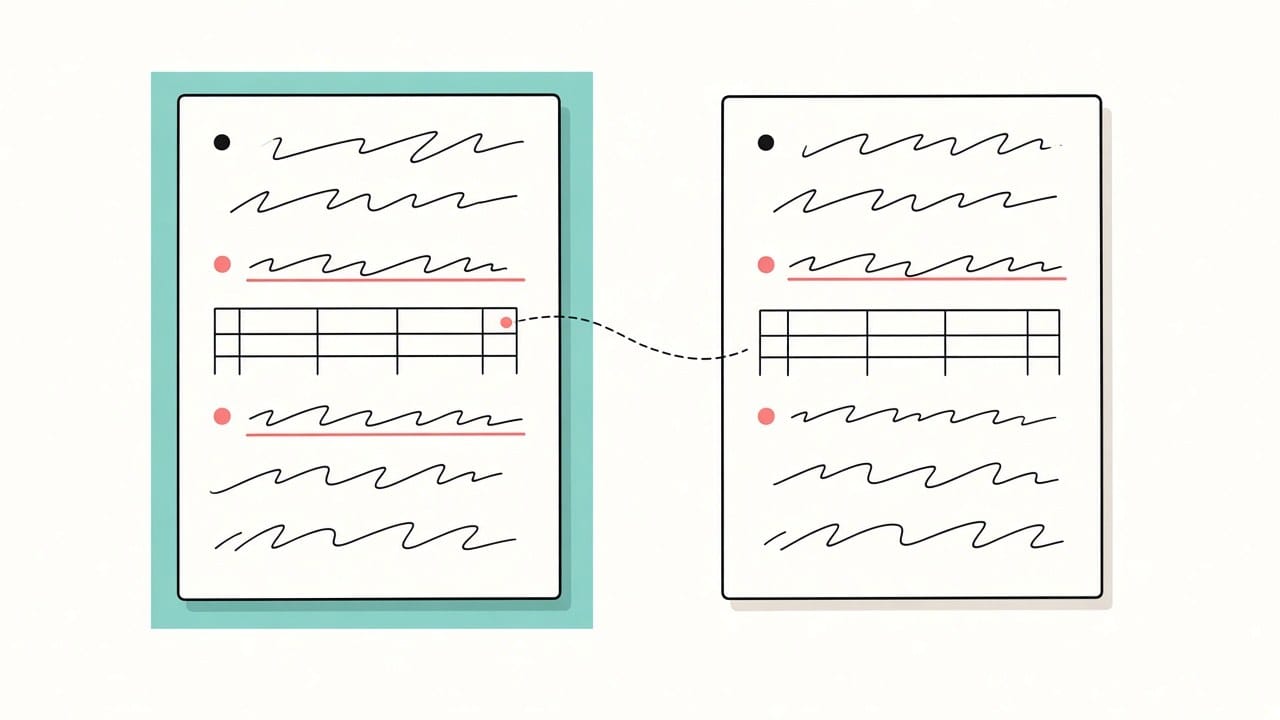
- Download the result in the Side by side layout, so each translated page sits next to the original. See how to create a bilingual PDF for side-by-side review.
- Read the overview, features and functional descriptions in the translation, then go through the checklist below with the original page open.
- Keep your own working notes for the part: the pins, registers and limits you checked, written exactly as they appear in the original.
What should you check against the original?
| Detail | Why it matters | What to do |
|---|---|---|
| Part number and ordering code | Suffixes for package, temperature range or variant are easy to mix up | Copy the full ordering code from the original ordering information table |
| Pin names and numbers | A pin name that reads like a word may be translated, and alternate functions sit in narrow columns | Check every pin you use in the original pin table and pin diagram |
| Register names, addresses and bits | Your code and header files use the original names, and a hex address or bit position cannot change | Take names, addresses, bit fields and reset values from the original |
| Maximum ratings and operating conditions | These are separate tables; the Absolute Maximum Ratings section (绝对最大额定值 in Chinese datasheets) lists limits, not the range to design for | Read both tables in the original and note which one each limit comes from |
| Min, Typ and Max columns | A translated table can make it unclear which column a value belongs to | Check the column, the test conditions and the footnotes in the original |
| Units and prefixes | mA and µA, ns and µs differ by a factor of 1000, and µ can be misread as u | Compare every unit you use with the original table |
| Negation and active-low signals | A dropped "not", an overbar or a # suffix reverses the meaning | Read enable, reset and interrupt conditions in the original |
| Notes and conditions | Short notes such as "only for batch X" or "reserved, write 0" change how you use a feature | Read each note in both versions; if the meaning is still unclear, ask the manufacturer |
Comparing key facts is covered in more detail in how to check a PDF translation against the original. When one word can mean several things, as "drive", "level" or "mode" often do, see one word, several meanings. For a module's user guide or a device manual, see how to translate a technical manual PDF; for choosing parts from a supplier's range, see how to translate a product catalog PDF.
What about pin diagrams, timing diagrams and package drawings?
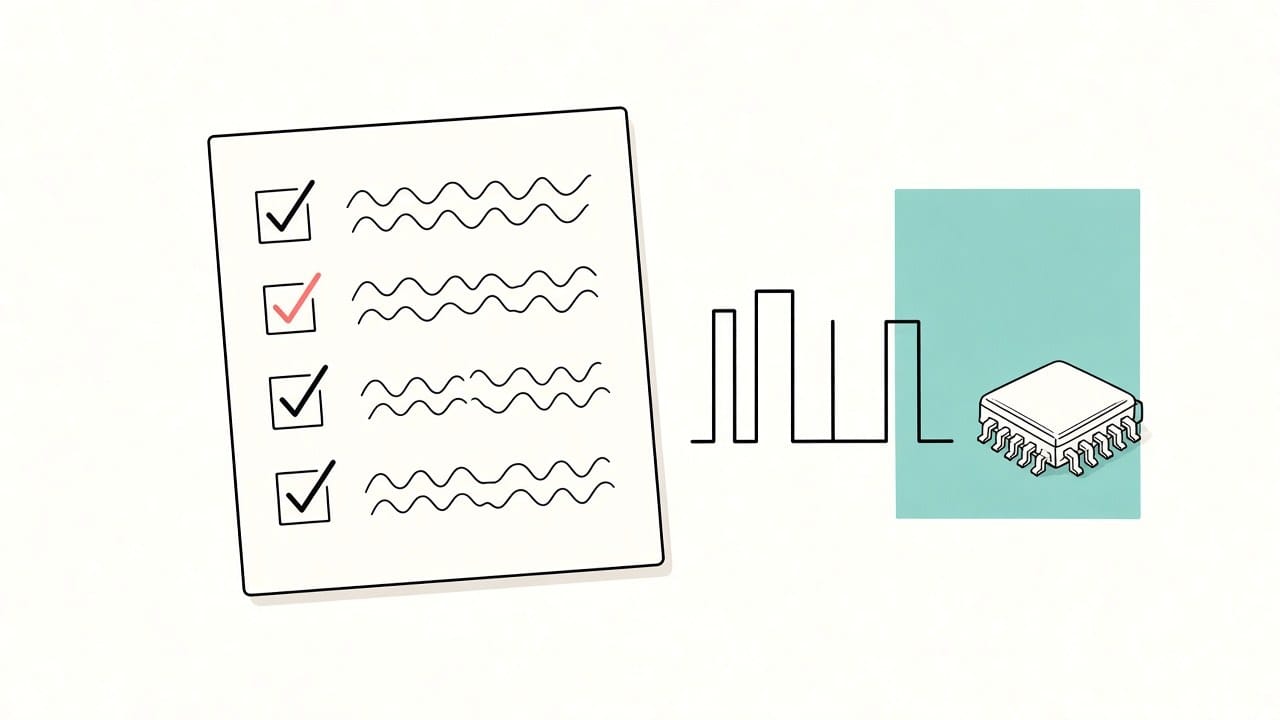
Pin diagrams, block diagrams, timing diagrams, typical application circuits and package drawings are usually drawn as figures. Text inside images is not translated, and labels in drawings may stay in the original language. Read figures on the original: the pin numbers on the package, the signal edges and reference levels in a timing diagram, and the component values and polarity in an application circuit. Use the translated caption and the surrounding text as a guide to what the figure shows.
What about a scanned or photographed datasheet?
Older or hard-to-find datasheets are sometimes only available as scans. To translate scans and photos, sign in with Google or an email link and complete account verification. The text is recognized before translation, and recognition can misread or omit content, especially 0 and O, 1 and l, µ and u, overbars, subscripts and hex values, so check every value you use against the scan. Tips are in how to photograph document pages for translation and how to translate a scanned PDF.
What are the limits?
- Text inside images, diagrams and drawings is not translated; read those parts on the original.
- Layout is kept where possible; translated text can be longer and wrap differently in dense tables and narrow columns. Two-column pages are covered in two-column PDF translation, and reference manuals with hundreds of pages in how to translate a long PDF.
- Do not assume that values, units, hex addresses or pin numbers came through exactly as in the original. Verify each one you rely on.
- The same term may be translated differently on different pages; check terms in the bilingual view rather than relying on automatic consistency.
- The translation helps you read the datasheet. It is not design advice: base design decisions on the original document, and ask the manufacturer or distributor when something is unclear.
FAQ
Should I use translated register names in my code?
No. Header files, libraries and example code use the original register and bit names, so write your code with those. Use the translation to understand what each register does, and keep the original name next to your notes.
The English and Chinese datasheets disagree. Which one should I trust?
Compare the revision numbers and dates first; the newer document may describe a newer chip revision. If they still disagree, ask the manufacturer or check their errata rather than choosing the version that reads better.
Can I design a board from the translated datasheet?
Use it to understand the part, then check every pin, rating and value you design with against the original. Before you order boards, it is worth having another person review the critical pages with you.
Does the translation convert units or recalculate values?
Do not expect it to. Read the values and units on the original and convert them yourself if you need to.
Have a datasheet PDF you cannot fully read? Upload it to iSomor, download it Side by side, and check pins, registers and ratings against the original before you design.