
How to Translate Model Kit Instructions PDF and Check Part Numbers and Steps
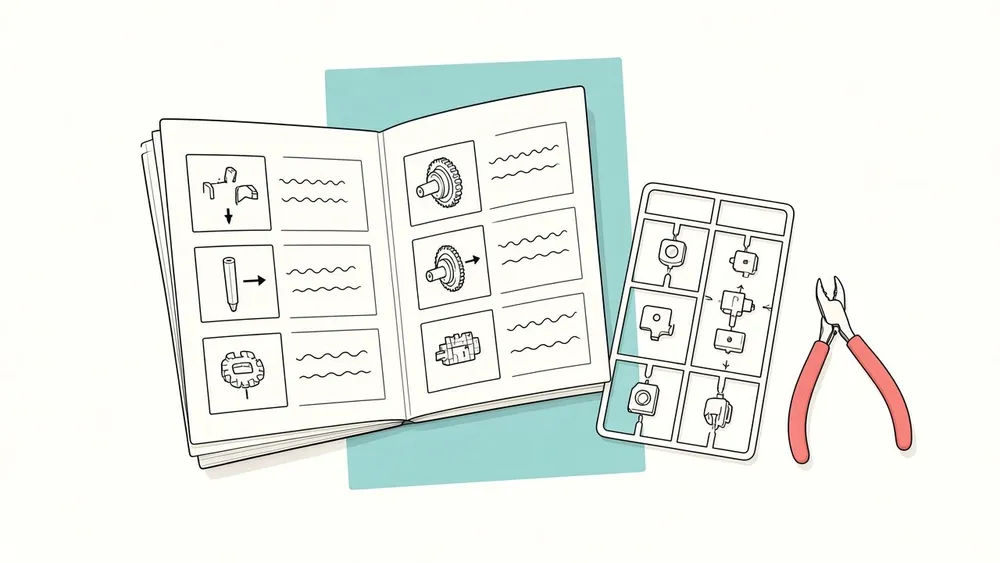
To follow model kit instructions written in a language you do not read, translate the instruction PDF — or clear photos of the booklet — and keep each original page next to its translation. Use the translation for the written parts: notes beside a step, cautions, option choices, paint and sticker notes, and the symbol legend. Build from the original diagrams, and take runner letters, part numbers, step order and paint references from the original page, because those are what the parts in your box are labelled with. Text drawn inside the diagrams may stay untranslated, so a side-by-side copy works best as a companion to the original, not a replacement.
Who is this guide for?
It is for people building a plastic model, robot kit, RC car or other hobby kit whose booklet is in Japanese, German, Chinese, Korean or another language they do not read well. Builders often say the pictures carry most steps until a step does not: a part goes in backwards, a sticker ends up in the wrong place, or an option is chosen too early. It also helps the other way, for example when you read Japanese better than the English booklet that came with an imported kit.
What is actually in a kit manual?
Most kit manuals are mainly drawings, symbols and codes, with short text around them. The text you most often need is in the notes beside a step (for example "check the direction before you press" or "do not glue this part, it must move"), in the cautions at the front, in the option pages, and in the paint or colour guide. Part codes such as a runner letter plus a number, the step numbers, and the small symbols for "cut here", "repeat twice" or "opposite side" are usually the same in every language edition, but you still read them on the original.
Step by step
- Find the instruction PDF for your exact kit. Many makers and shops offer downloads; match the kit name, scale, product number and edition with the box. If you only have the paper booklet, take flat, sharp photos of each page in good light.
- Upload the PDF to iSomor and choose your language. A manual can be long, so you can translate only the pages you need first, such as the cautions, the symbol legend, the steps with long notes and the paint guide.
- Download the result in the Side by side layout, so each translated page sits next to the original. The setup is in how to create a bilingual PDF for side-by-side review.
- Before you cut any part, read the symbol legend and the cautions in the translation and find the same symbols on the original page.
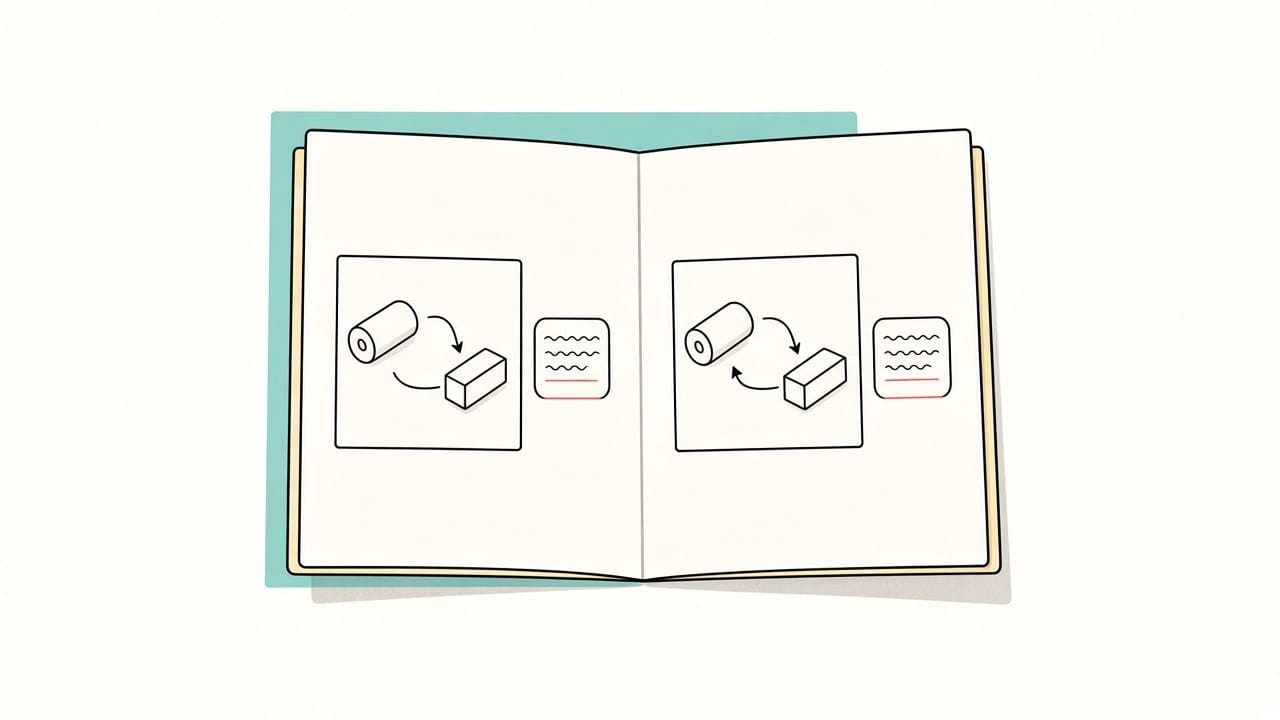
- Build from the original diagram. When a step has a note, read it in the translation, then check the part numbers and arrows in that step on the original before you press parts together.
What should you check against the original?
| Detail | Why it matters | What to do |
|---|---|---|
| Kit name, scale and edition | A reissue or variant may have different parts or steps | Match the manual to the box before you start |
| Runner letters and part numbers | The parts in your box carry the original codes | Read every code on the original diagram, not in the translation |
| Step order and sub-assemblies | A note may say to fit one part before another | Follow the step numbers on the original and read each note beside it |
| Left and right, front and back | Mirrored parts look alike and are easy to swap | Check orientation marks and arrows on the original drawing |
| Option and variant choices | Choosing one option can block another later | Read the option note in the translation, then confirm which parts it uses on the original |
| Sticker, decal and marking numbers | A wrong number puts a marking in the wrong place | Match each number with the sheet in your box |
| Paint and colour references | Colour names and codes may be translated, but codes and mixing ratios must match the original | Copy codes and ratios from the original guide |
| Glue, no-glue and moving parts | A note may warn that a joint must stay movable | Read the note in the translation and check the symbol on the original |
| Cautions and age warnings | Sharp parts, small parts, glue and paint have their own warnings | Read them on the original booklet and on the product labels too |
More on comparing key facts is in how to check a PDF translation against the original. If one word, such as gate, frame or joint, seems to change meaning between steps, see how to check names and terms when a word has several meanings.
What about a scanned manual or a phone photo?
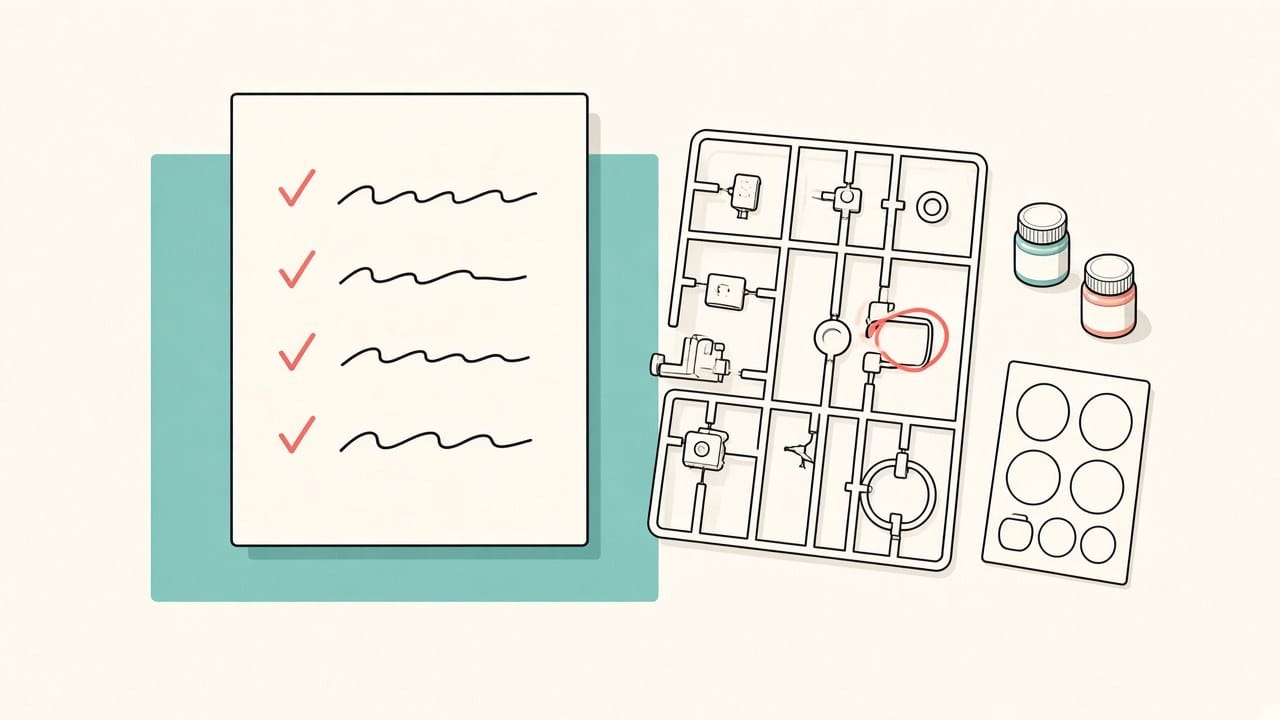
Older kits, out-of-print kits and many shop downloads are scans, and some pages are almost entirely drawings with only a few words. To translate scans and photos, sign in with Google or an email link and complete account verification. The text is recognized before translation, and recognition can misread or omit small print, so check every part code, number and symbol against the original page. Tips are in how to photograph document pages for translation and, for scanned files in general, how to translate a scanned PDF.
What are the limits?
- Text that is part of a drawing, a symbol, a logo or a printed photo is not translated, so read those parts on the original.
- Layout is kept where possible; translated notes can be longer and wrap differently around crowded diagrams.
- Do not assume part numbers, runner letters, paint codes or ratios were left unchanged by translation. Check each one against the original yourself.
- A word such as gate, runner or frame may be translated differently from page to page; check it in the bilingual view rather than relying on automatic consistency.
- The translation helps you read the manual. It does not replace the maker's safety warnings or the labels on glue and paint, and it does not decide which option suits your build.
- Instruction manuals are usually protected by copyright. Keep your translated copy for your own build, and check the maker's terms before you share it.
- If you are building from a different kind of instruction, see how to translate a technical manual PDF for devices and software, how to translate a knitting or crochet pattern PDF for craft patterns, or how to translate a board game or RPG rulebook PDF for games.
FAQ
Do I need to translate every page of the manual?
Usually not. Start with the cautions, the symbol legend, the steps that have long notes and the paint or sticker guide. Many steps are clear from the drawing alone, and you can translate more pages later if you get stuck.
Will the part numbers stay exactly as printed?
Do not count on it. Take every runner letter, part number, sticker number and paint code from the original page, and use the translation only for the words around them.
The manual mixes two languages. Should I still translate it?
Yes, if the language you need is missing in the notes that matter. Choose your target language, and compare each translated note with the original where both languages already appear, so you can see whether anything was left out.
Can I translate a manual from a photo of the paper booklet?
Yes. Upload a clear photo after you sign in with Google or an email link and complete verification. Then check each code and symbol against the photo, because recognition can misread or omit small text near drawings.
Stuck on a step in a kit manual you cannot read? Upload the PDF to iSomor, download it Side by side, and check runner letters, part numbers, options and paint references against the original before you cut the next part.