
How to Translate a Resume or CV PDF and Check Dates and Names
To understand a resume or CV PDF in another language, translate it and keep each original page next to its translation. Use the translation to follow sections, roles and bullet points; then check the details that matter for an application or a hiring review on the original yourself: personal names, employer and school names, job titles, dates, contact details and numbers. The original document remains authoritative. This guide is for reading and checking only. It is not career, immigration or HR advice.
Who is this guide for?
It is for job applicants who need to read or prepare a resume or CV PDF in a language they do not write comfortably, and for recruiters, hiring managers and colleagues who received a foreign-language CV and need to understand roles and timelines before a conversation. It also helps when someone else produced a machine-translated draft and you want to verify facts against the source file.
Step by step
- Prefer a digital PDF exported from a word processor or CV builder. If you only have a printout or a phone photo, take a clear photo of each page, flat and in good light.
- Upload the PDF to iSomor and choose your language. For a long academic CV, translate the recent roles and education pages first.
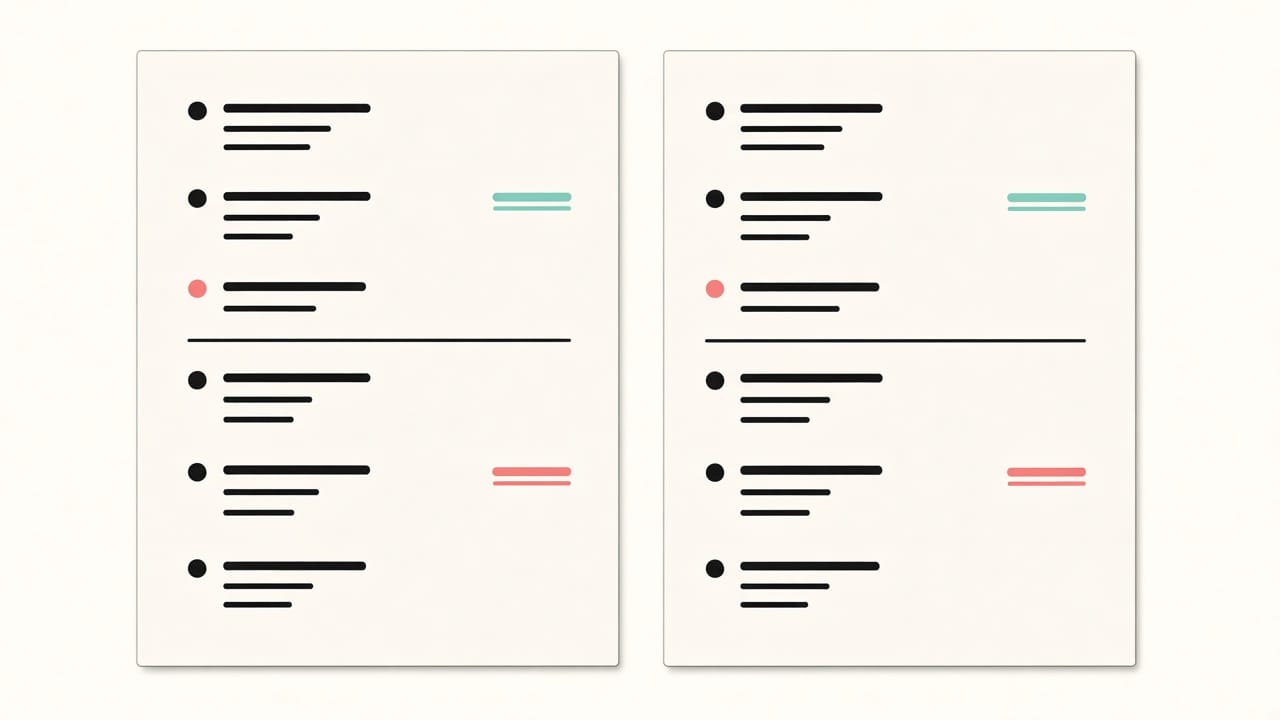
- Download the result in the Side by side layout, so each translated page sits next to the original. See how to create a bilingual PDF for side-by-side review.
- Read section titles and role descriptions in the translation, then walk the checklist below with the original page open.
- When you send an application, reply to a recruiter or brief a hiring panel, copy names, dates, titles and contact details from the original page, not from the translation alone.
What should you check against the original?
| Detail | Why it matters | What to do |
|---|---|---|
| Personal name and contact lines | A changed spelling breaks email or phone reachability | Copy name, email, phone and links character by character from the original |
| Employer and school names | A rewritten name may not match records or LinkedIn | Keep official names as printed on the original unless you have a verified local form |
| Job titles and section headings | Softened or swapped titles change seniority | Confirm each title on the original; keep the source title in brackets if you add a local wording |
| Employment and education dates | A swapped month or year misstates your timeline | Read every start and end date on the original; prefer unambiguous forms such as “Apr 2024” when you rewrite |
| Numbers, percentages and metrics | A moved digit changes the claim | Check each figure against the original bullet |
| Degree names and licences | A “close enough” degree name is a different credential | Keep the original award name; add a short note only when you can support it |
| Two-column sidebars | Contact blocks and experience can merge when columns are misread | Confirm left and right columns still belong to the right content; see two-column PDF translation |
| Photo, personal data and local customs | Some markets expect a photo or date of birth; others discourage them | Follow the recipient’s rules; the translation does not decide what to include |
Comparing key facts is covered in more detail in how to check a PDF translation against the original. Job titles that shift meaning across pages are discussed in one word, several meanings.
What about a photo of a printed CV or a scanned PDF?
Take a clear photo or scan of each page, flat and in good light. To translate scans and photos, sign in with Google or an email link and complete account verification. The text is recognized before translation, and recognition can misread or omit content, especially small dates, email addresses and sidebar contact lines, so check every name and date against the photo. Tips are in how to photograph document pages for translation. Scanned CVs are also covered in how to translate a scanned PDF.
What are the limits?
- Text inside photos, logos, stamps and decorative headings is often not translated; read those parts on the original.
- Layout is kept where possible; longer translated text can wrap differently on dense two-column CVs and narrow sidebars.
- Fillable fields are not kept in the translated PDF, so do not treat the translation as a form you can submit.
- Do not assume names, dates, titles or numbers were left unchanged. Verify each one against the original.
- Recurring job titles and skill labels may be worded differently across pages; check them in the bilingual view rather than relying on automatic consistency.
- The translation helps you understand the CV. It does not certify equivalency of degrees, replace a native review of tone, or create an official certified translation for immigration or regulated applications. The original remains authoritative.
- Related reading: how to translate lecture slides PDF when the file is a slide deck rather than a resume, and how to translate a long PDF for multi-page academic CVs.
FAQ
Can I submit the translated PDF as my application file?
Only if the employer accepts that file and you have checked every name, date and title against the original. Many portals ask for a specific format or language. A machine translation is a reading and drafting aid, not a certified application copy.
Will dates and employer names stay correct?
Do not count on it. Treat every date and proper name in the translation as something to find again on the original. A swapped start date is worse than an awkward adjective.
Why does a two-column CV look scrambled after translation?
Sidebars and main columns are easy to read out of order. Confirm that contact details still sit in the contact block and experience bullets still sit under the right role. See two-column PDF translation.
Is this a certified translation for visas or regulated roles?
No. iSomor does not provide certified or sworn translation. When an authority or employer requires a certified translation, follow their process separately. This guide is not immigration or legal advice.
Have a resume or CV PDF you cannot fully read? Upload it to iSomor, download it Side by side, and check dates and names against the original before you send or decide.