
How to Translate a Thesis or Dissertation PDF to Read or Review It
To translate a thesis or dissertation PDF so you can read or review it, start from the final digital PDF, translate it one chapter or part at a time, and read each part next to the original. Then check the abstract, figure and table numbers, cross-references, equations, footnotes and the reference list against the source, and check the key terms of the field yourself. The result is a reading and review copy. It is not a translated thesis to submit and not a certified translation.
Who is this guide for?
This guide is for anyone who has to read a long thesis in a language they do not read well: a student reading a dissertation from another country for a literature review, a supervisor or examiner reviewing work written in another language, a colleague following up on someone's method, or an author checking how their own thesis reads in another language. It is about reading and reviewing, not about producing a translation to hand in.
How is a thesis different from a research paper?
A thesis has the same building blocks as a paper, such as an abstract, methods, results, figures and references, but there is much more of it, and it is held together by numbering. Chapters are numbered, and so are sections, figures, tables and equations, often as 3.2 or (4.1). The text keeps pointing to other places: "see Section 2.3", "as shown in Table 4.1", "Appendix B". Front matter such as the title page, declarations, acknowledgements, abstracts, the table of contents and lists of figures and abbreviations can take up many pages before chapter 1 starts.
For the checks inside each section, such as the research question in the abstract, method names and statistical results, follow how to translate a research paper PDF. This guide covers what a thesis adds: its length, its structure and its numbering.
How do you prepare a thesis PDF before translating it?
- Get the final version. Use the PDF from the university repository, the library or the author, not a draft, a screenshot or a file that has been converted several times.
- Check whether it is digital or a scan. Older theses are often scans. Select a sentence and zoom in on a line; the guide on what to check with a scanned PDF explains the signs. Scans can be translated after you sign in with Google or an email link and complete verification. Their text is recognized first, and recognition can misread or miss text, so formulas, names and numbers need an extra check.
- Map printed page numbers to file positions. Front matter is often numbered i, ii, iii, so printed page 1 can be page 15 of the file. Translating only selected pages explains how to find the right positions.
- Split at chapter boundaries. For a long dissertation, translate one chapter or part at a time. Keep the table of contents and the list of abbreviations with each part. How to translate a long PDF covers splitting and reviewing in parts.
Which parts of a thesis need special handling?
| Part | What to do | What to check |
|---|---|---|
| Title page, declarations, signatures | Read them in the original | A translated declaration is not a signed statement; signatures and stamps are usually images and are not translated |
| Abstracts | If the thesis has an abstract in your language, read it next to the translation | Use the author's own abstract to check key terms and the main findings |
| Table of contents, lists of figures and tables | Use them to plan the split and to check headings | Chapter and section titles in the translation should match the contents entries |
| List of abbreviations or symbols | Keep it with every part you translate | Use it as your term list; abbreviations should not change meaning between chapters |
| Chapters | Translate and review one at a time | Start with a chapter that defines the key terms, such as the introduction or methods |
| Figures and tables | Read each one with its caption and notes | Tables are kept in rows and columns where possible; text inside images is not translated |
| Equations | Read the explanation around each equation | Equation numbers, symbols and subscripts; see how to translate a PDF with math equations |
| Footnotes and endnotes | Check each note with its marker | Each note should still match its number |
| References and bibliography | Treat entries as identifiers, not as text to translate | Cite from the original entries: authors, titles, years, journals and DOIs |
| Appendices | Translate only the ones you need | Questionnaires, interview transcripts and code need a separate check against the original |
How do you translate a thesis chapter by chapter?
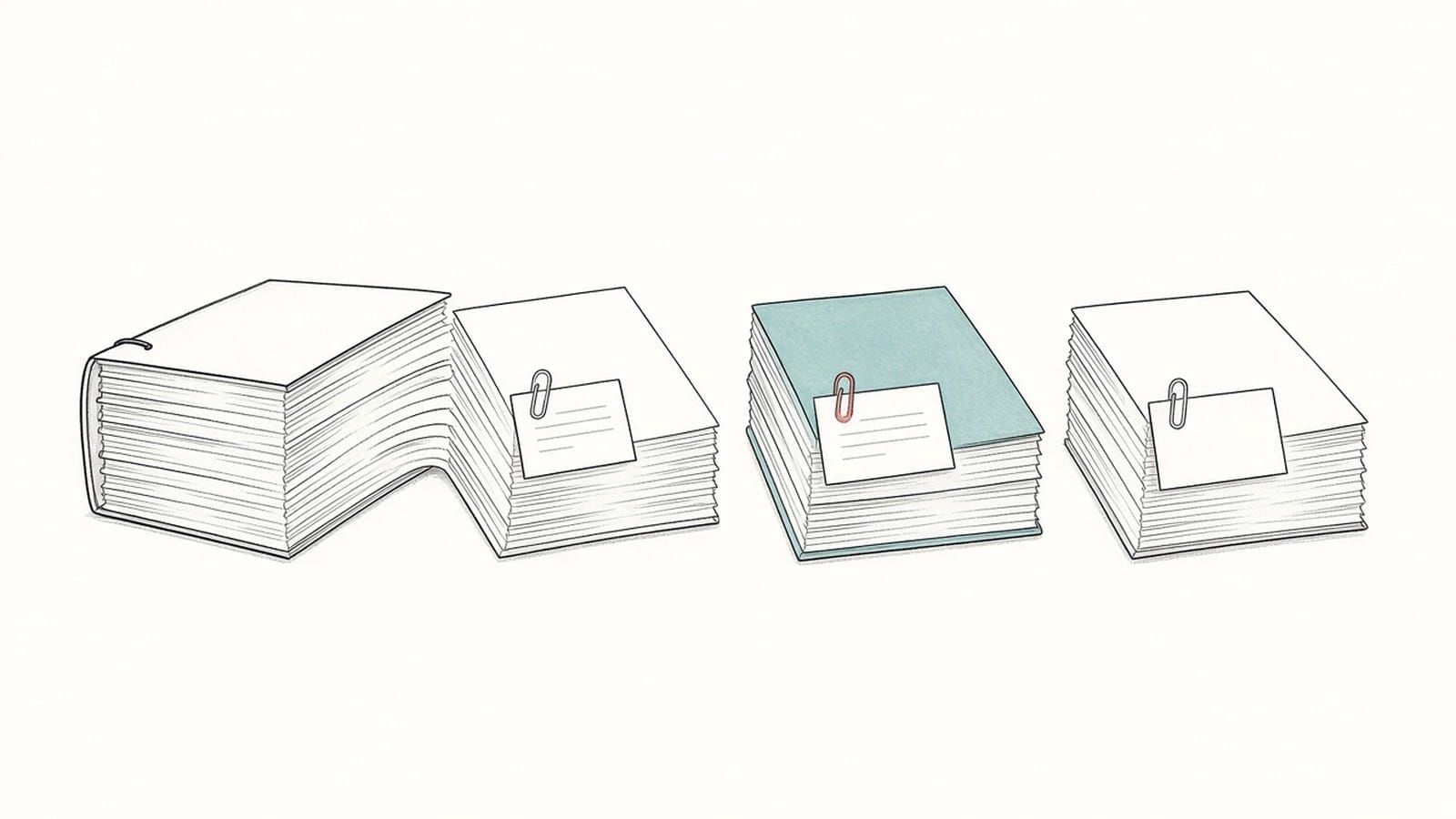
- Translate one chapter first. Pick a chapter that defines the key terms, upload it on the iSomor upload page and choose the language you want to read. If you are not sure of the source language, you can leave it on auto-detect.
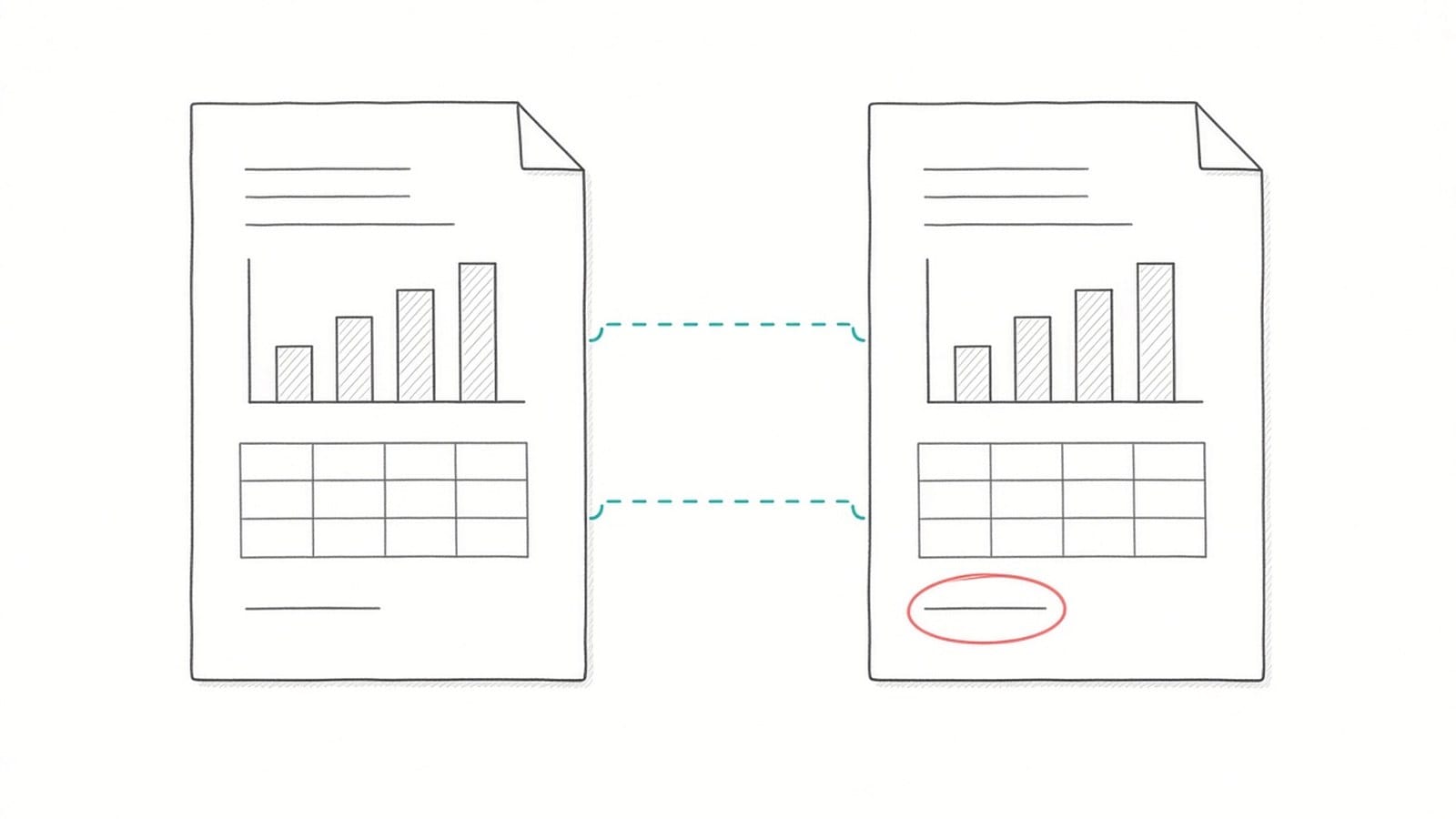
- Read it next to the original. The web editor shows the original and the translation together. In the product's words, the bilingual view lets you "check terminology, numbers, and complex passages against the original without losing context".
- Settle the key terms. Write down how the main terms of the field should read in your language, using the list of abbreviations and the author's own abstract. Check them yourself in the bilingual view; the same term can be translated differently in different places. How to check names and terms shows how to keep a short term list.
- Translate the remaining parts. Work through the chapters in order and check each part before moving on.
- Download the version you need. A translation-only PDF is easier for reading from start to finish. A bilingual PDF, side by side or top and bottom, is better for review and for discussing the thesis with someone who reads the original.
What should you check after translating?
- Figure, table and equation numbers. "Figure 3.2" in the text should still point to Figure 3.2, and the caption should still sit with its figure.
- Cross-references. Follow a few "see Section 2.3" and "Appendix B" references in each chapter. Rely on the numbers printed in the text, not on clickable links or bookmarks.
- Contents and page numbers. The page numbers in the table of contents refer to the original. In a split file, they will not match the file positions.
- Hedging and claims. Words such as "may", "suggests" and "is associated with" should keep their caution. A thesis often states its limits in the conclusion; check that they are still there.
- Numbers and units. Compare sample sizes, percentages, decimal separators and units with the original.
- Footnotes and references. Check that each footnote matches its marker, and that author names, years and DOIs in the reference list are unchanged.
For a full method, see how to check a PDF translation against the original.
Can you submit or share a translated thesis?
Use the translation to read and review a thesis. Do not hand it in as your own translated thesis or quote it as if it were the author's words. Universities have their own rules on the language a thesis is written in, on submitting translated work and on using machine translation or AI tools, and these rules differ from one institution to another. Ask your graduate school, examination office or supervisor before you use translated text in anything you submit.
When you quote someone else's thesis, cite the original and say in your own words that the translation is yours. Sharing a translated copy of someone else's thesis can also raise copyright questions, so check the license or ask the author. If a translation is needed for an official purpose, such as recognition of a degree, ask the receiving organization whether it requires a certified or sworn translation. If the thesis is unpublished or under embargo, check your institution's data policy before uploading it.
What are the limits?
- Layout such as tables, figures with captions and formulas is kept "where possible". Complex pages can still differ from the original.
- Text inside images, such as labels in charts, screenshots and scanned figures, is not translated.
- The same term can be translated differently in different chapters, so check key terms yourself.
- Scans need sign-in with Google or an email link and completed verification. Their text is recognized first; "Text recognition can misread or omit content, and the translated layout may differ from the original."
- This is not a certified translation, and it has not been reviewed by a person.
FAQ
Can I translate a whole dissertation in one go?
You can, but splitting it at chapter or part boundaries makes the review easier and lets you settle terms in one chapter before moving on. How to translate a long PDF explains how to split a long file.
Should the reference list be translated?
Not for citing. Reference entries identify sources, so use the original entries when you cite them. If you do not need to read the bibliography, you can leave those pages out when you split the file.
My thesis has abstracts in two languages. Which one should I use?
Read the abstract the author wrote in your language first, if there is one. It is the author's own wording, so it is the best reference for checking how key terms and findings were translated in the rest of the thesis.
Do I need to check figure and table numbers?
The numbers printed in the text and captions are part of the text, so compare a few in each chapter with the original. Tables and figures are kept with their captions where possible.
Can I use the translation in my own thesis submission?
Ask your institution first. Rules on translated text, machine translation and AI tools differ between universities, and a translated passage still has to be cited as coming from the original source.
Can I keep the original and the translation in one file?
Yes. Download a bilingual PDF, side by side or top and bottom. The guide to creating a bilingual PDF for side-by-side review explains when each layout helps.