
How to Translate a Warranty or Guarantee PDF and Check Dates and Coverage
To understand a product warranty or guarantee written in another language, translate the PDF — or a clear scan or photo of the card or booklet — and keep each original page next to its translation. Use the translation to follow headings and conditions, then check the details a later request would depend on in the original: the model, the serial number, purchase and start dates, how long cover lasts, what is included or left out, where it applies, and how to reach service. The original document is the record you should work from. This guide is a reading aid. It is not legal advice, and it does not say whether a repair, replacement or refund will be approved.
Who is this guide for?
It is for people who bought a product abroad, received an item from a marketplace, or opened a box whose warranty card, guarantee booklet or terms PDF is in a language they do not read well. It also helps when you read another language more comfortably than the one printed on the card and want to understand an English booklet before you contact the seller or manufacturer.
Before you translate: which document do you have?
A product box often holds more than one paper: a manufacturer booklet, a small card stamped by the store, a registration page, or a PDF sent after purchase. Formats also differ by country even when the wording looks similar. Translate each file or photographed page separately, and note the product name, model and any serial you can already read on the device or on your receipt.
Step by step
- Prefer a PDF from the manufacturer or seller. If you only have a paper card or booklet, take a clear, flat photo of each side in good light, including stamps and handwritten notes.
- Upload the PDF to iSomor and choose your language. For a long booklet you can translate only the pages you need first, such as coverage, exclusions and how to make a request.
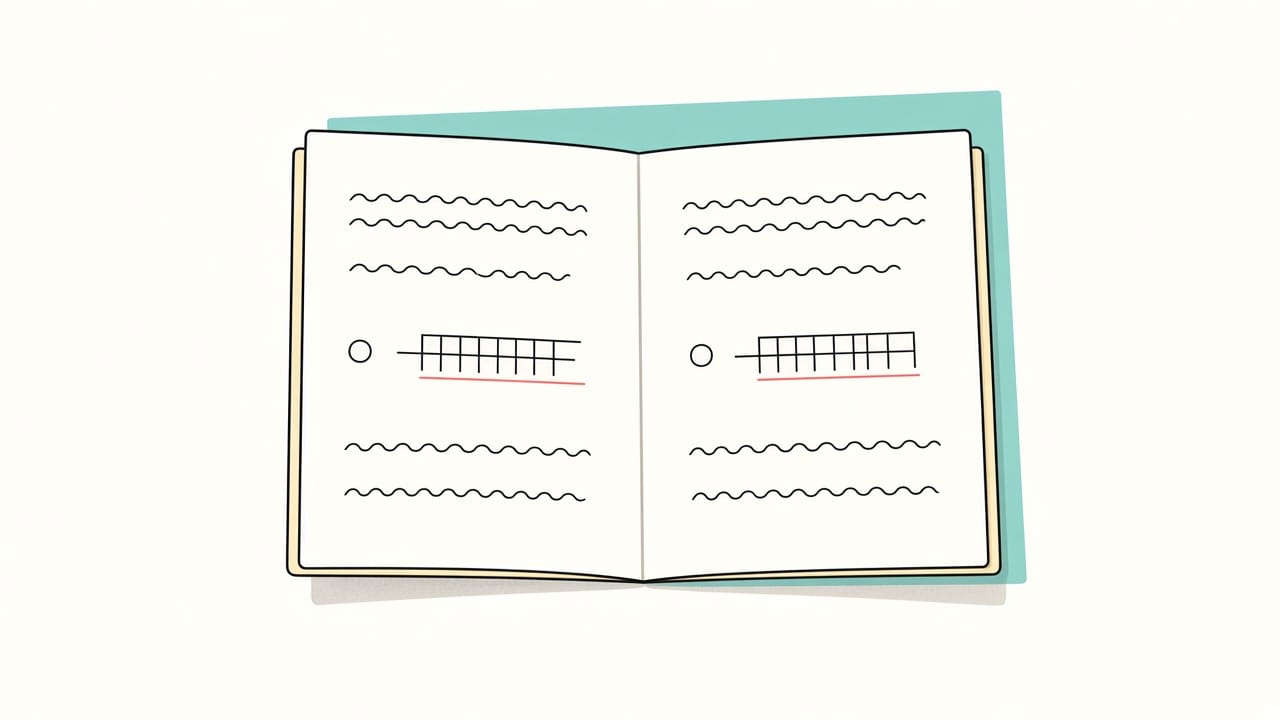
- Download the result in the Side by side layout, so each translated page sits next to the original. The setup is explained in how to create a bilingual PDF for side-by-side review.
- Read headings and conditions in the translation, then go through the checklist below with the original page open.
- When you contact the seller, manufacturer or a service centre, copy model numbers, serials, dates and section references from the original, not from the translation.
What should you check against the original?
| Detail | Why it matters | What to do |
|---|---|---|
| Model, type or SKU | A nearby name may be a different product | Copy the full model string from the original |
| Serial number or other ID | Later requests are tied to one unit | Read every character on the original card or plate |
| Purchase date and cover start | Cover may start on purchase, delivery or registration | Copy both dates from the original and from your receipt |
| Duration and end date | Months, years and “from activation” are easy to mix up | Check the period and any conditions in the original |
| What is covered or left out | Headings can blur included items and exclusions | Read both lists in the original |
| Where it applies | Some terms depend on the country of purchase or use | Check geographic limits in the original before you travel or ship the product |
| Who provides the cover | The manufacturer booklet and a store stamp may be different promises | Translate each document and keep them distinct |
| How to make a request | Required papers, photos or an authorised service point | Copy the steps and contacts from the original |
| Registration or other conditions | A form may ask you to register within a number of days | Note the condition in the original; fillable fields are not kept in the translation |
| Stamps, signatures and handwritten notes | A dealer stamp may be the only proof of the purchase date | Check them on the original photo; text inside stamps may not be translated |
Comparing key facts is covered in more detail in how to check a PDF translation against the original. If a word such as cover, service or exclusion seems to shift meaning, see how to check names and terms when a word has several meanings.
What about a scanned card or a phone photo?
Many warranty cards are printed on thick stock and never existed as a digital PDF. Take a clear photo or scan of each side, flat and in good light, so stamps and small serials are readable. To translate scans and photos, sign in with Google or an email link and complete account verification. The text is recognized before translation, and recognition can misread or omit small print, so check every number and name against the photo. Tips are in how to photograph document pages for translation. Scanned files more generally are covered in how to translate a scanned PDF.
What are the limits?
- Text inside stamps, holograms, logos, QR codes and barcodes is not translated, so read those parts on the original.
- Layout is kept where possible; translated text can be longer and wrap differently in dense tables or multi-column booklets.
- Fillable fields on a registration card are not kept in the translated PDF, so do not treat the translation as a form you can submit; see how to translate a PDF form and check every field.
- Do not assume model numbers, serials or dates were left unchanged by translation. Verify each one against the original yourself.
- Words such as warranty, guarantee or coverage may be worded differently across pages; check them in the bilingual view rather than relying on automatic consistency.
- The translation helps you understand the document. It does not approve a request, extend cover or replace the seller’s or manufacturer’s process. The original remains authoritative.
- If you also need to check what you paid, see how to translate a supplier invoice PDF. If you are still choosing a product, see how to translate a supplier's product catalog PDF. For the user manual that came in the same box, see how to translate a technical manual PDF.
FAQ
Can I send the translated PDF when I contact support?
Treat the translation as a reading aid. When you contact the seller, manufacturer or a service centre, use the original card, booklet or PDF and copy the model, serial and dates from that original. Ask them what they need you to submit.
Will every serial number and date stay exactly as printed?
Do not count on it. Check the model, serial number, purchase date, start date and any time limits on the original page, one by one.
The booklet and the small card seem to say different things. What should I do?
That can happen when a manufacturer booklet and a store card sit in the same box. Translate both, keep them beside their originals, and ask the seller or manufacturer which document applies to your question. This guide cannot decide cover for you.
I only have a photo of the card. Can I still translate it?
Yes. Upload a clear photo after you sign in with Google or an email link and complete verification. Then check every serial, date and stamp against the photo, because recognition can misread or omit small text.
Have a warranty or guarantee you cannot fully read? Upload the PDF to iSomor, download it Side by side, and check the model, serial, dates and coverage against the original before you contact anyone.