
How to Translate Furniture Assembly Instructions PDF and Check Parts, Steps and Warnings
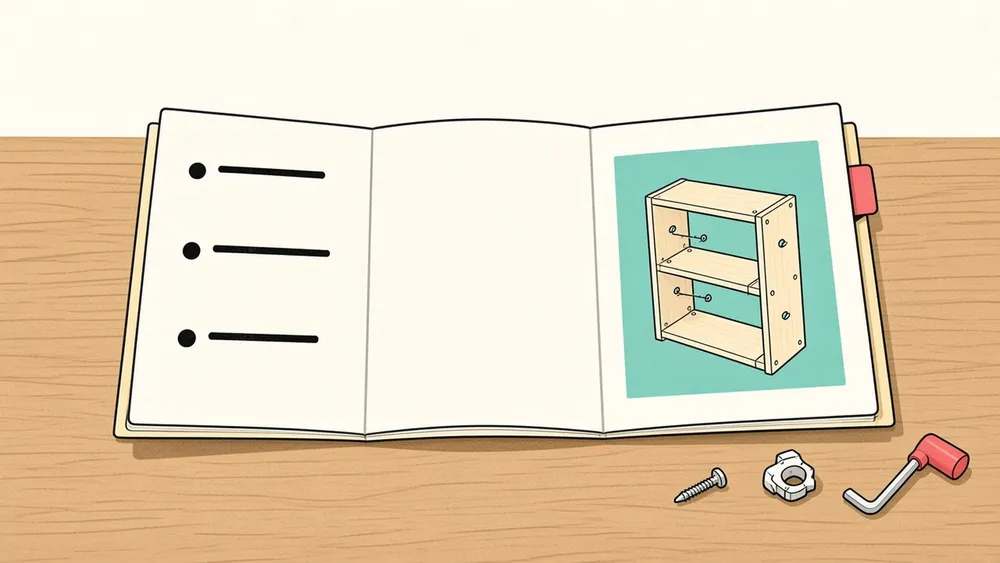
To follow furniture assembly instructions written in a language you do not read well, translate the instruction PDF — or clear photos of the paper booklet — and keep each original page next to its translation. Use the translation for the written parts: the parts list, left and right labels, notes beside a step, and any warning or caution text. Build from the original diagrams, and take part numbers, counts, dimensions and the exact wording of warnings from the original page. This guide is for reading only. It is not assembly, safety or product advice, and the manufacturer's original instructions remain authoritative.
Who is this guide for?
It is for people putting together a desk, shelf, wardrobe, bed, chair, rack or similar home product whose assembly booklet or downloadable PDF is in a language they do not read comfortably — for example after buying from an overseas shop or marketplace. The drawings often carry most of the steps until a short note matters: a left-hand panel used on the right, a bag with the wrong count, or a warning that is easy to skip.
This page is about flat-pack and household assembly booklets. For a device or appliance operating manual, see how to translate a technical manual PDF. For a plastic model or hobby kit, see how to translate model kit instructions PDF.
Step by step
- Find the instruction PDF that matches the exact product. Check the model, article or product number on the box or on a panel sticker against the booklet cover or the first page. If you only have the paper booklet, take flat, sharp photos of each page in good light.
- Upload the PDF to iSomor and choose your language. A booklet can run to many pages, so you can translate only the pages you need first, such as the parts list, the warnings and the steps you are about to do.
- Download the result in the Side by side layout, so each translated page sits next to the original. The setup is explained in how to create a bilingual PDF for side-by-side review.
- Before you open hardware bags or tighten anything, read the parts list and any warnings in the translation, then find the same counts, labels and warning marks on the original page.
- As you work, follow the original diagrams. Use the translation to understand a note, then copy part numbers, counts and dimensions from the original, not from the translation.
What should you check against the original?
| Detail | Why it matters | What to do |
|---|---|---|
| Model, article or product number | A nearby product can share a similar drawing and a different parts bag | Match the number on the box or a panel to the booklet you translated |
| Hardware bags and part counts | A missed "×4" or a swapped bag changes what you have in hand | Count screws, cams, dowels and other fittings on the original page |
| Left and right panels | Mirrored parts look alike until they are already on the wrong side | Check L/R or similar marks on the original, including any arrow in the drawing |
| Step order and "do this first" notes | Tightening too early, or skipping a hidden screw, is hard to undo | Read the sequence and any "before" or "after" note on the original |
| Dimensions and units | A millimetre misread as a centimetre, or a changed unit, changes a cut-out or clearance | Take measurements and units from the original page |
| Warning or caution text | The important wording often sits in a small box beside the drawing | Read the warning on the original; do not treat the translation as safety advice |
| Tools listed | A note such as "two people" or "do not use a power driver" is easy to miss | Confirm the tool and any condition on the original page |
| Wall-fixing or anti-tip notes | These notes belong to the manufacturer's original instructions | Find the same note on the original; if you are unsure, ask a qualified person |
| Booklet revision | An older PDF may not match the parts in your box | Confirm the revision or date on the original matches the product you have |
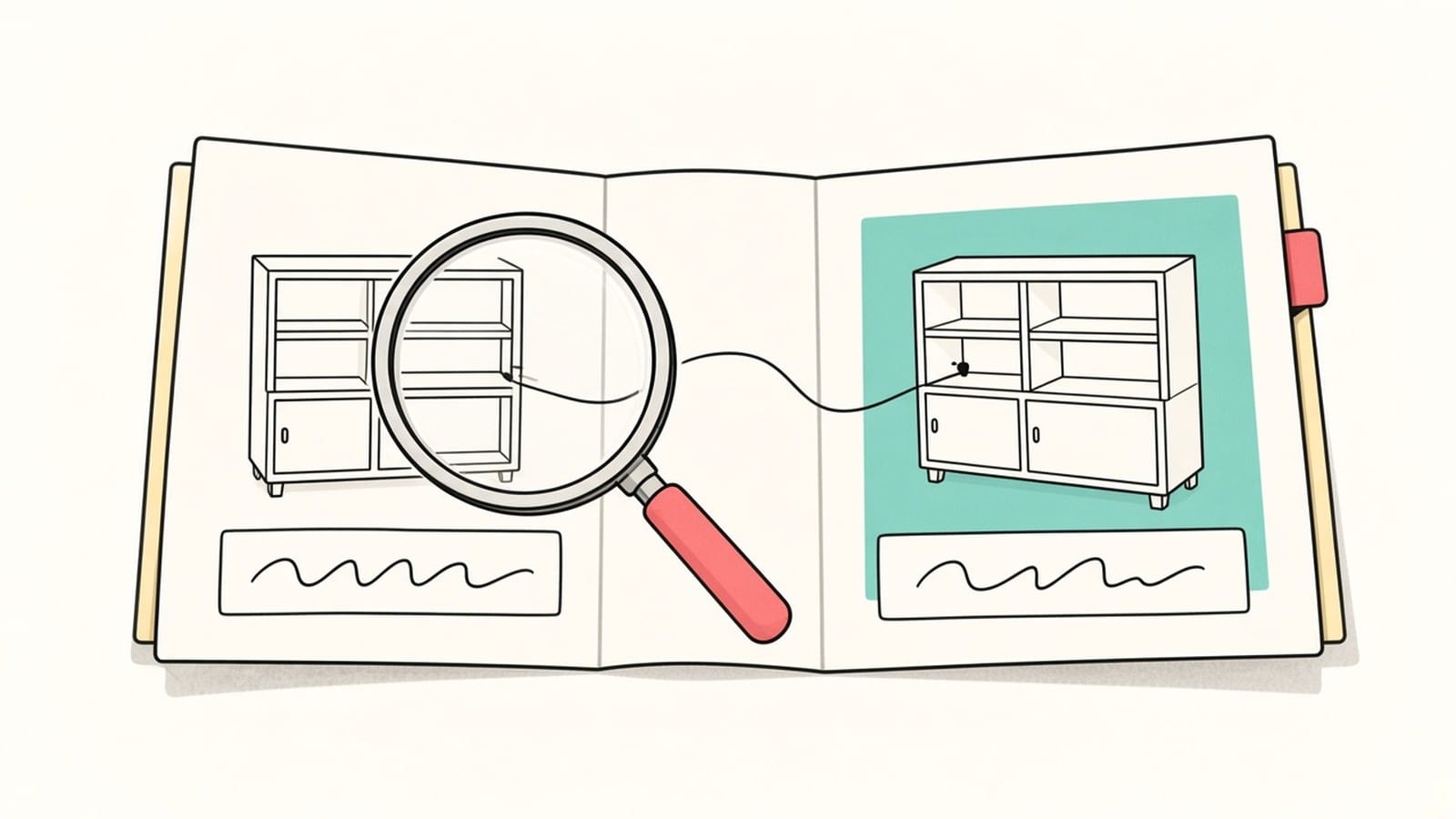
Comparing key facts is covered in more detail in how to check a PDF translation against the original. If a part name or a short verb seems to shift meaning, see how to check names and terms when a word has several meanings.
What about a scanned booklet or a phone photo?
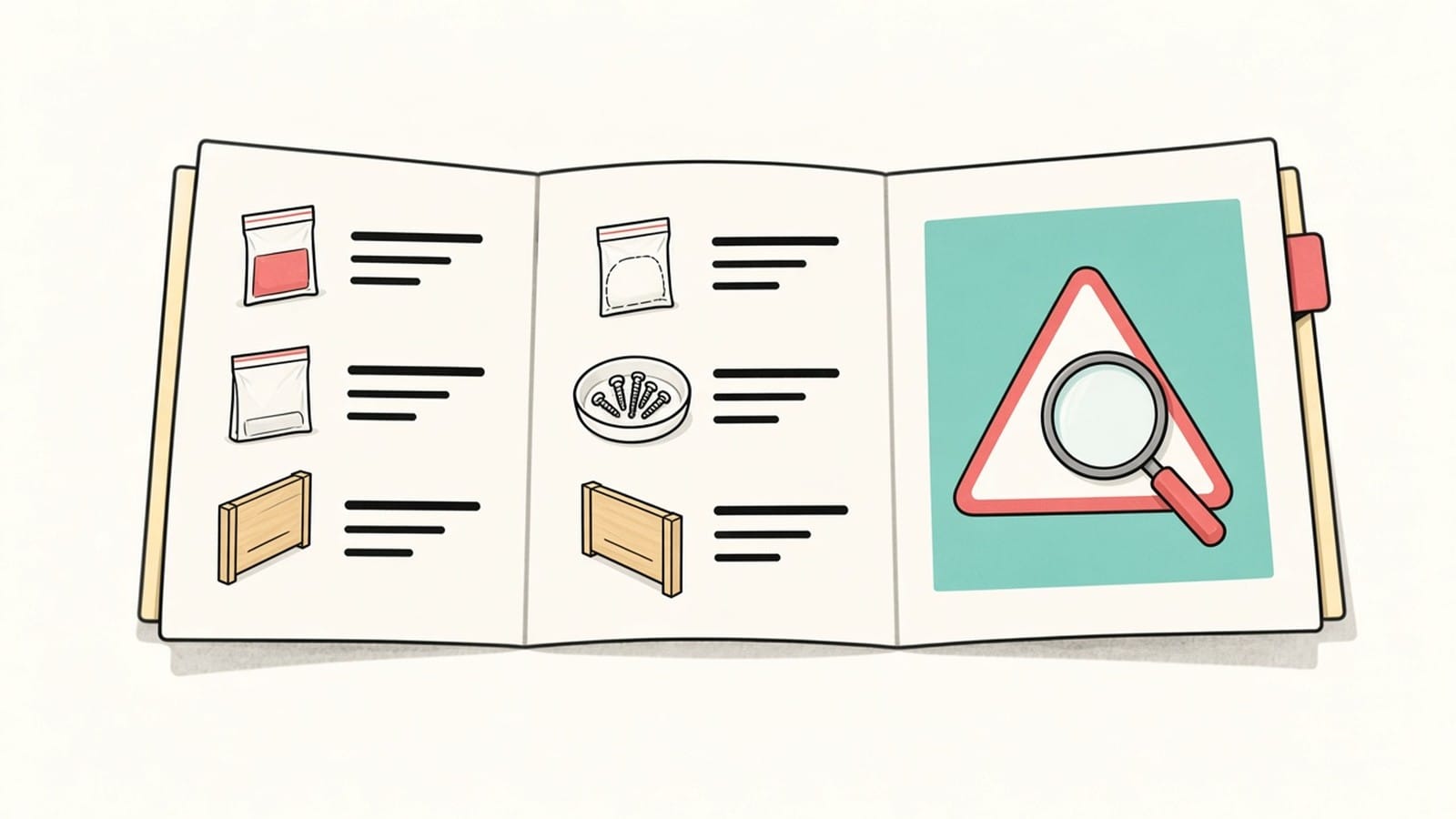
Many assembly booklets are only on paper, folded into the box. Take a clear photo or scan of each page, flat and in good light, so small counts, left/right marks and warning boxes are readable. To translate scans, image PDFs and photos, sign in with Google or an email link and complete account verification. The text is recognized before translation, and recognition can misread or omit content, especially small multipliers, handwritten notes and text close to a drawing, so check every count and part number against the photo. Tips are in how to photograph document pages for translation. Scanned files more generally are covered in how to translate a scanned PDF.
Limits
- Text inside stamps, logos, signatures, QR codes and barcodes is not translated, so read those parts on the original.
- Labels drawn inside a diagram may stay in the original language; keep the original page in view when you rely on those labels.
- Layout is kept where possible; translated text can be longer and wrap differently around a drawing or a parts table.
- Fillable fields are not kept in the translated PDF, so do not treat the translation as a form you can fill in or send back; see how to translate a PDF form and check every field.
- Do not assume part numbers, counts, dimensions or dates were left unchanged by translation. Verify each one against the original yourself.
- Key terms such as left/right, "before tightening" or a warning word may be phrased differently across pages; check them in the bilingual view rather than relying on automatic consistency.
- The translation helps you understand the booklet. It does not replace the manufacturer's original instructions, and it is not assembly, safety or product advice.
- If the file is an operating manual for a device or appliance, see how to translate a technical manual PDF. For a hobby kit, see how to translate model kit instructions PDF. A warranty leaflet in the same box is covered in how to translate a warranty or guarantee PDF.
FAQ
Can I assemble the furniture from the translation alone?
No. Treat the translation as a reading aid beside the original. Follow the original diagrams, and take part numbers, counts, dimensions and warning wording from the original page. This guide does not tell you how to assemble a product or whether a particular warning applies to your room or wall.
Will the translation keep every part number and count exactly as printed?
Do not count on it. Check model or article numbers, bag counts, multipliers such as "×4", dimensions and dates on the original page, one by one.
Is this the same as a technical manual or model-kit instructions?
No. This guide is for household and flat-pack assembly booklets. A device operating manual is covered in how to translate a technical manual PDF. A plastic model or hobby kit is covered in how to translate model kit instructions PDF.
The booklet is mostly pictures, with only a few lines of text. Should I still translate it?
Yes, if those lines include a parts list, left and right marks, a "do this first" note or a warning box. Translate the pages that have that text, keep the original diagrams in view, and check every count and label on the original.
Have assembly instructions you cannot fully read? Upload the PDF to iSomor, download it Side by side, and check the parts, step notes and warnings against the original before you act on them.