
How to Translate an Engineering or Construction Drawing PDF and Check Dimensions, Notes and the Title Block
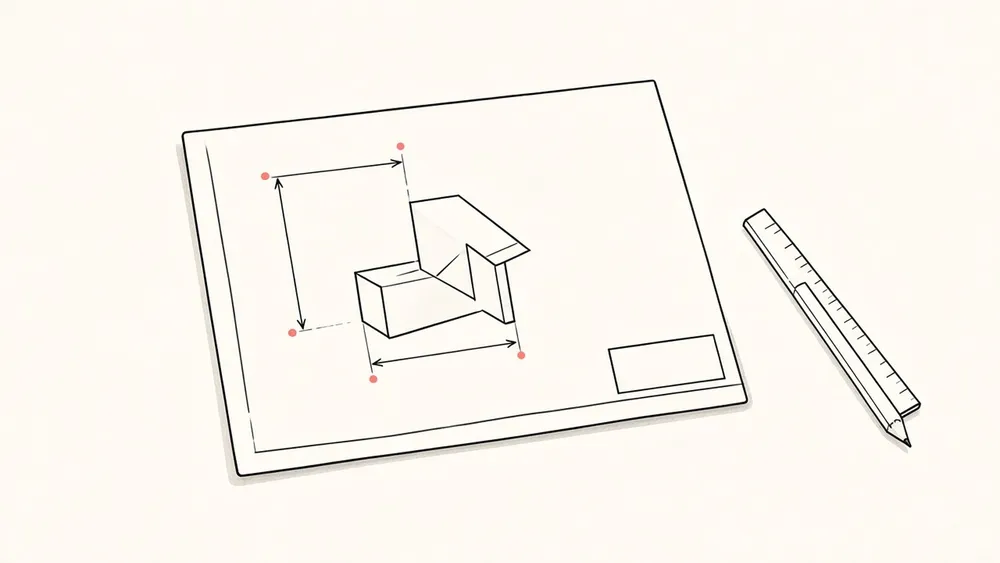
To understand an engineering or construction drawing PDF written in a language you do not read well, translate the PDF — or a clear scan or photo of the paper sheet — and keep each original page next to its translation. Use the translation to read notes, legends, revision comments and the wording in the title block. Take dimensions, tolerances, scale, units, drawing or part numbers and the revision from the original sheet yourself. iSomor accepts a PDF, including a drawing exported from CAD as a PDF, not a native CAD file such as DWG or DXF. Layout is kept where possible. This guide is for reading only. It is not engineering, construction or safety advice, and the original drawing remains the authoritative record.
Who is this guide for?
It is for engineers, buyers, fabricators, contractors, renovation crews and site teams who received a drawing sheet or a drawing set as a PDF in a language they do not read comfortably — for example a mechanical part or assembly drawing, a construction or architectural plan, a renovation layout, or a wiring or installation sheet.
This page is about drawing sheets: geometry, dimensions, notes and the title block. For a device or appliance operating manual, see how to translate a technical manual PDF. For a component datasheet, see how to translate a datasheet PDF. Furniture assembly booklets and hobby-kit instructions are covered in how to translate furniture assembly instructions PDF and how to translate model kit instructions PDF.
Step by step
- Prefer a PDF exported from the CAD or documentation system, not a photo of a plotted sheet, if one can be sent. Check that the drawing number and revision on the sheet match the file or the transmittal you were given.
- Upload the PDF to iSomor and choose your language. A drawing set can run to many sheets, so you can translate only the pages you need first, such as the cover sheet, the general notes, and the views you have to check now.
- Download the result in the Side by side layout, so each translated page sits next to the original. The setup is explained in how to create a bilingual PDF for side-by-side review.
- Read notes, legends and title-block labels in the translation, then find the same dimensions, tolerances, scale, units, drawing or part numbers and the revision on the original sheet.
- If a note or an abbreviation seems to shift meaning, keep the original in view and check the wording in the bilingual view, as explained in how to check names and terms when a word has several meanings.
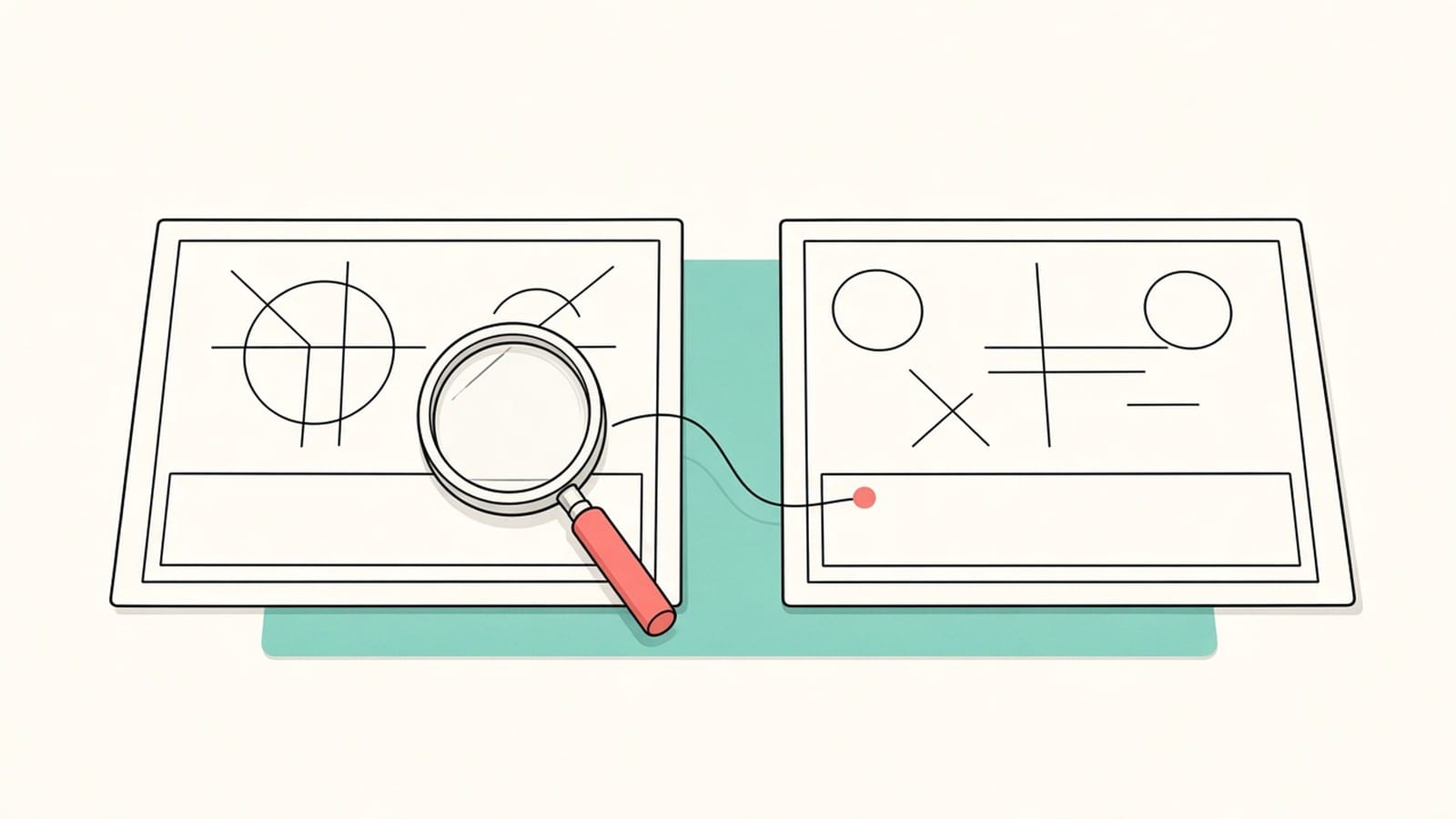
What should you check against the original?
| Detail | Why it matters | What to do |
|---|---|---|
| Drawing, part or sheet number | A nearby sheet can look similar and belong to a different part or level | Match the number on the original title block to the file or transmittal |
| Revision and date | An older revision may not be the sheet you were asked to follow | Read the revision letter or number and the date on the original |
| Scale | A misread scale changes every measurement you take off the sheet | Confirm the scale on the original title block or view |
| Dimensions, tolerances and units | A millimetre misread as an inch, or a changed decimal, changes a fit or a clearance | Copy each dimension, tolerance and unit from the original sheet |
| Title-block fields | Material, finish, drawn-by or checked-by wording is easy to skim past | Read those fields on the original, not only in the translation |
| Notes, legends and abbreviations | A short note beside a view often carries the condition that matters | Find the same note on the original; do not treat the translation as a specification |
| Parts list or bill of materials on the sheet | Item numbers, quantities and materials must match the view | Check item bubbles, quantities and names on the original |
| Warning or process notes | Heat treatment, surface finish or a “do not scale” note is easy to miss | Read the wording on the original; this guide is not process or safety advice |
| Stamps such as “superseded” or “not for construction” | Stamps may not be translated | Read every stamp on the original sheet |
| Marked-up or handwritten changes | A cloud, a strike-through or a site markup may be the latest instruction | Check markups on the original; recognition can miss small handwriting |
Comparing key facts is covered in more detail in how to check a PDF translation against the original.
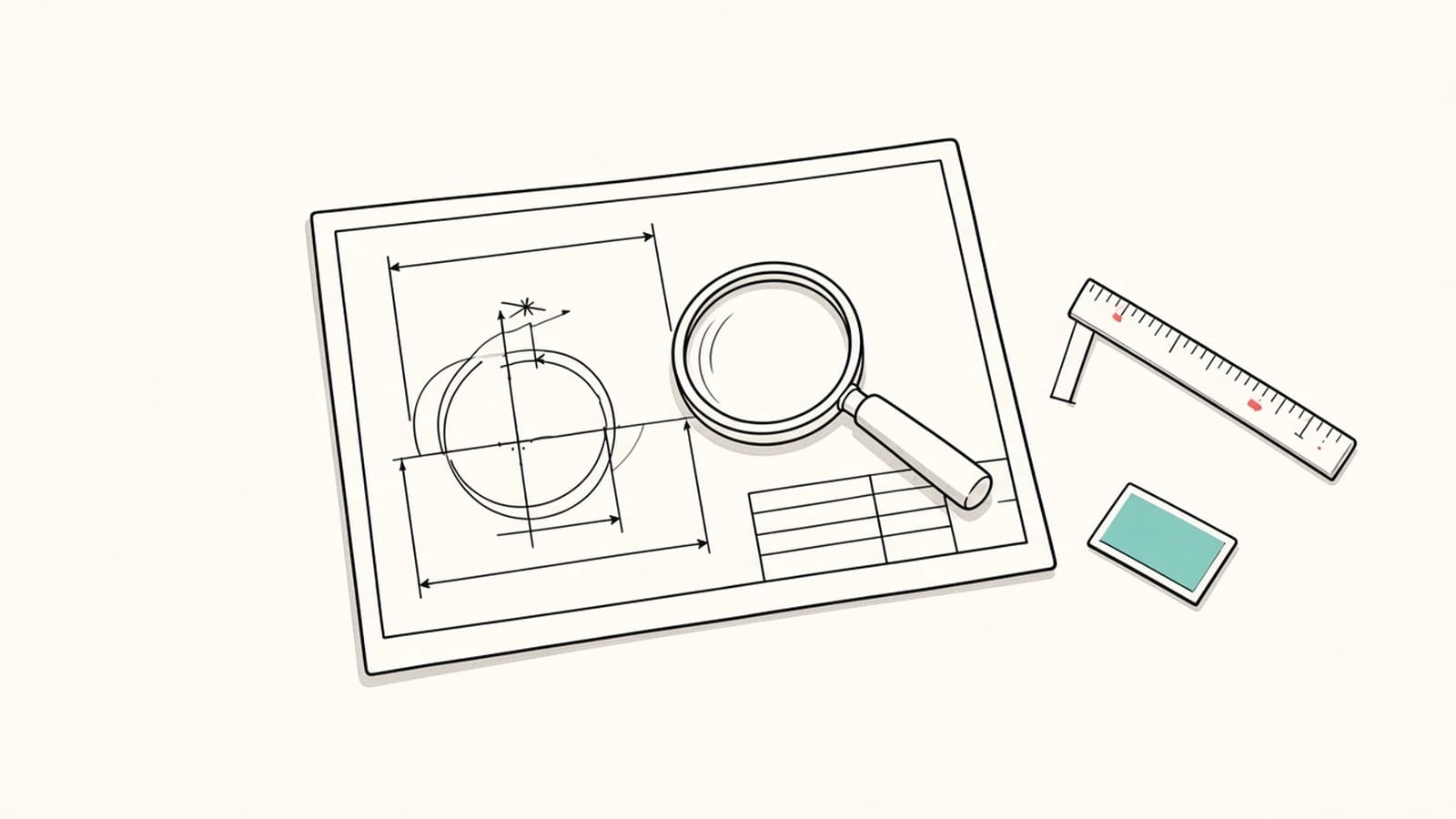
What about a scanned drawing or a phone photo?
Many drawings arrive as paper plots, office scans or photos of a sheet on a desk. Take a clear, flat photo or scan in good light, so small dimensions, decimal marks and the title block stay readable. To translate scans, image PDFs and photos, sign in with Google or an email link and complete account verification. The text is recognized before translation, and recognition can misread or omit content, especially tight dimensions, decimal commas or points, handwritten markups and text that sits against the geometry, so check every number and note against the photo. Tips are in how to photograph document pages for translation. Scanned files more generally are covered in how to translate a scanned PDF.
Limits
- iSomor translates PDFs and photos. It does not open native CAD files such as DWG or DXF; export or save a PDF first.
- Text inside stamps, logos, signatures, QR codes and barcodes is not translated, so read those parts on the original.
- Labels drawn into the geometry, or text that has been outlined as graphics, may stay in the original language; keep the original sheet in view when you rely on those labels.
- Layout is kept where possible; translated text can be longer and wrap differently around a dimension line or inside a tight title block.
- Fillable fields are not kept in the translated PDF, so do not treat the translation as a form you can fill in or send back; see how to translate a PDF form and check every field.
- Do not assume dimensions, tolerances, drawing numbers, revisions or dates were left unchanged by translation. Verify each one against the original yourself.
- Abbreviations and key terms may be phrased differently across sheets; check them in the bilingual view rather than relying on automatic consistency.
- The translation helps you understand the sheet. It does not replace the original drawing, and it is not engineering, construction, permitting or safety advice. Do not use the translation as the working drawing for fabrication, installation or official submission.
- If the file is an operating manual, see how to translate a technical manual PDF. A component datasheet is covered in how to translate a datasheet PDF. Patent figures and reference numbers are covered in how to read a foreign patent PDF. For a longer background on technical PDFs, see why use iSomor for technical PDF translation.
FAQ
Can I send the translated PDF to the workshop or to a building official as the working drawing?
No. Treat the translation as a reading aid beside the original. Take dimensions, tolerances, scale, units, drawing numbers and the revision from the original sheet. This guide does not tell you how to fabricate, install or approve a design, and it is not a substitute for the original drawing or for advice from a qualified person.
Will the translation keep every dimension, tolerance and drawing number exactly as printed?
Do not count on it. Check dimensions, tolerances, units, scale, drawing or part numbers, revisions and dates on the original sheet, one by one.
Can I upload a DWG or DXF file?
No. iSomor translates PDFs and photos, not native CAD files. Ask for a PDF export from the CAD system, or save a PDF from the drawing, then translate that file.
Is this the same as a technical manual or a datasheet?
No. This guide is for drawing sheets — plans, part drawings and similar layouts with a title block. A device operating manual is covered in how to translate a technical manual PDF. A component datasheet is covered in how to translate a datasheet PDF.
The sheet is mostly geometry, with only a small title block and a few notes. Should I still translate it?
Yes, if those notes, the legend, the revision or the title-block wording matter to the check you have to make. Translate the sheets that have that text, keep the original geometry in view, and copy every dimension and number from the original.
Have a drawing PDF you cannot fully read? Upload the PDF to iSomor, download it Side by side, and check the dimensions, notes, title block and revision against the original before you act on them.